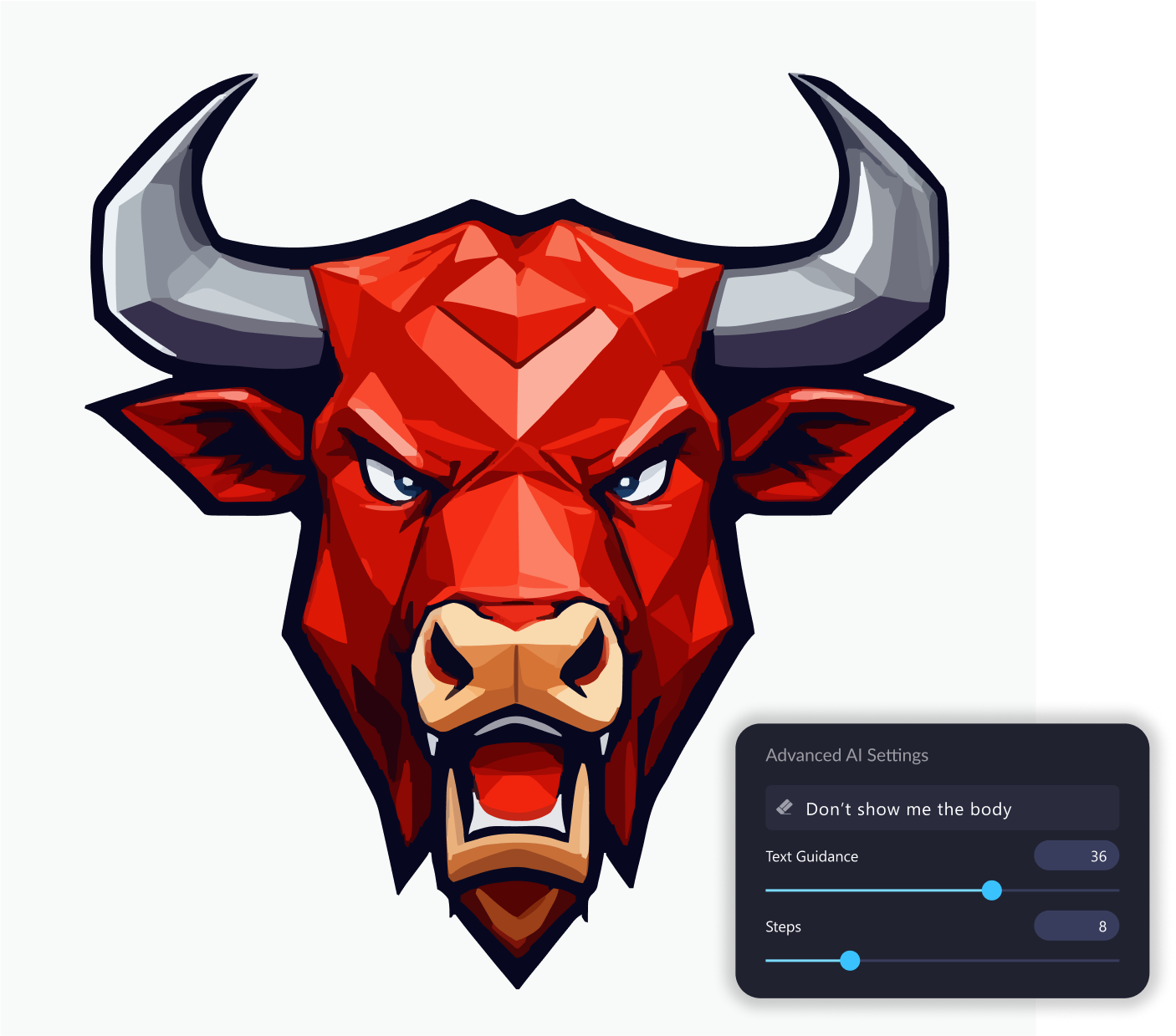
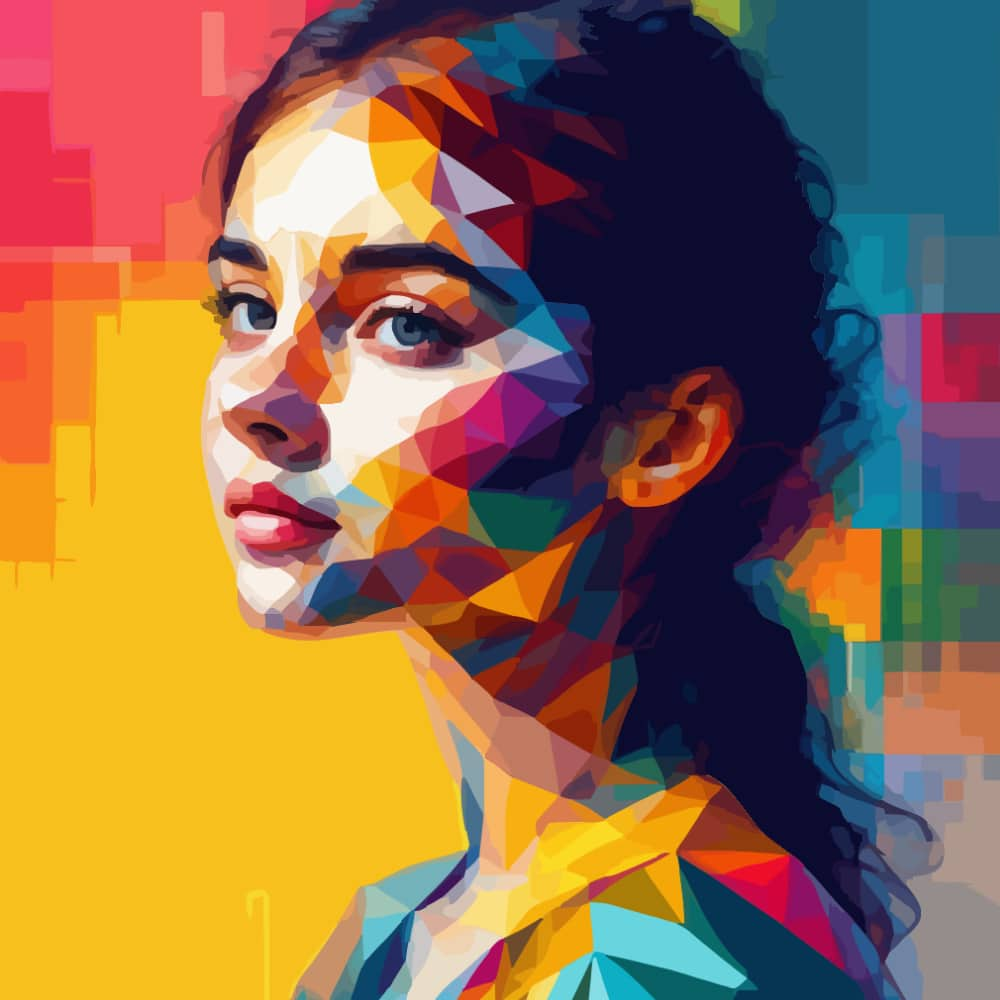
Vector FX 2.0 is a professional AI-powered application that creates fully editable vectors from any text prompt. No subscriptions, no credits, just unlimited custom vectors.
NEW IN 2.0! Multiple new models, style presets, updated UI and more.
Vector FX 2.0 is a professional AI-powered application that creates fully editable vectors from any text prompt. No subscriptions, no credits, just unlimited custom vectors.
NEW IN 2.0! Multiple new models, style presets, updated UI and more.
Vector FX 2.0 is a professional AI-powered application that converts text prompts into clean, scalable, fully editable SVG vector graphics. Designed for creative and technical workflows, it offers an intuitive interface, advanced vector controls, multi-document management, and high-quality results ideal for CorelDRAW users.
Vector FX 2.0 runs entirely on local hardware and includes full commercial rights, making it a secure, cost-effective solution for professional vector creation.

Access 18 optimized AI model variants, including Flux.1 Schnell, Stable Diffusion 3.5 Medium, Segmind Stable Diffusion 1B, and SDXL Turbo, each tuned for different hardware and creative styles.
A cleaner, more intuitive environment that improves workflow speed, clarity, and usability across all features.
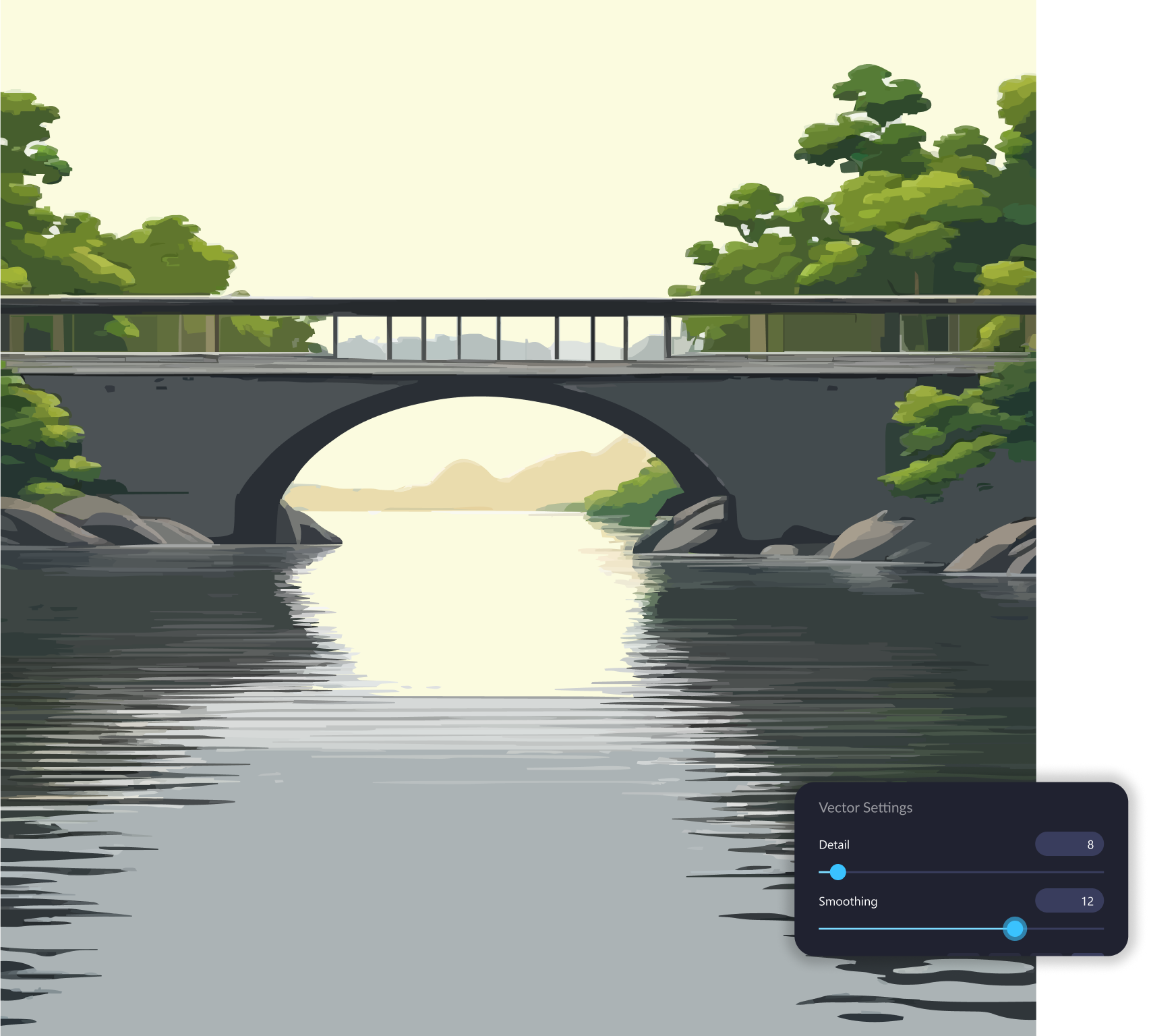
Fine-tune vector complexity with immediate results. Adjust detail, smoothing, corners, color simplification, shape simplification and path coarseness.
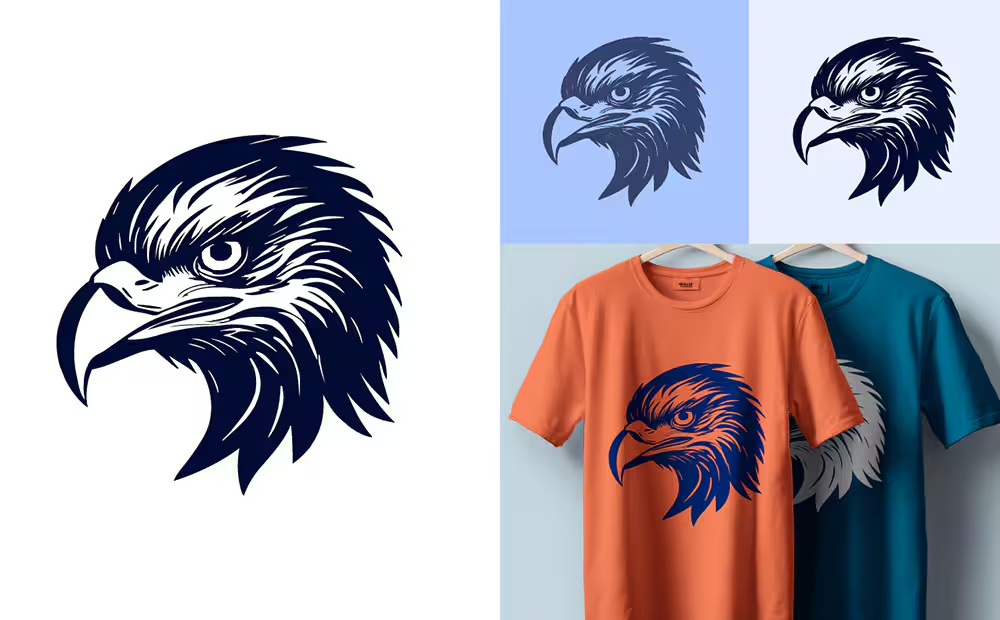
Guide output effortlessly with preset styles such as icons, logos, clipart, patterns, vector illustrations, and more.
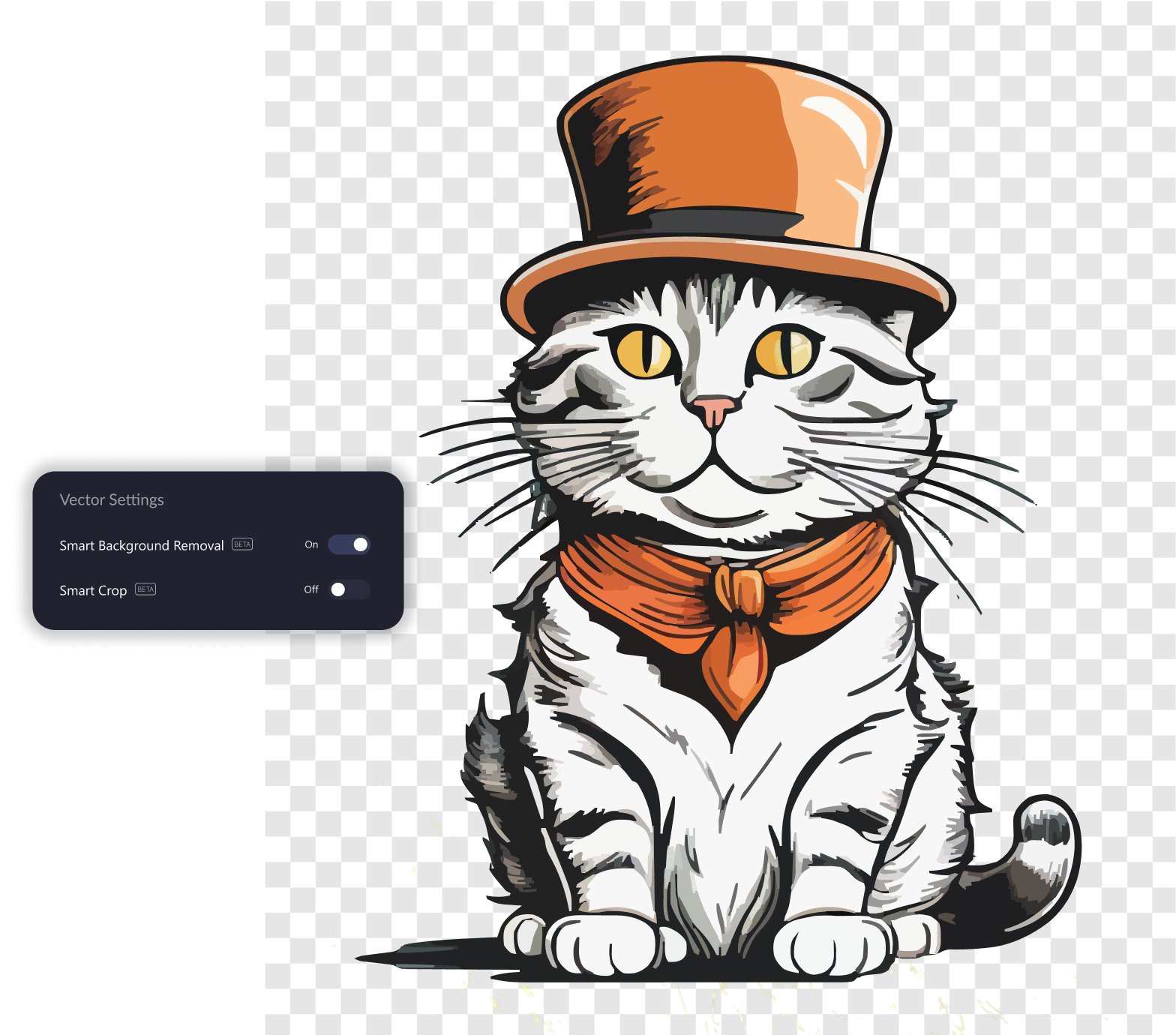
And more! Including Smart Background Removal, Smart Crop, Multi-document Gallery, Batch Generation and real-time vector stats.


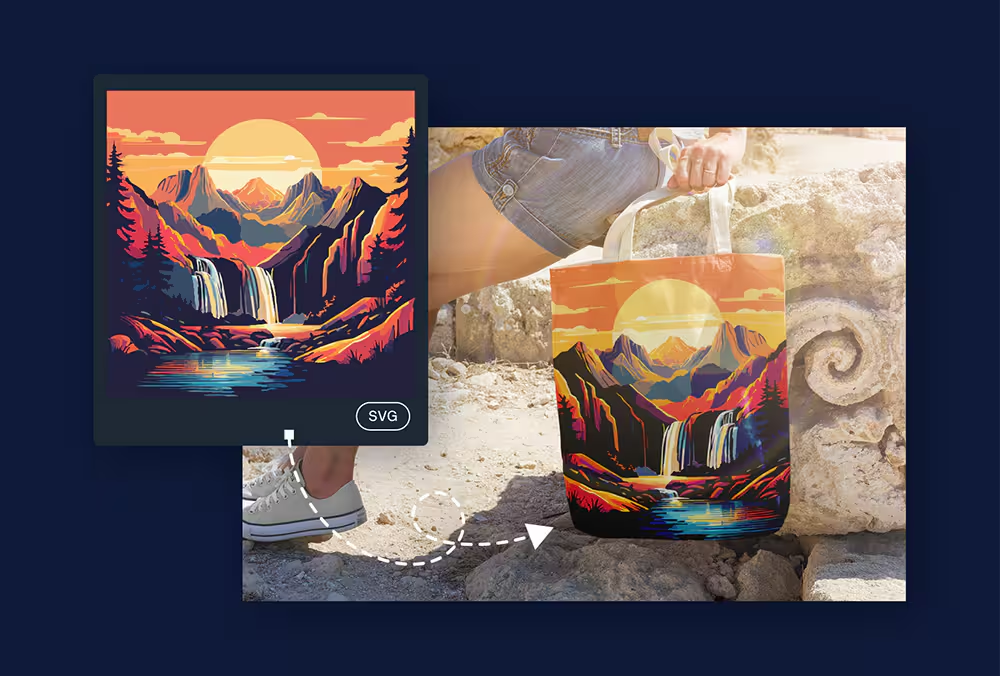
Generate clean vector graphics from text prompts or images, ready for editing, resizing, cutting, or printing.
All generation happens directly on your device. No cloud uploads, no subscriptions, and no usage limits.
Choose from multiple optimized models to match your hardware, speed needs, and style preferences.
Unlike traditional vectorizers, Vector FX gives you immediate control over detail density, smoothness, node distribution, shape merging, color region blending and path complexity.
Consistent, predictable results without prompt complexity.
Bring your artwork directly into CorelDRAW for detailed editing.
Vector FX 2.0 supports Intel® CPUs & GPUs, AMD CPUs & GPUs and NVIDIA GPUs. Works on CPU or GPU depending on user device capabilities.
Yes, commercializing artwork created with Vector FX 2.0 is allowed, but it's essential to respect ethical guidelines and acknowledge the AI's contribution. Ensuring compliance with terms and ethical considerations is vital. It's crucial to acknowledge the significant effort genuine artists invest in their creations when using AI tools. For a detailed overview of the Terms and Conditions, please review the End-User License Agreement (EULA).
Vector FX 2.0 is a standalone application, allowing users to generate stunning vector graphics and export them for use immediately in CorelDRAW Graphics Suite or other vector editing software.
Vector FX 2.0 is a standalone application that users run locally on their own computers, allowing for limitless creation and experimentation – no credits required. Vector FX 2.0 takes users text prompts to create fully editable vector files.
Supported languages: English only
Experience the unlimited potential of Vector FX—purchase it once as a perpetual license and unlock an eternity of artistic exploration.