Design beyond boundaries with flexible AI credit packs 
Whether you need a consistent supply of AI credits or an occasional boost, you can choose the option that keeps your projects moving efficiently.
best value
AI credits -
Annual subscription
Monthly subscription
2,500 recurring monthly credits, billed annually
2,000 recurring monthly credits, billed monthly
- Best value subscription option
- Automatic monthly top-ups for uninterrupted work
- Predictable annual billing
- Ideal for ongoing, high-volume work
- Credits reset on the first of each month
AI credits -
One-time add-on
One-time add-on
Single-purchase credit pack
(incl. VAT)
Buy now
- Pay once and use credits anytime
- No monthly commitment or renewal
- Great for project-based or occasional AI use
- Credits never expire
Frequently asked questions
No. Subscription add-on credits refresh at the start of each month and do not roll over. These AI credits are separate from the ones included with your product and will stack on top of your included credit allocation.
No. AI credits purchased as a one-time pack remain in your account indefinitely, which makes them a great fit for occasional generative AI users.
You can monitor your current credit balance both inside CorelDRAW (near the Generate button) and in your Corel account. When your credits start to run low, you’ll receive in-product notifications that direct you to where you can purchase additional credit packs.
The number of included AI credits depends on your CorelDRAW license type.
- CorelDRAW Graphics Suite and CorelDRAW Technical Suite subscription and maintenance customers receive 2,000 AI credits on the first of each month.
- CorelDRAW Graphics Suite one-time purchase customers receive a one-time bundle of 2,000 AI credits to get started.
- CorelDRAW Go customers receive 1,000 AI credits on the first of each month.
- CorelDRAW Graphics Suite, CorelDRAW Technical Suite, and CorelDRAW Go trial users receive 200 AI credits to try CorelDRAW's generative AI features.
You can always add more credits at any time with an AI credit subscription or a one-time AI credit pack.
A good prompt clearly describes what you want the AI to generate. Include the subject, setting, style, and any important details. The more specific you are, the more accurate your results will be. Learn more about prompt techniques.
Absolutely not. We do not use your projects, files, or creative assets to train our AI features or partner models. Your content remains entirely your own.
CorelDRAW regularly adds and updates AI models to provide access to the latest generative AI capabilities. For the current list of available models, please refer to our AI FAQ.
AI credit usage depends on the model you choose. In CorelDRAW's AI Generate docker/inspector, each model displays its credit cost per generation and a brief description of its strengths, helping you select the best option for your project. Since credit requirements vary by model, you can choose the balance of quality, speed, and cost that works for you. For more information about models and credit usage, see our AI FAQ.
Absolutely. While CorelDRAW's generative AI features consume credits, many of CorelDRAW's AI-powered tools can be used without credits, helping you speed up everyday design tasks and work more efficiently.
Check out these AI-powered features that don't require credits:
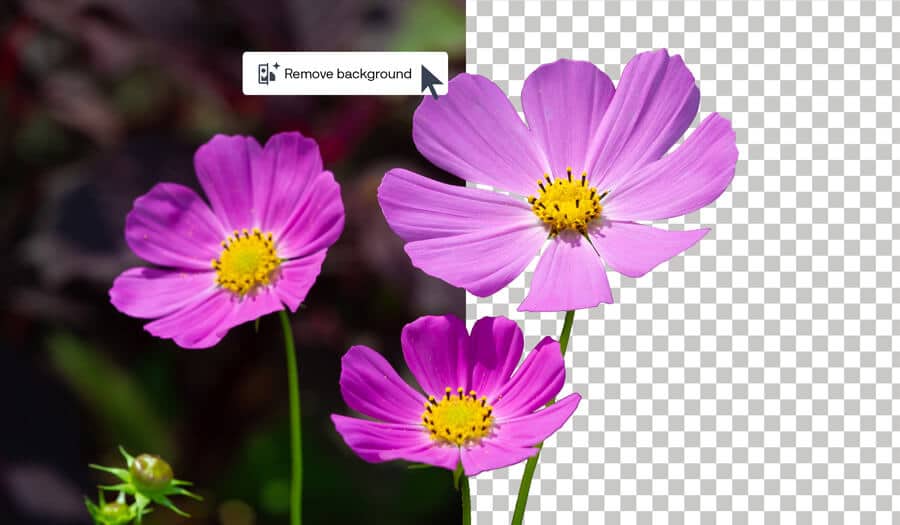
AI background removal
Remove image backgrounds in one click with clean results, even around fine details.
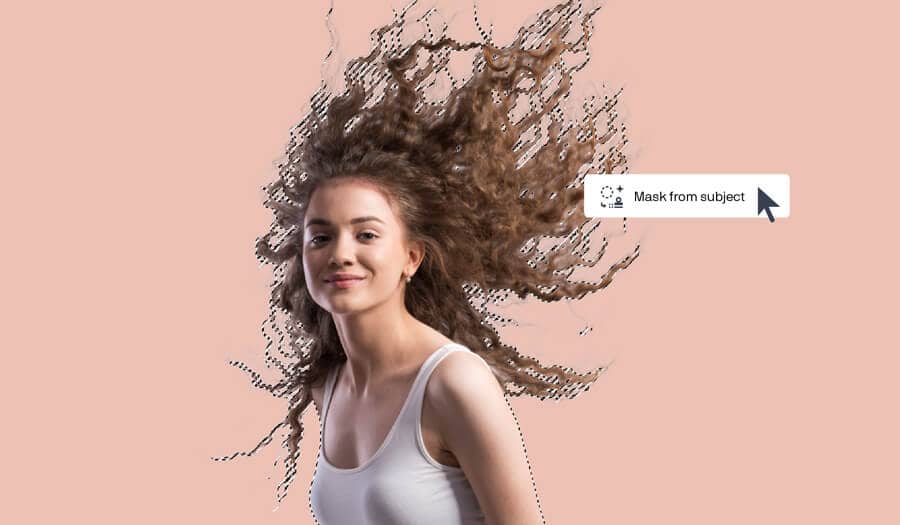
AI masking
Create precise masks with intelligent subject selection and clip masking.
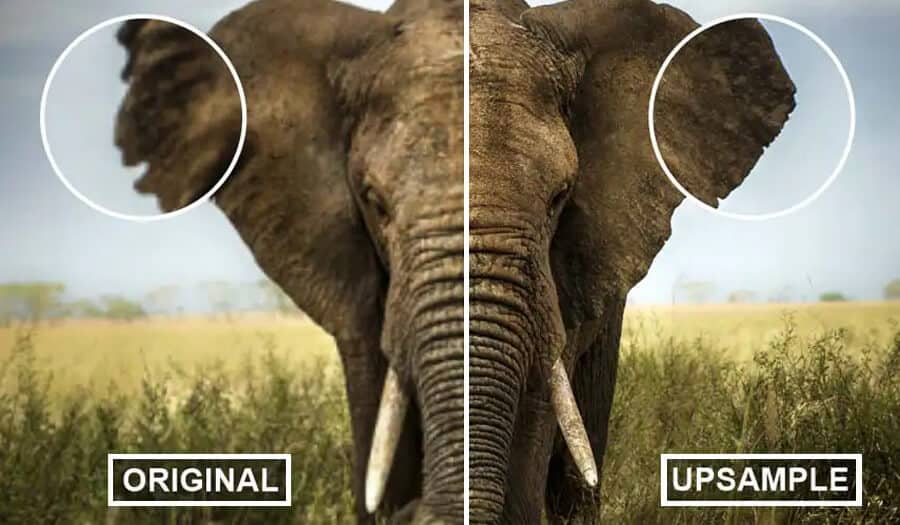
AI upsampling
Improve the quality of low-resolution files without losing sharpness.
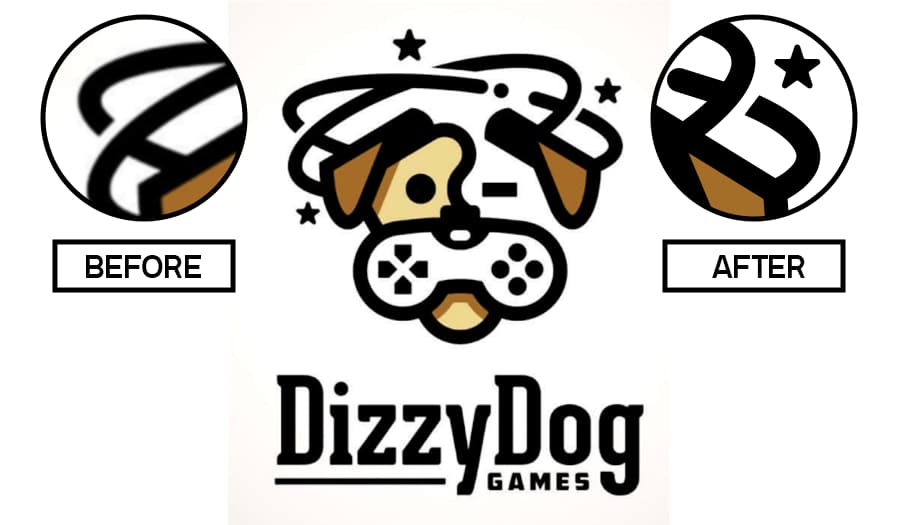
AI-powered artifact removal
Clean up compressed images and restore details.
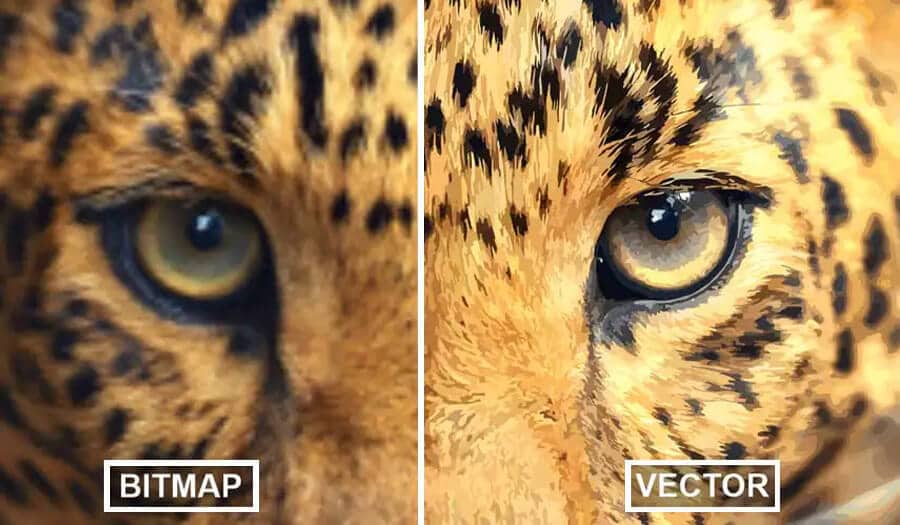
AI-assisted PowerTRACE
Convert bitmaps to editable vector graphics.
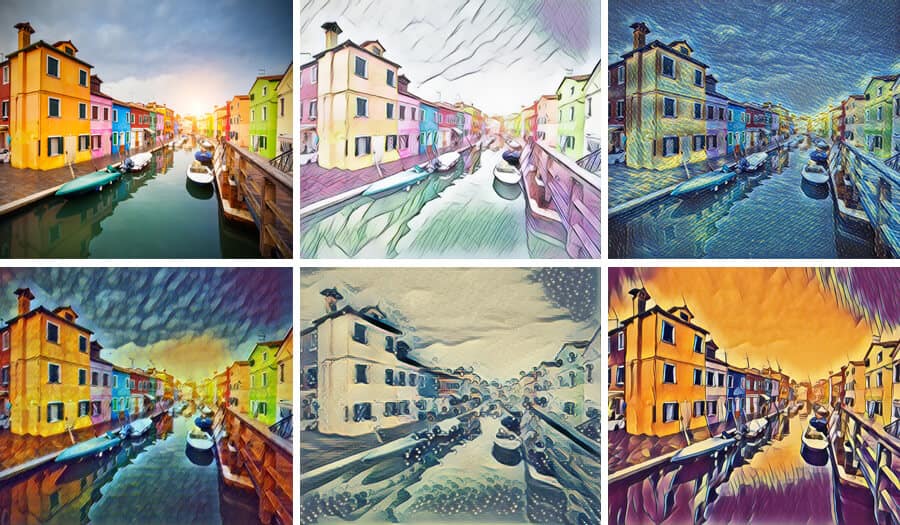
AI Art Style Effects
Apply editable non-destructive effects to bitmaps or vectors modeled after the aesthetic of an artist or genre.
AI masking, AI upsampllng,AI-powered artifact removal, AI-assisted PowerTRACE, and AI Art Style Effects are available exclusively in CorelDRAW Graphics Suite and CorelDRAW Technical Suite.
Prompt gallery
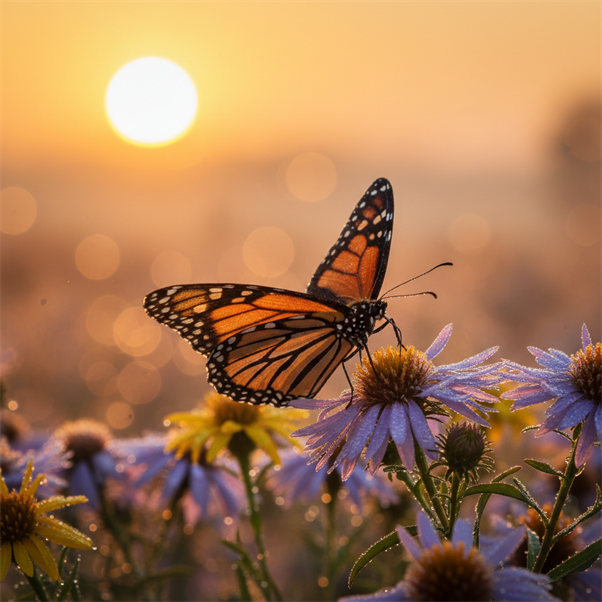
- Nano Banana
- Photorealistic
- Warm
A monarch butterfly resting on dew-covered wildflowers at sunrise, photorealistic style, warm Color palette, ultra-detailed wing texture, shallow depth of field, soft golden bokeh.
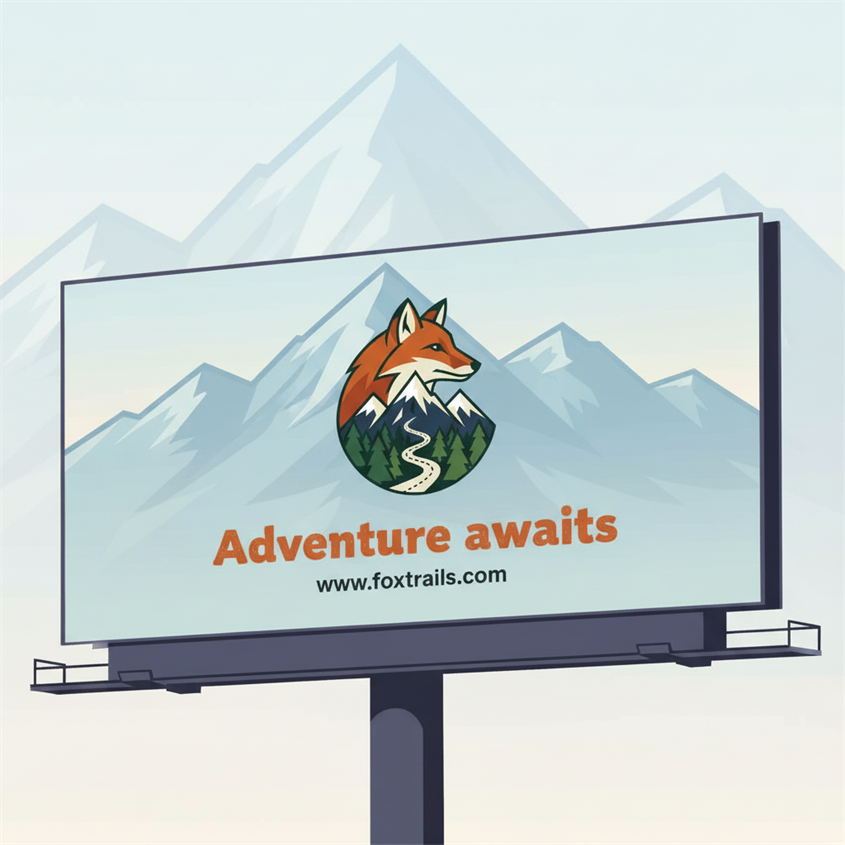
- Vector Craft
- Flat illustration
Create a billboard design with the attached logo for a wildlife retreat. Add faint mountains in the background with transparency. Evocative of adventure. Add text "Adventure awaits" in bold stylized typography "www.foxtrails.com" in small Arial font.
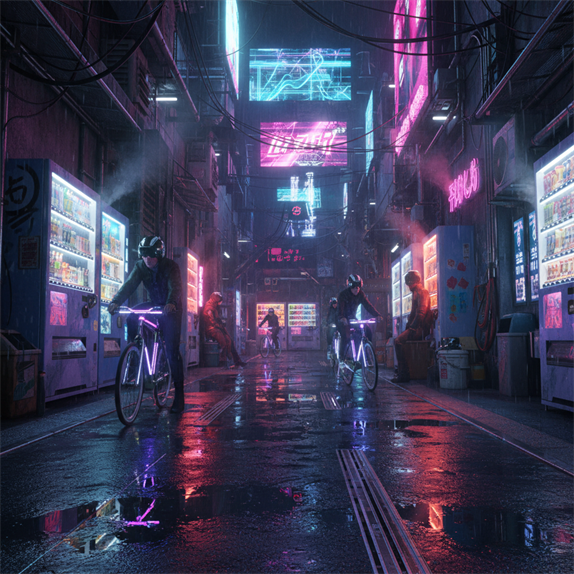
- Nano Banana
- 3D render
- Neon
A futuristic Tokyo alley filled with vending machines, cyclists, and reflective puddles, cinematic 3D render, neon color palette, dramatic night lighting, dense environmental detail.
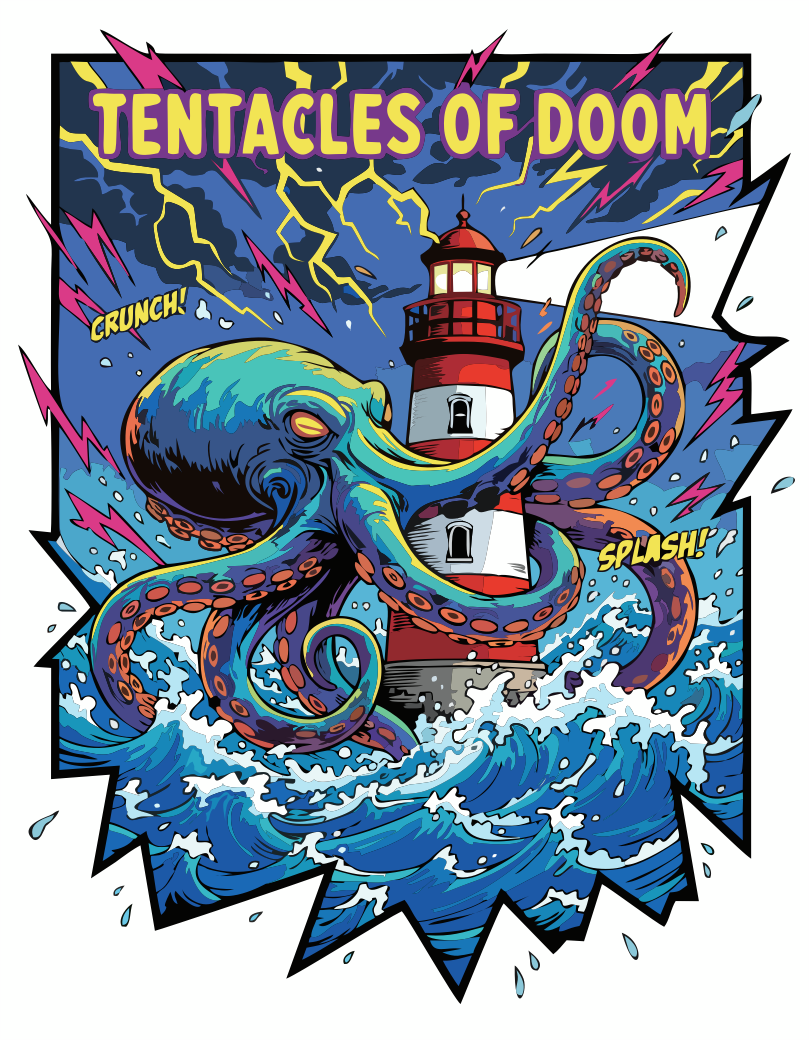
- Vector Master
- Comic
A giant octopus wrapping its tentacles around a lighthouse during a storm, bold graphic shapes, dramatic waves, energetic comic-book framing.
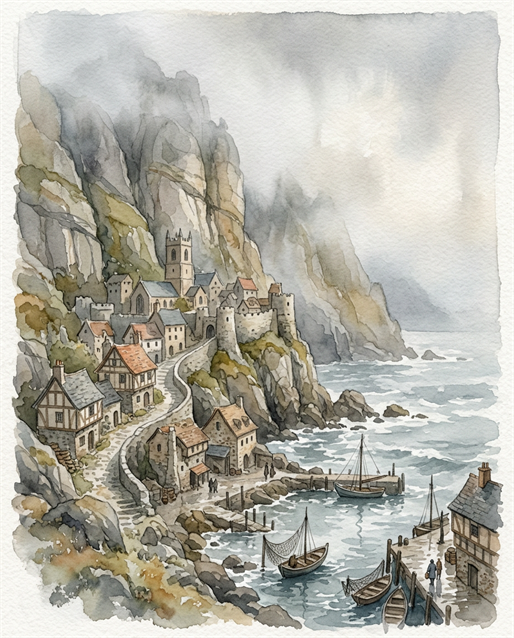
- Nano Banana
- Watercolor
- Muted
A medieval coastal village built into towering cliffs, watercolor style, muted Color palette, misty atmosphere, delicate brush textures, storybook composition.
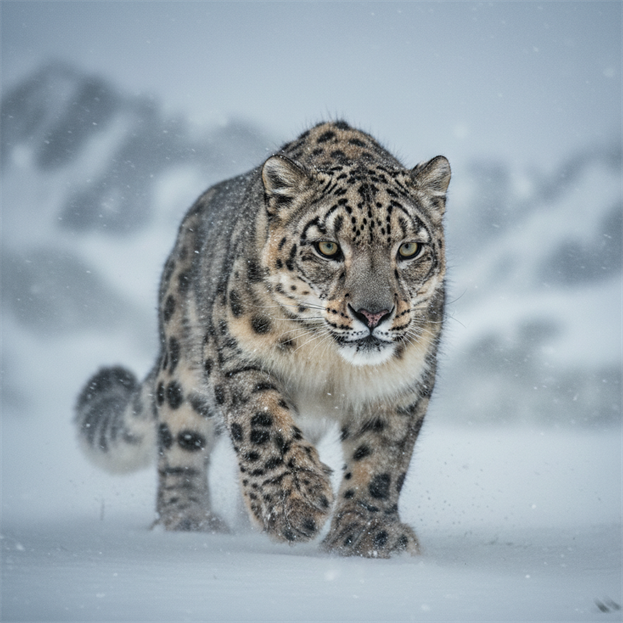
- Nano Banana
- Photorealistic
- Muted
A snow leopard moving through a blizzard in the Himalayas, photorealistic style, cool Color palette, windblown snow, cinematic framing, sharp eyes and detailed fur.

- Vector Master
- Hand drawn
A futuristic Tokyo alley filled with vending machines, cyclists, and reflective puddles, cinematic 3D render, neon color palette, dramatic night lighting, dense environmental detail.
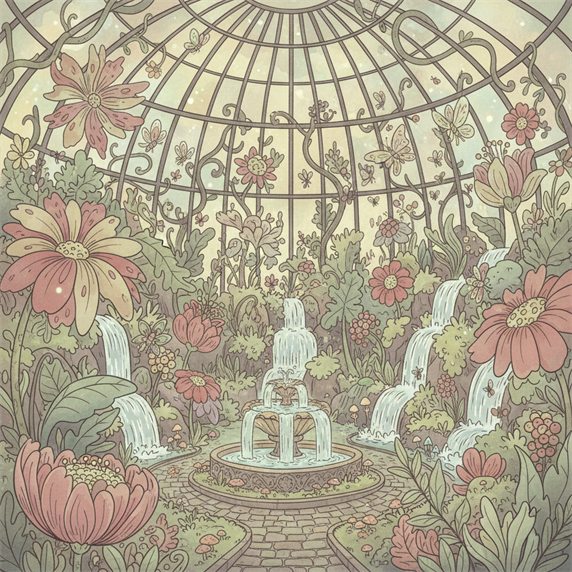
- Nano Banana
- Illustration
- Retro
An enchanted botanical greenhouse filled with oversized flowers, tiny waterfalls, and glowing insects, illustration style, pastel color palette, whimsical details, soft diffused light.
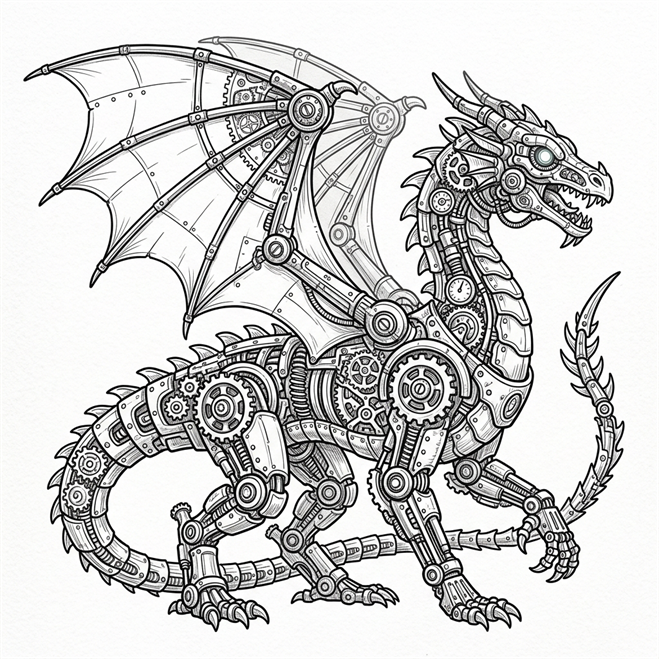
- Nano Banana 2
- Line art
A complex mechanical dragon assembled from gears, springs, and clockwork parts, line art style, grayscale palette, precise technical detail, clean white background.
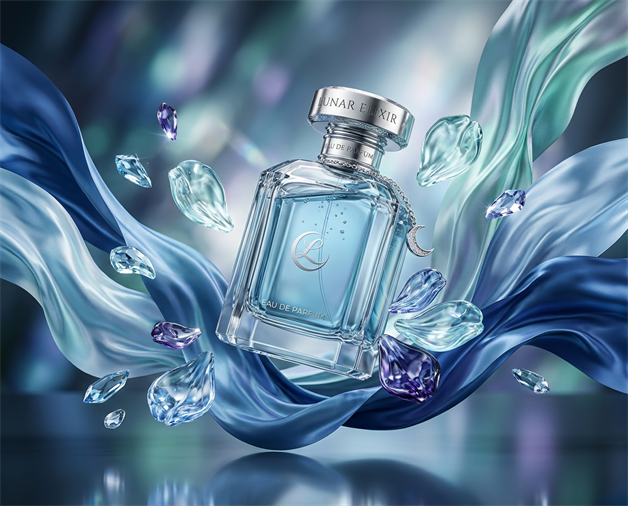
- Nano Banana 2
- 3D render
- Cool
A luxury perfume bottle floating among silk ribbons and glass petals, 3D render style, cool Color palette, glossy materials, studio lighting, elegant product-ad composition.

- Vector Spark
Create a clean vector-style flat illustration of a friendly office worker sitting at a desk. The character should have simple geometric shapes, and smooth outlines. Use a cute, minimalistic cartoon style with a rounded face, small dot eyes, and a gentle smile. Place them in a modern workspace with a desk, a small plant, and a computer monitor.
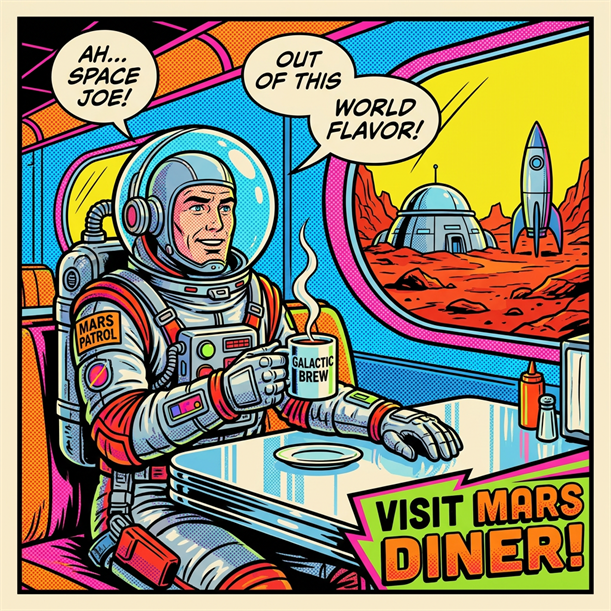
- Nano Banana Pro
- Pop art
A retro astronaut drinking coffee in a 1960s roadside diner on Mars, pop art style, retro Color palette, bold outlines, halftone dots, playful commercial-poster energy.
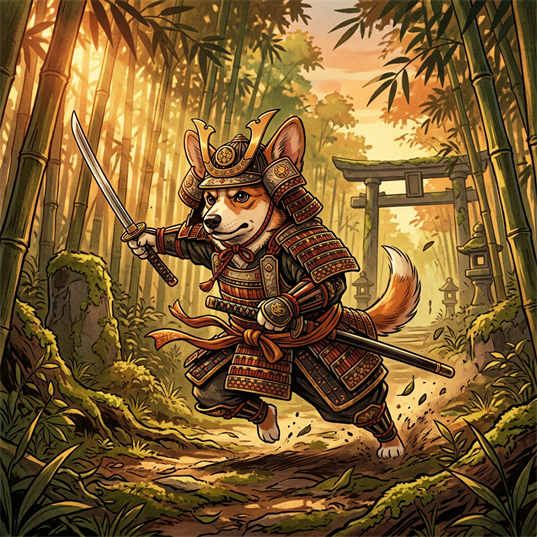
- Nano Banana 2
- Illustration
- Warm
A heroic corgi wearing ornate samurai armor in a bamboo forest, illustration style, warm Color palette, dynamic pose, detailed costume design, cinematic sunlight.
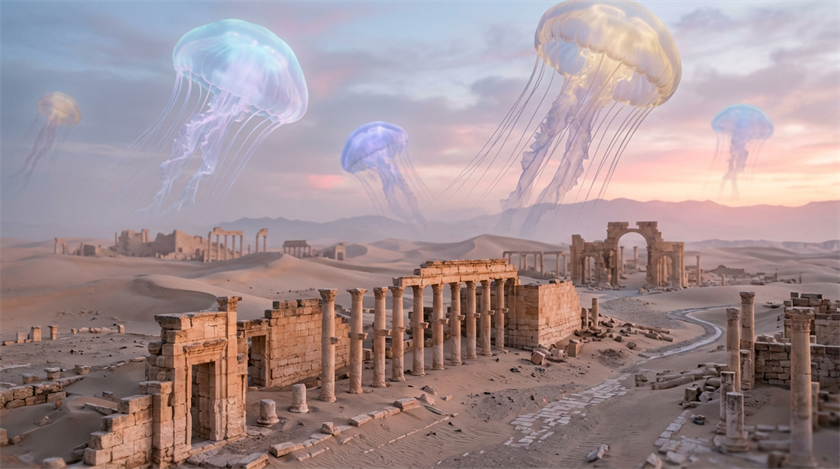
- Nano Banana 2
- Photorealistic
- Muted
A surreal desert where enormous translucent jellyfish drift above ancient ruins, photorealistic style, pastel Color palette, dreamlike scale, atmospheric haze, realistic shadows.
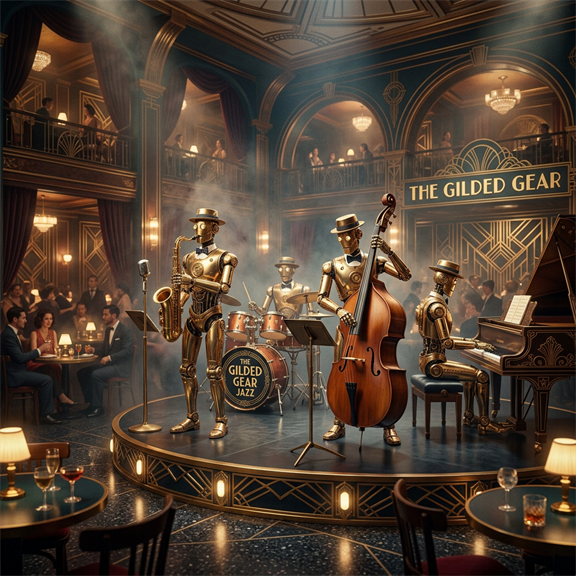
- Nano Banana 2
- 3D render
- Muted
A jazz band of robots performing inside an Art Deco nightclub, 3D render style, muted Color palette, polished brass surfaces, smoky lighting, sophisticated composition.
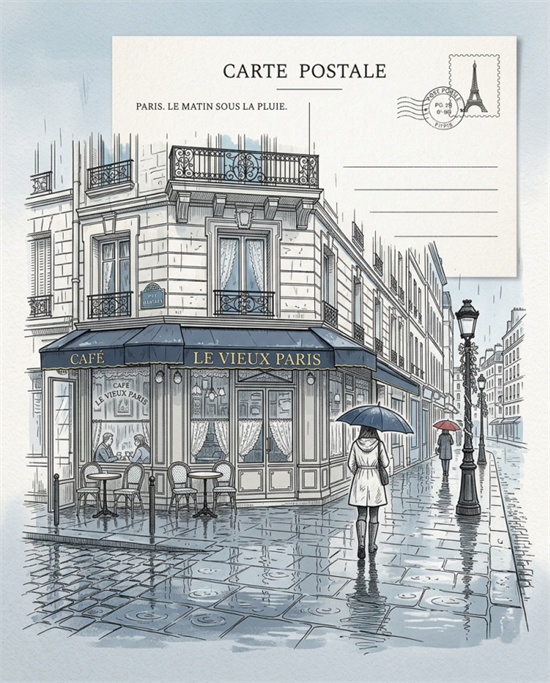
- Nano Banana Pro
- Line art
- Cool
A quiet Parisian café on a rainy morning, postcard, line art style, cool Color palette accents, intricate architectural drawing, reflective pavement, minimal selective shading.
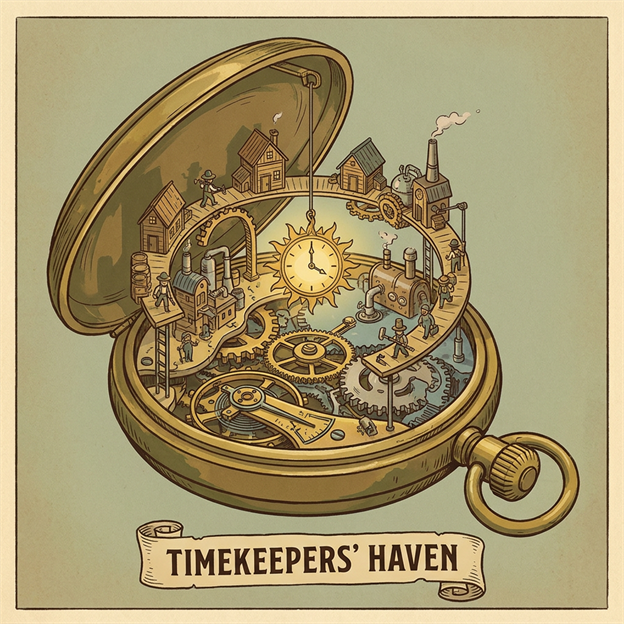
- Nano Banana Pro
- Illustration
- Retro
A tiny civilization living inside an abandoned pocket watch, illustration style, retro Color palette, miniature bridges and houses, intricate mechanisms, imaginative cutaway view.
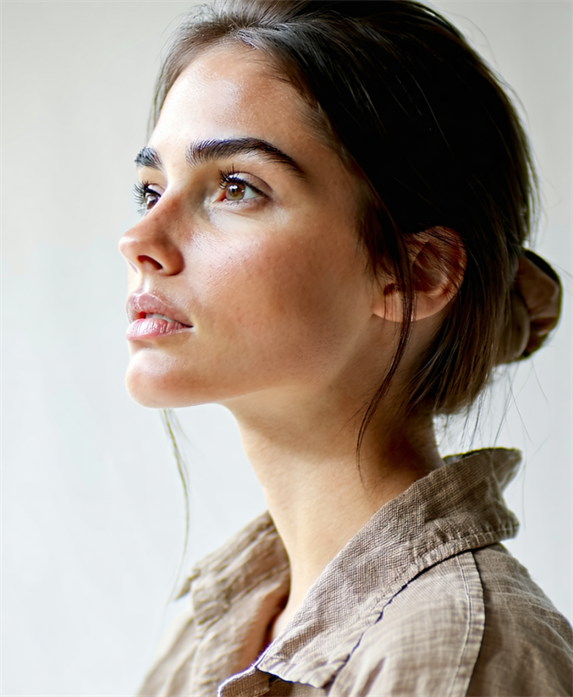
- Stable Diffusion 3.5 Large
- Photorealistic
- Muted
A minimal portrait of a woman looking sideways. Clear skin, high cheekbones, dark brown hair with subtle highlights that catch the soft sunlight, tied behind her ears. Plain soft background.
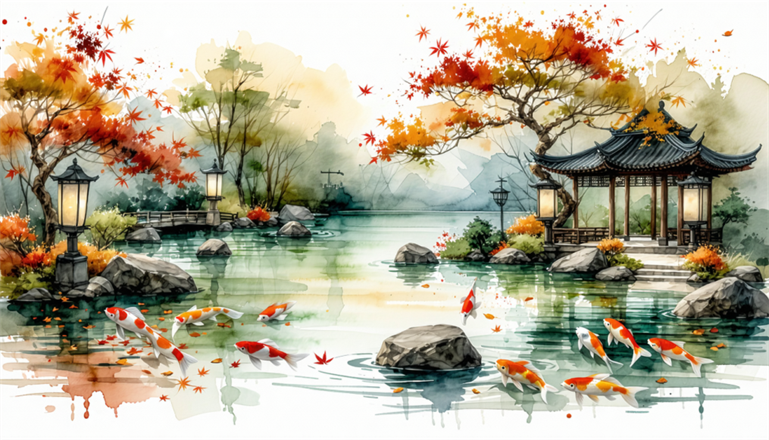
- Stable Diffusion 3.5 Large
- Watercolor
- Warm
A peaceful Japanese garden in autumn with koi ponds, stone lanterns, and drifting maple leaves, line art and watercolor hybrid style, muted warm palette, refined ink contours, subtle washes.
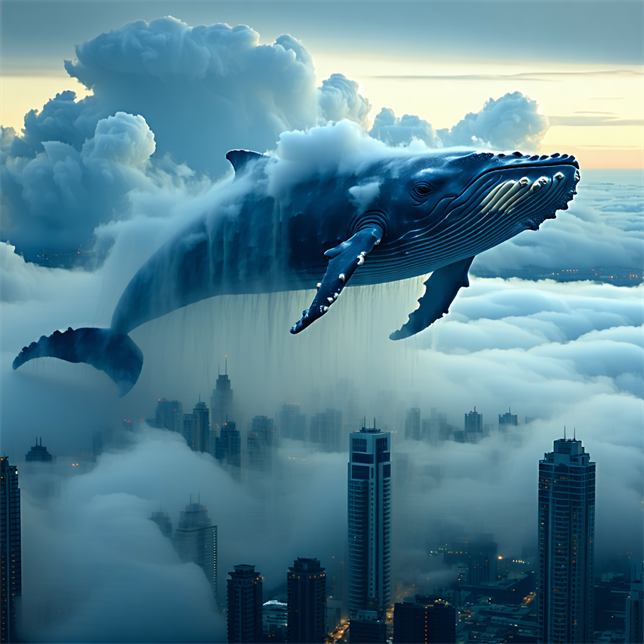
- Stable Diffusion 3.5 Large
- Photorealistic
- Cool
A colossal whale swimming through clouds above a modern city skyline, photorealistic style, cool Color palette, soft morning fog, realistic atmospheric perspective, cinematic scale.
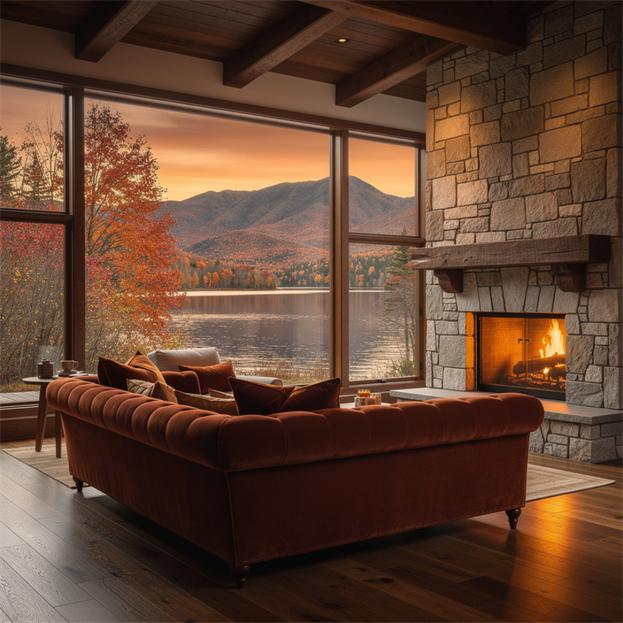
- Flux.2 Pro
- Photorealistic
Luxury cottage living room with a huge floor-to-ceiling window overlooking a lake and mountains ablaze with fall foliage. Warm oak flooring (#8B5A2B), walnut ceiling beams (#4A3222), burnt-sienna velvet sofa (#A0522D) with rust and mustard pillows (#B7410E, #C68E17). Stone fireplace (#8A8378) glowing warm (#F2994A). Outside, amber sky (#F4A460 to #C1440E) over red and gold autumn trees (#B22222, #DAA520). Soft afternoon light, cozy cinematic mood. Photorealistic interior photography, shallow depth of field, ultra-detailed textures.
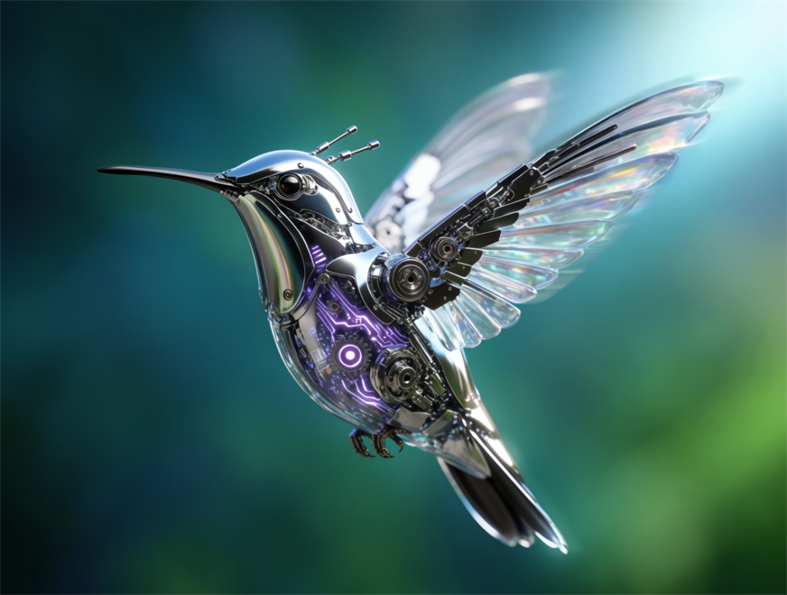
- Flux.2 Pro
- 3D render
A biomechanical hummingbird made of chrome, glass, and glowing circuitry, 3D render style, greenish bokeh background, precise reflections, premium concept-art finish.
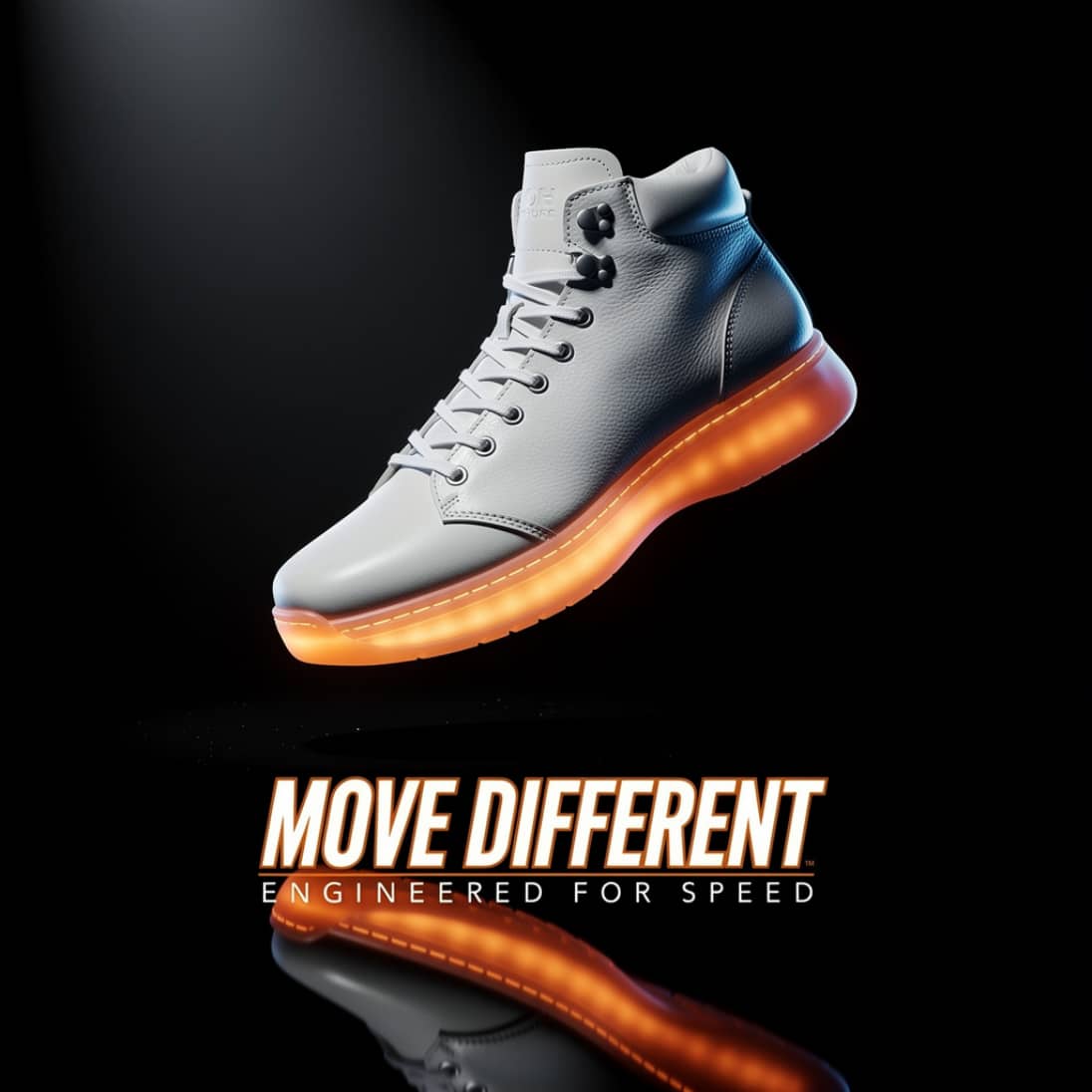
- Flux.2 Pro
A dramatic product shot of a single high-top sneaker floating against a matte-black background, lit by a hard spotlight from above-left with a sharp reflection below. The shoe has a sleek white leather upper, a glowing orange sole, and metallic silver eyelets. Bold condensed italic type beneath reads 'MOVE DIFFERENT' in white with a thin orange outline, with smaller tracked-out text below: 'ENGINEERED FOR SPEED'. Studio lighting, ultra-sharp focus, subtle rim light, high-end commercial advertising photography.
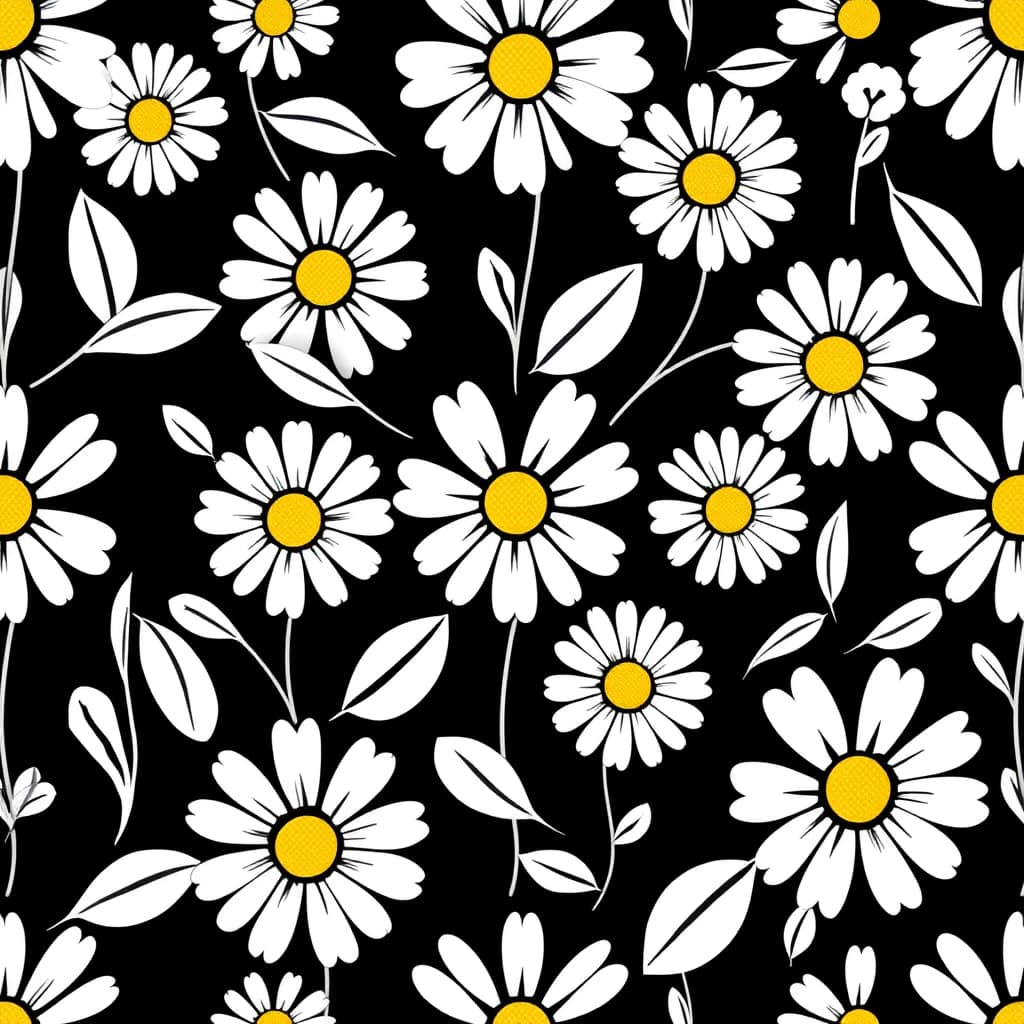
- Flux Schnell
Seamless vector pattern of abstract daisies and leaves, flat 2D style, black and white with a hint of yellow in the centre of each daisy.
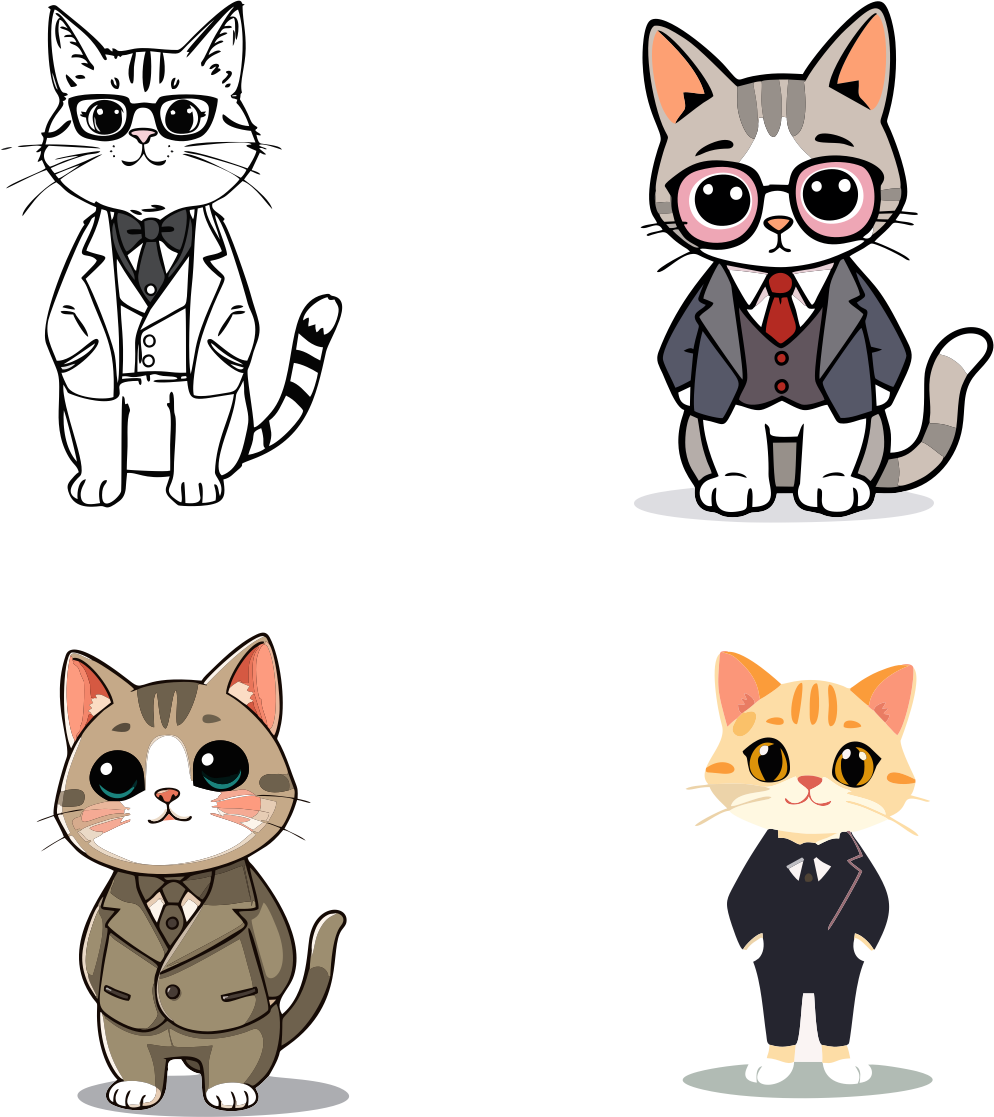
- Vector Spark
Cartoon of a cat in a three-piece suit.
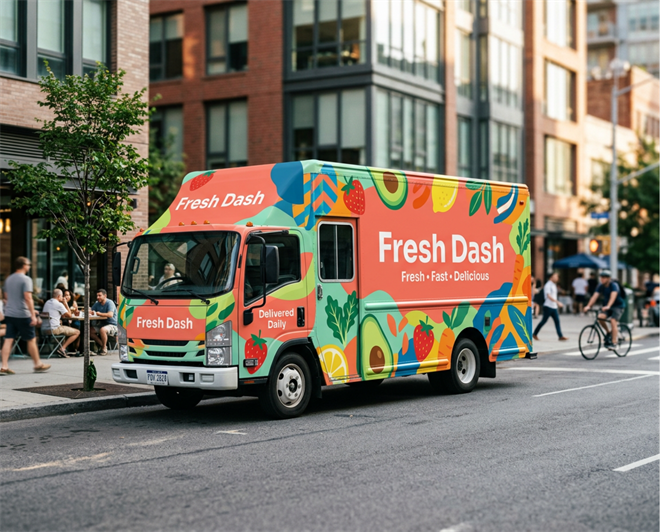
- Nano Banana 2
- Photorealistic
Create a clean, modern flat vector illustration of a branded food delivery truck parked on a lively urban street. The truck features a vibrant, memorable food brand called Fresh Dash displayed prominently on the side with beautifully rendered vector typography. The vehicle wrap includes: oversized colorful fruit and vegetables, playful geometric patterns, bold organic shapes, dynamic swooshes, fresh leaves, simple illustrated ingredients, bright accent graphics. The branding feels energetic, contemporary and instantly recognizable. The truck is painted with bold colors including coral, orange, teal, lime green, yellow and white, using clean vector shapes with crisp edges and solid fills. Include additional vector text elements integrated naturally into the design: Fresh Dash Fresh • Fast • Delicious Delivered Daily The city environment uses simplified modern vector buildings, trees, bicycles and pedestrians without distracting from the truck.
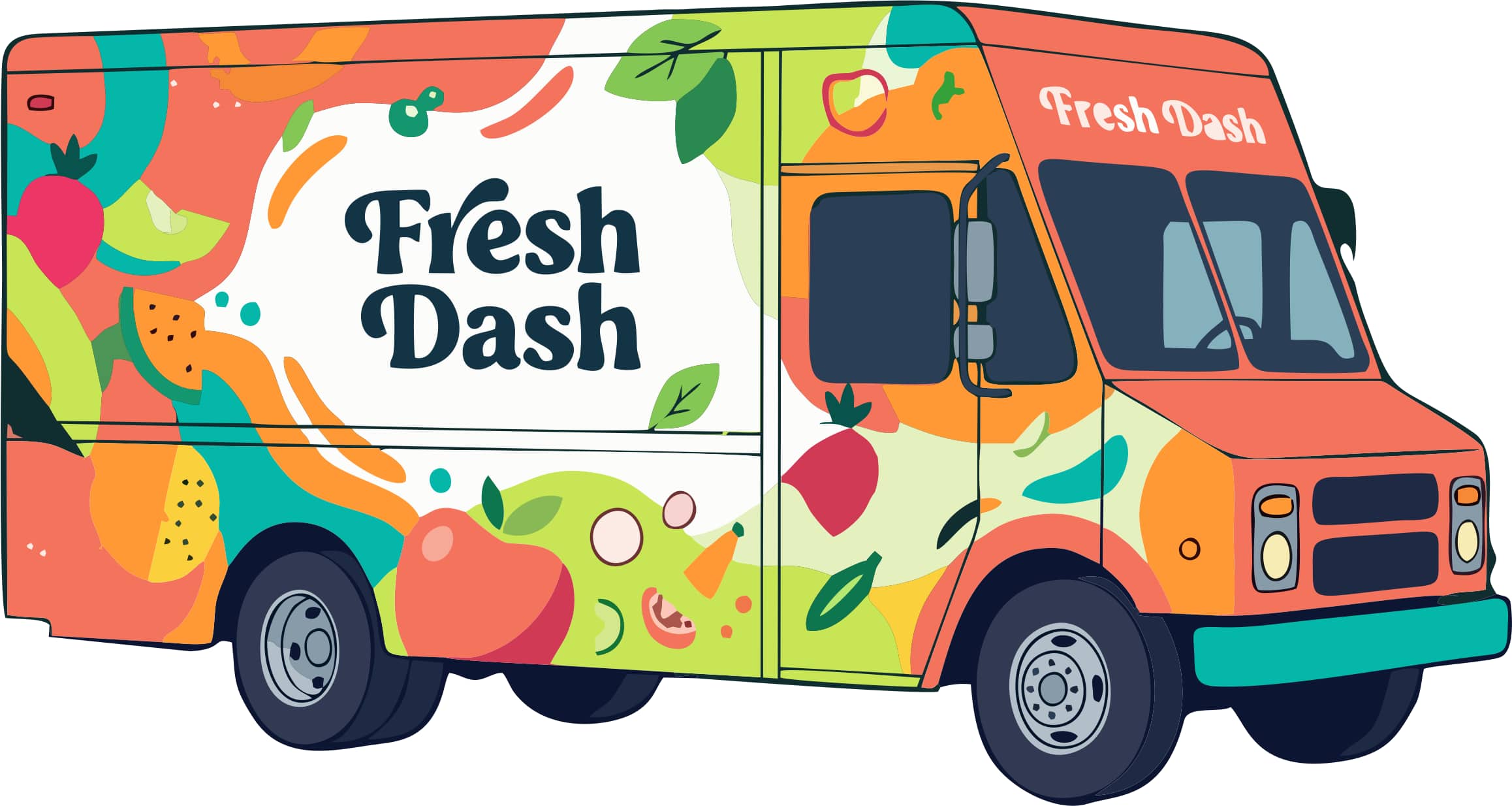
- Vector Master
- Flat Illustration
Create a clean, modern flat vector illustration of a vehicle wrap for a food delivery truck. Featuring a vibrant, memorable food brand called "Fresh Dash" displayed prominently on the side with beautifully rendered sans serif typography. The vehicle wrap includes: colorfully illustrated fruit and vegetables, playful geometric patterns, bold organic shapes, fresh leaves bright accent graphics. The branding feels energetic, contemporary and instantly recognizable. Use bold colors including coral, orange, teal, lime green, yellow and white, using clean vector shapes with crisp edges and solid fills. Include additional vector text elements integrated naturally into the design: "Fresh • Fast • Delicious". Everything should be scalable vector artwork with: clean outlines, crisp curves, flat colors, subtle layered shapes, professional branding, minimal gradients, perfect typography. The overall aesthetic should resemble premium brand identity work suitable for advertising, vehicle wraps and commercial illustration.
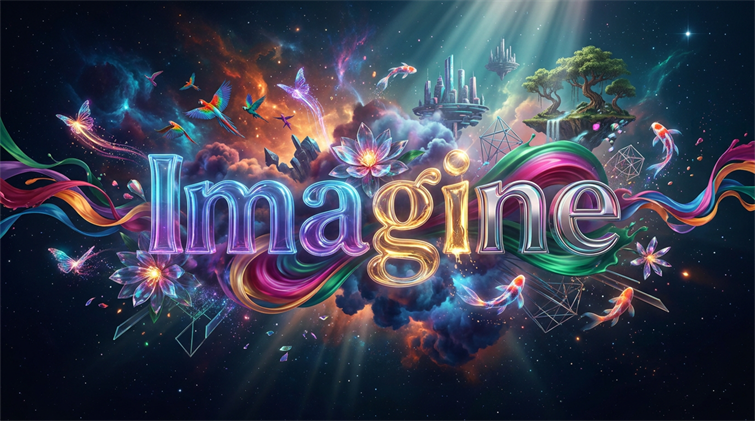
- Nano Banana Pro
Create a cinematic digital artwork that immediately captures attention while scrolling in 2K. The word "Imagine" appears as a beautifully integrated piece of stylized typography floating in the center of the composition. The lettering is bold but elegant, artistic and dimensional, crafted from glowing translucent glass, polished chrome and vibrant color gradients that subtly blend into one another. From the letters, an explosion of imagination unfolds outward into an impossible dreamscape: colorful nebula clouds, tropical birds, butterflies, made of light, flowing ribbons of paint, crystalline flowers, futuristic architecture, surreal floating islands, glowing koi fish swimming through the air, abstract geometric shapes, shimmering particles. The composition is premium, elegant and highly polished with dramatic cinematic lighting, volumetric light rays, atmospheric depth, intricate detail and exceptional color harmony. Rich jewel tones of cyan, magenta, violet, orange, gold and emerald create an energetic but refined palette. The artwork should feel inspirational, optimistic and magical while remaining clean enough for a premium software website.
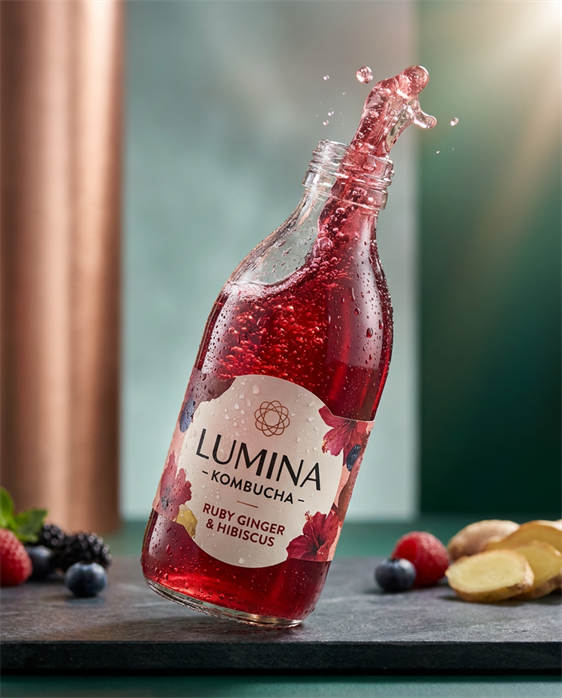
- Nano Banana Pro
- Photorealistic
High-end professional food photography of either luxury artisanal craft kombucha, styled for an upscale editorial campaign. Action shot of the bottle with kombucha spilling out of it: kombucha should show effervescent bubbles, condensation droplets, and glass reflections. Lighting: cinematic studio lighting with soft directional key light and subtle rim light to emphasize gloss, depth, and micro-textures. High dynamic range, controlled highlights. Color direction: striking, saturated but refined palette—jewel-like liquid hues (ruby, emerald, golden honey). Background uses luxury minimalism with soft gradients to make the product pop. Style: ultra-realistic, 2k resolution, editorial food photography for premium magazine spread (e.g., Condé Nast aesthetic), crisp detail rendering.

- Vector Craft
- Comic
Portrait of a woman with natural freckles, shoulder length hair. Bold title with thick black border “SLAY ALL DAY”