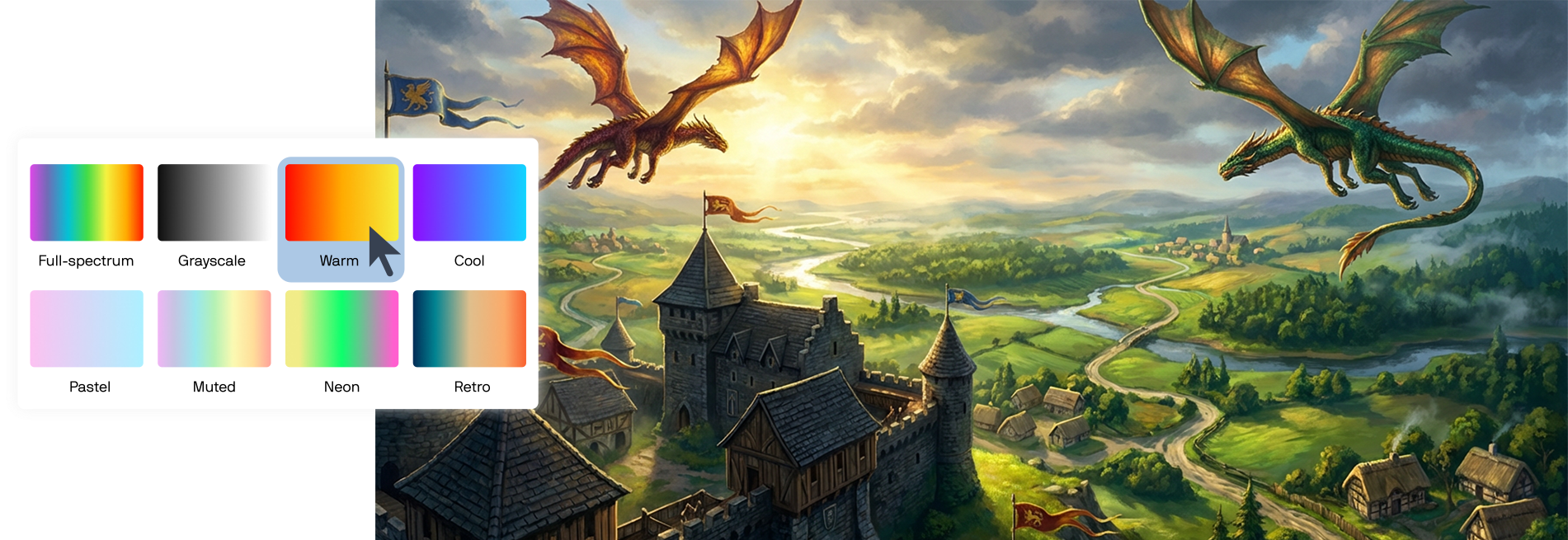
AI Generate is CorelDRAW Graphic Suite’s prompt-based image creation docker/inspector for creating and editing images with AI in CorelDRAW and Corel PHOTO-PAINT.
You can generate original images from a text prompt, guide results using a reference image or selected design content, and refine outputs with options like styles and color palettes. You can also use prompts to modify an existing image—for example, to adjust elements, remove objects, or clean up image results.
Writing a clear, compelling prompt is essential, as it directly shapes the images AI Generate produces. Those images can then be converted into editable vector artwork using PowerTRACE, so you can refine details, adjust colors and shapes, and incorporate the results into professional design projects.
Try CorelDRAW’s AI Generate to create original images from simple text prompts.
A prompt is a written instruction that tells an AI model what to create or modify. The clarity and structure of a prompt directly influence the quality and usefulness of the output.
Well-written prompts communicate intent, visual direction, and constraints so that AI can generate results that are easier to refine and reuse.
Strong prompts typically include:
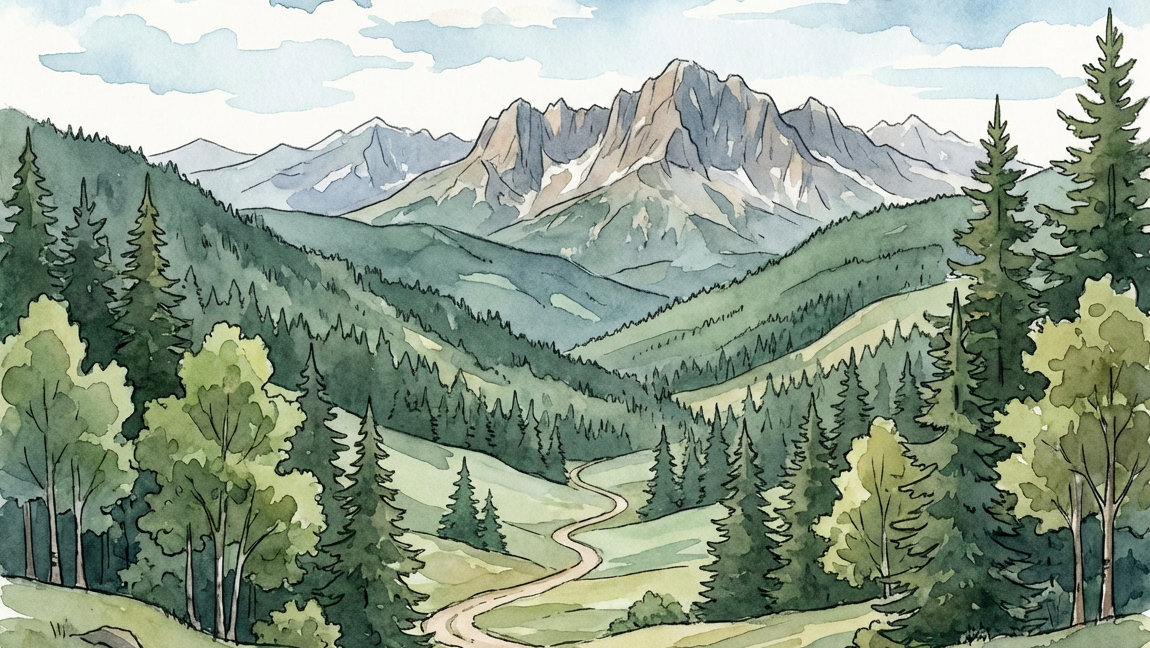
Example: A flat, modern illustration of a mountain landscape at sunset with bold warm colors and minimal shading, designed for a poster. Panoramic view, rugged mountains, a few conifers, deep orange, red skies
Example: Illustration of a mountain
Prompting tips:
If your goal is to convert AI-generated bitmaps into scalable vector artwork, your prompts should encourage simplified visuals.
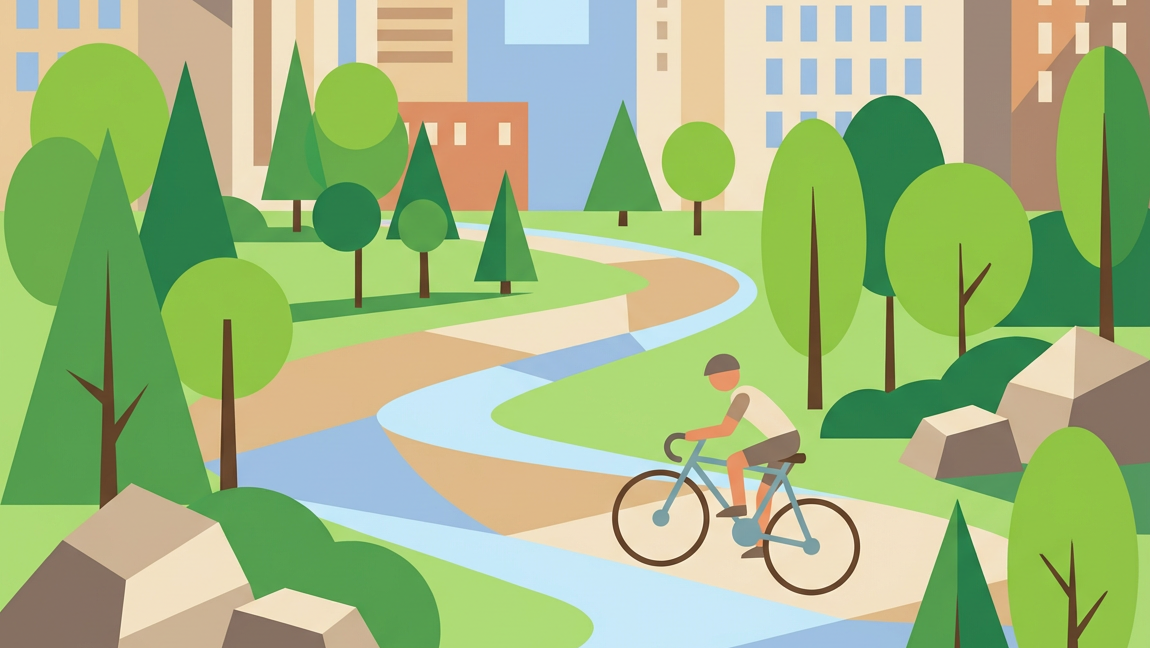
Prompting tips for vector-ready images:
Prompting with simplified shapes, strong contrast, and limited visual complexity can improve trace results and reduce cleanup time when converting AI-generated images to vector graphics.
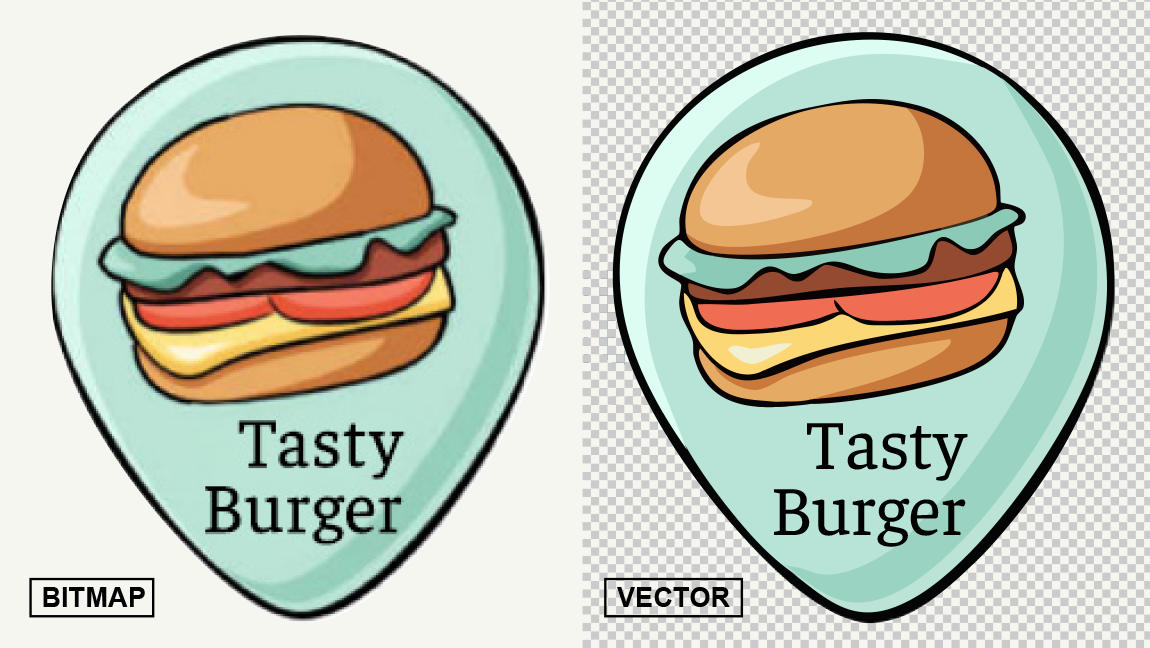
PowerTRACE is CorelDRAW’s bitmap-to-vector tracing feature that converts raster images into editable vector artwork. It analyzes shapes, colors, and edges in a bitmap image and recreates them as scalable vector paths that can be edited, recolored, and reused without loss of quality.
Designers use PowerTRACE to turn images into flexible vector graphics suitable for logos, illustrations, signage, print, and other professional design outputs.
AI-generated images are typically raster-based, which limits how easily they can be edited or scaled. PowerTRACE allows you to take those AI-generated images and convert them into editable vector artwork inside CorelDRAW.
By applying PowerTRACE to AI-generated images, you can refine shapes, simplify details, adjust colors, and integrate AI-generated visuals into professional vector designs. This makes it easier to move from AI-generated concepts to polished, production-ready artwork.
If you’re new to tracing or want to improve your results, this step-by-step tutorial covers the fundamentals of getting clean, professional traces.
To convert an AI-generated image to vector artwork:
Once traced, the artwork becomes fully editable vector objects that you can recolor, reshape, and scale without loss of quality.
Turn image into vectorCorelDRAW supports an end-to-end workflow where you can explore, refine, and prepare AI-generated imagery for final output without breaking your creative flow. Images created with GenAI can be edited using familiar design tools, like AI background removal, and, when needed, converted into editable vector artwork to meet real production requirements.
This workflow makes it easier to move from early visual ideas to finished designs that are ready for print, digital, or large-format use, while maintaining consistency, control, and flexibility throughout the process.
AI credits power generative image creation and editing in CorelDRAW. Each GenAI image you create uses a set number of credits based on the selected AI model. The number of credits you receive depends on your CorelDRAW product type, and if you run out, you can purchase additional AI credit packs anytime you need. Learn more about AI credits.
Try CorelDRAW today for free, and take advantage of powerful tools for vector illustration, page layout, and more. Start creating today!
Try free Learn more