AI Generate is CorelDRAW Graphic Suite’s prompt-based graphics creation docker/inspector for generating vectors or images with AI in CorelDRAW and Corel PHOTO-PAINT.
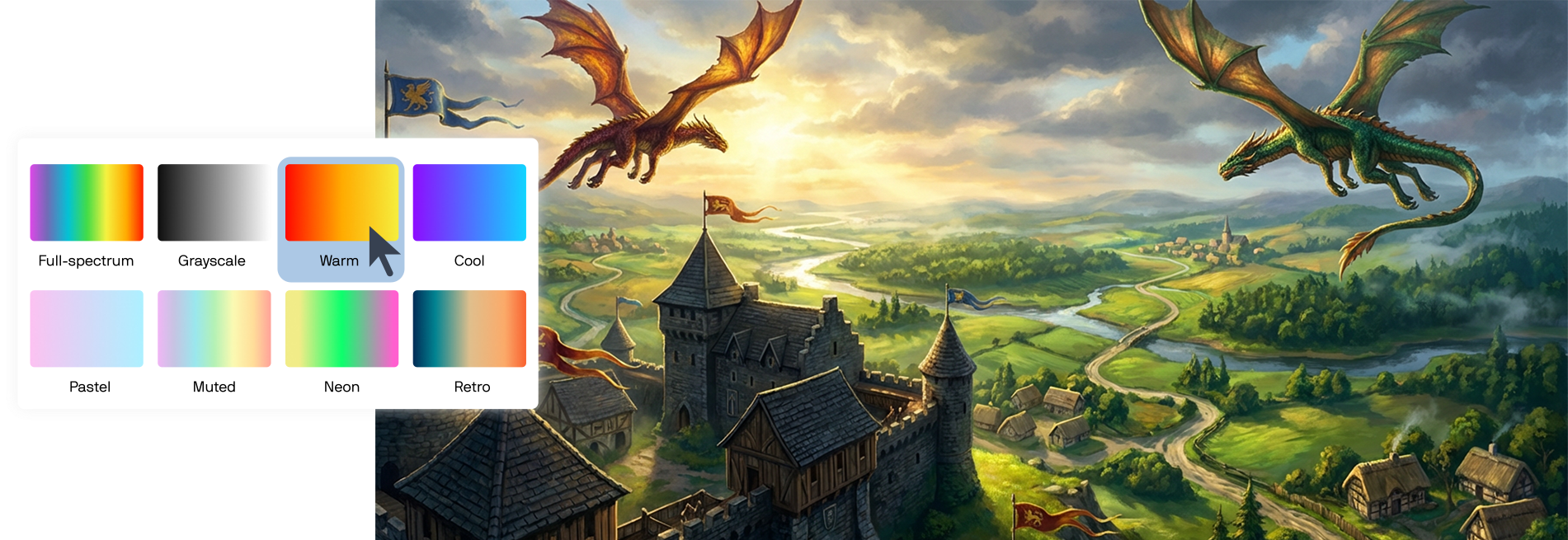
You can generate original vectors or images from a text prompt, guide results using a reference image or selected design content, and refine outputs with options like styles and color palettes. You can also use prompts to modify an existing graphic—for example, to adjust elements, remove objects, or clean up results.
Writing a clear, compelling prompt is essential, as it directly shapes what AI Generate produces.
A prompt is a written instruction that tells an AI model what to create or modify. The clarity and structure of a prompt directly influence the quality and usefulness of the output.
Well-written prompts communicate intent, visual direction, and constraints so that AI can generate results that are easier to refine and reuse.
Strong prompts typically include:
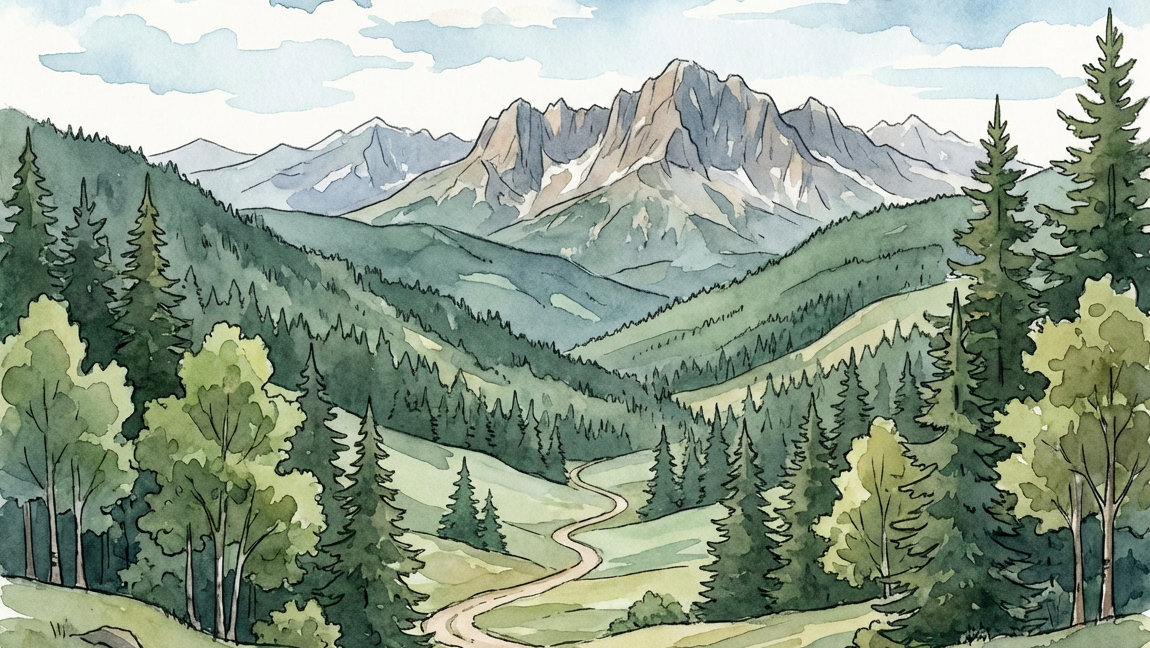
Example: A flat, modern illustration of a mountain landscape at sunset with bold warm colors and minimal shading, designed for a poster. Panoramic view, rugged mountains, a few conifers, deep orange, red skies
Example: Illustration of a mountain
Prompting tips:
Creating editable vector artwork is now easier than ever with AI vector generation in CorelDRAW. Instead of generating a raster image and converting it, you can create scalable vector graphics directly from a text prompt.
The key to successful vector generation is describing the graphic's purpose, style, and level of complexity. Clear prompts help the AI model produce cleaner shapes, better composition, and more usable results.
When writing prompts:
Text-to-image generation can help you quickly create concepts, marketing visuals, and creative assets from a text prompt. For the best results, clearly describe your subject, style, and desired mood.
When writing prompts:
Already have a bitmap, AI-generated or otherwise, and want it as a vector? PowerTRACE is CorelDRAW’s bitmap-to-vector tracing feature that converts raster images into editable vector artwork. It analyzes shapes, colors, and edges in a bitmap image and recreates them as scalable vector paths that can be edited, recolored, and reused without loss of quality.
Designers use PowerTRACE to turn images into flexible vector graphics suitable for logos, illustrations, signage, print, and other professional design outputs.
Once traced, the artwork becomes fully editable vector objects that you can recolor, reshape, and scale without loss of quality.
Turn image into vectorCorelDRAW supports an end-to-end workflow where you can explore, refine, and prepare AI-generated graphics for final output without breaking your creative flow. Images created with GenAI can be edited using familiar design tools, like AI background removal, and, when needed, converted into editable vector artwork to meet real production requirements.
This workflow makes it easier to move from early visual ideas to finished designs that are ready for print, digital, or large-format use, while maintaining consistency, control, and flexibility throughout the process.
AI credits power generative image creation and editing in CorelDRAW. Each AI-generated graphic you create uses a set number of credits based on the selected AI model. The number of credits you receive depends on your CorelDRAW product type, and if you run out, you can purchase additional AI credit packs anytime you need. Learn more about AI credits.
Try CorelDRAW today for free, and take advantage of powerful tools for vector illustration, page layout, and more. Start creating today!
Try free Learn more