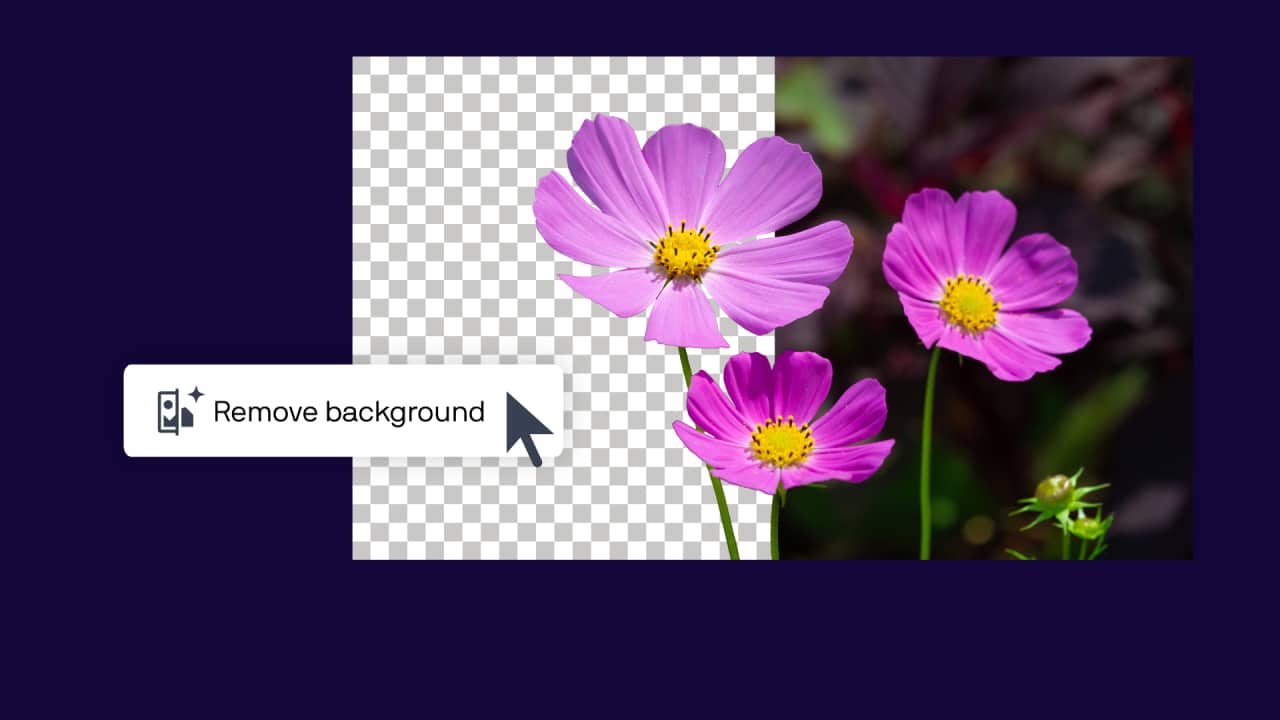
Remove backgrounds in one click
Manually removing a background can be time-consuming, especially when working with:
- Fine textures
- Soft edges
- Transparent areas
- Detailed subjects like hair or fur
The AI Remove Background tool automatically detects the subject and removes the background with a single click.
Remove a background from an image
You can remove backgrounds in several ways depending on your document structure.
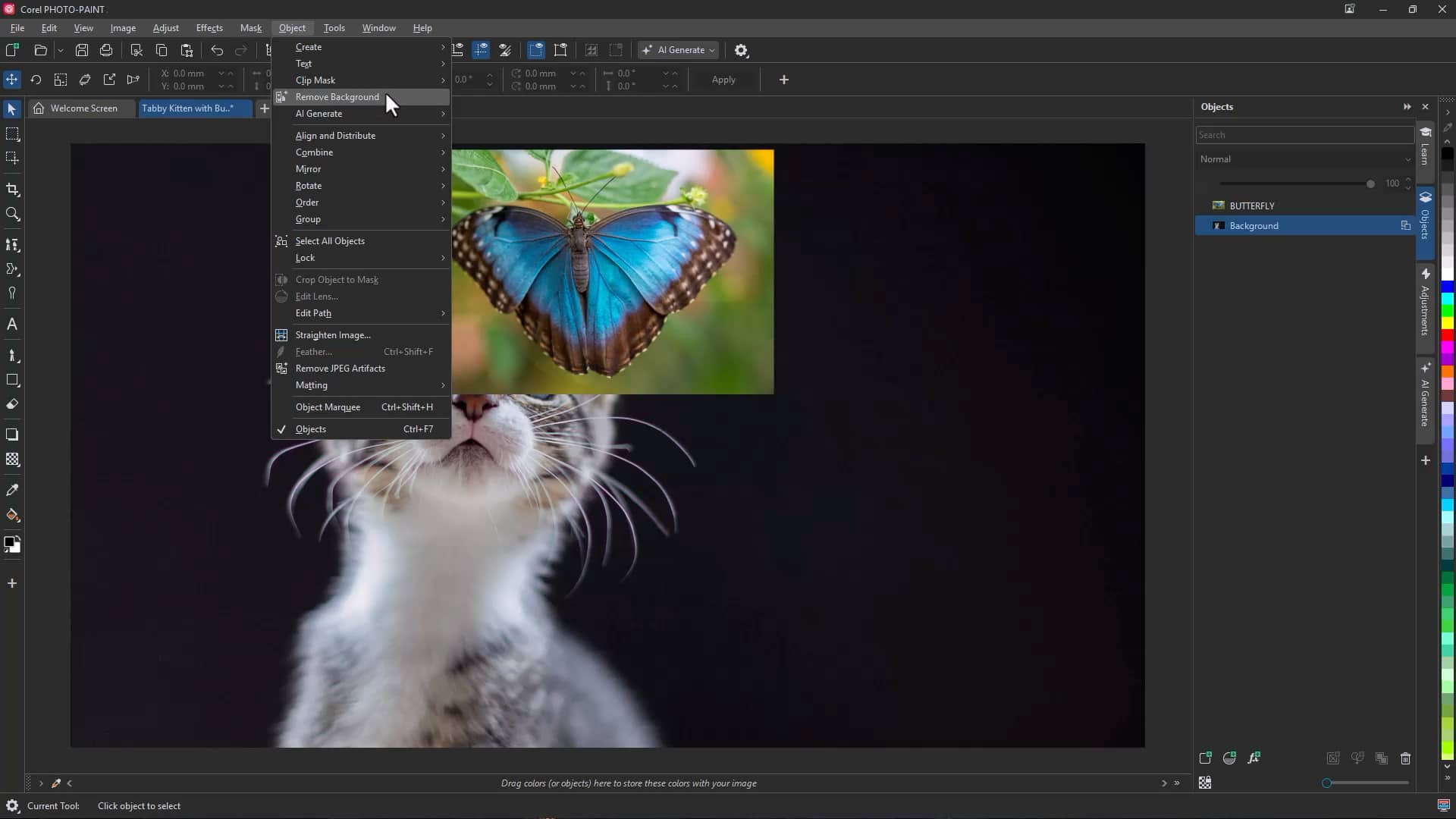
To remove the background using the menu:
- Select the image, object, or editable area
- Click Object > Remove > Background
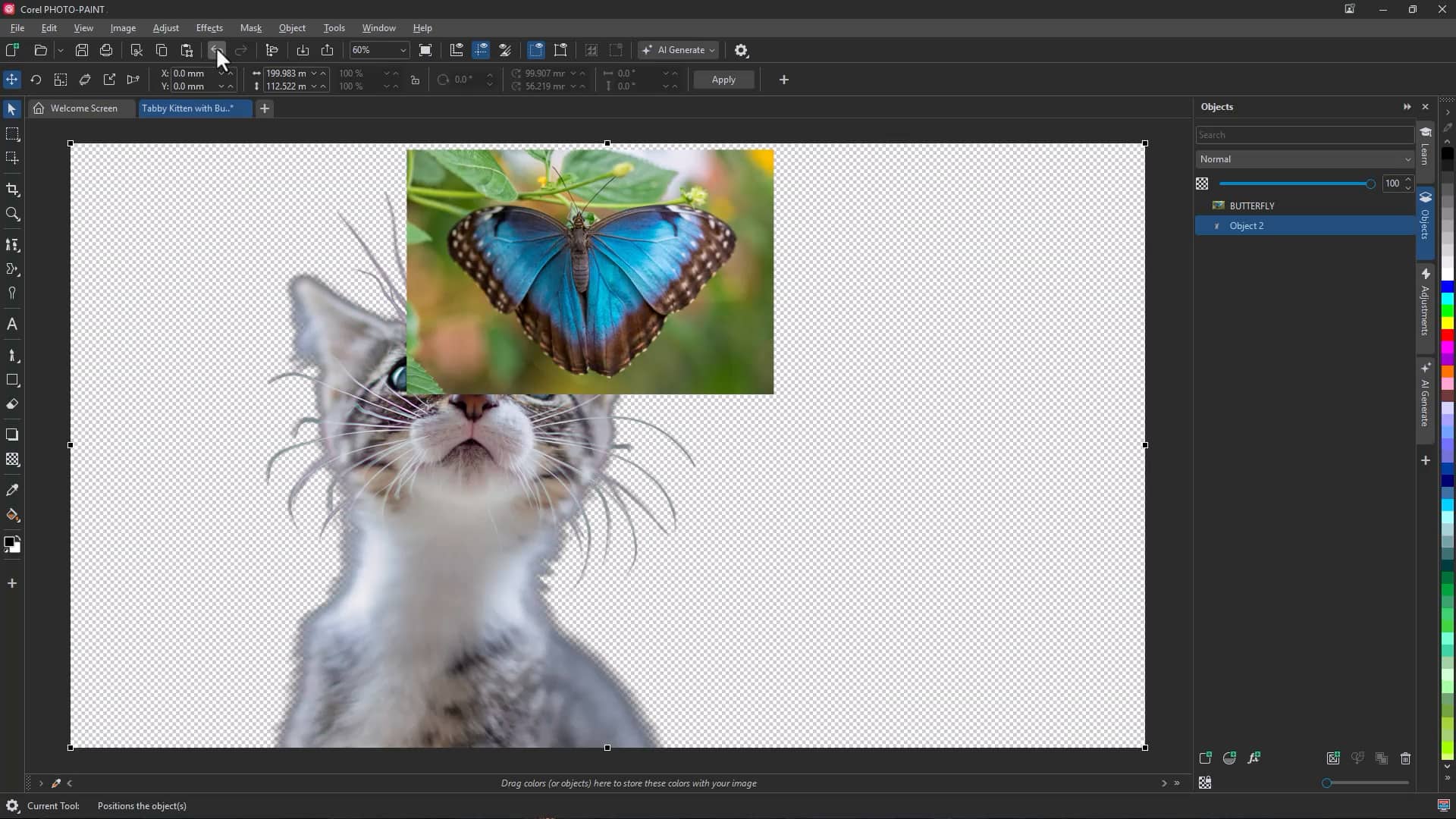
The AI automatically identifies the main subject and removes the surrounding background.
Remove backgrounds from selected areas
You can also define an editable area first, then apply background removal.
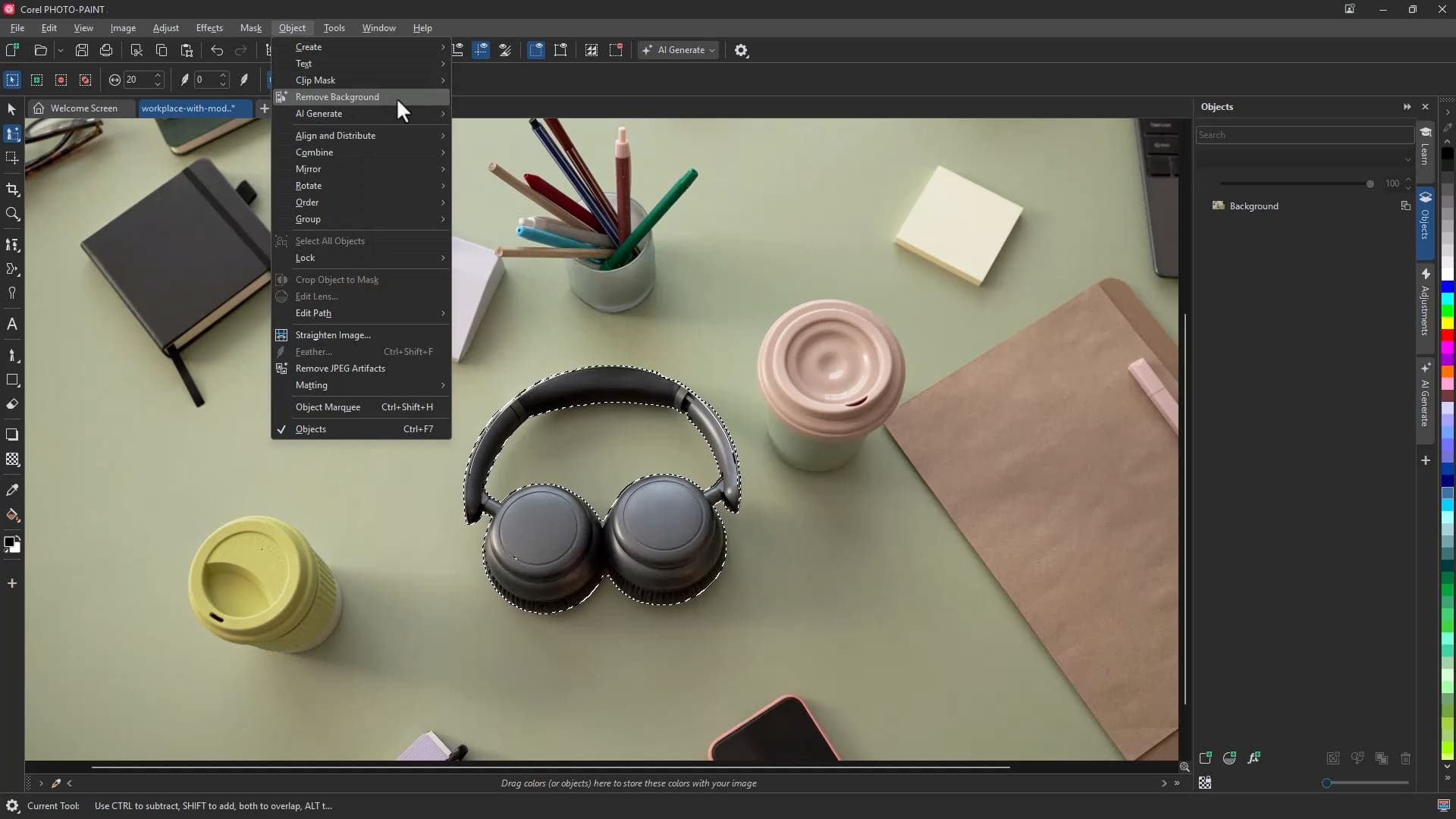
- Use selection tools such as Smart Selection or a mask brush to define the subject
- Right-click the selection
- Click Remove Background
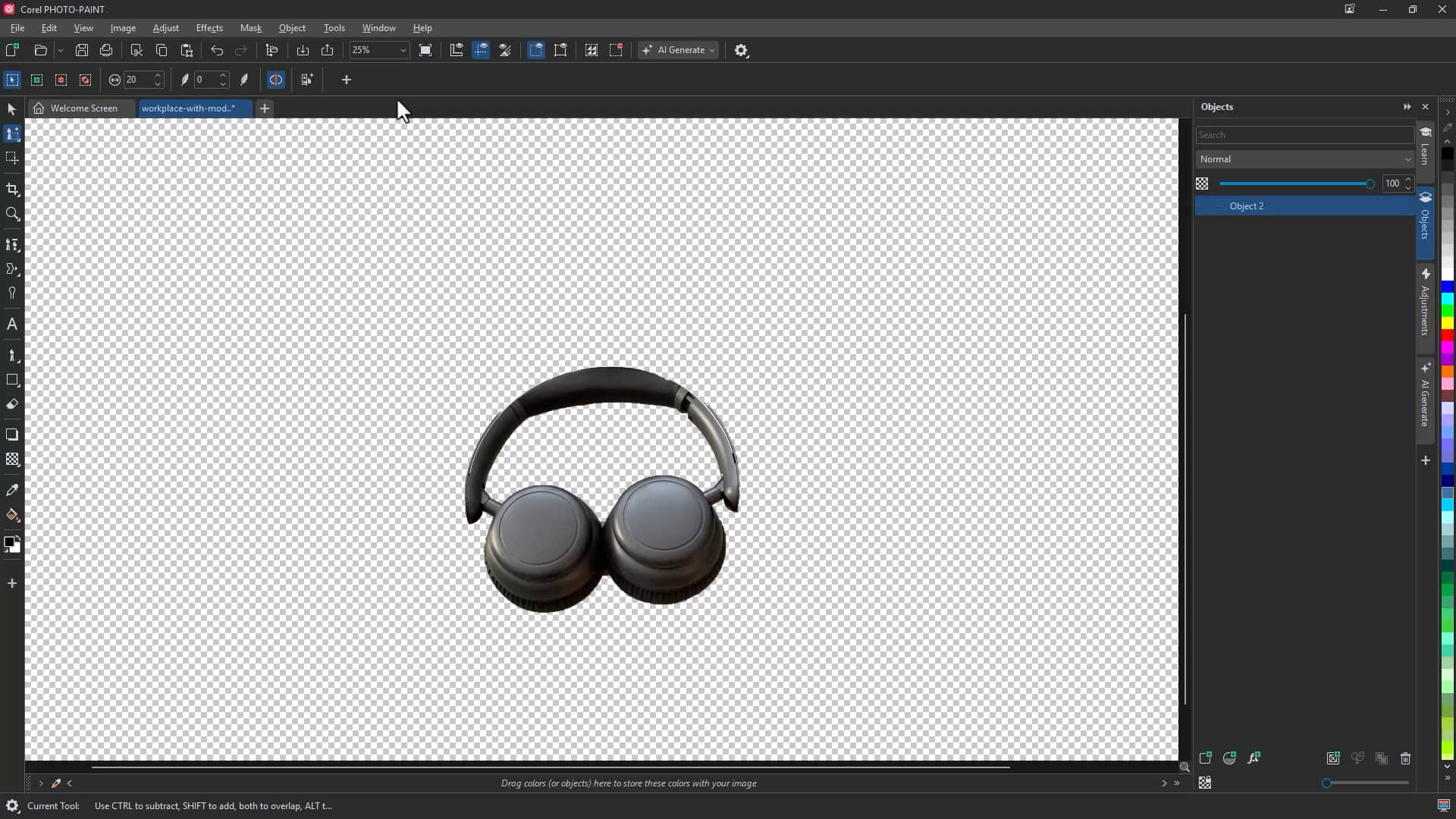
This approach gives you additional control when working with complex images.
Automatically select a subject with AI Mask from Subject in Corel PHOTO-PAINT
Selecting a subject manually can also be repetitive and time-intensive, especially when applying adjustments or effects to only part of an image.
The AI Mask from Subject command in Corel PHOTO-PAINT uses artificial intelligence to automatically detect and mask the main subject. It is particularly effective for:
- Hair and wispy strands
- Fur and textured edges
- Intricate foreground details
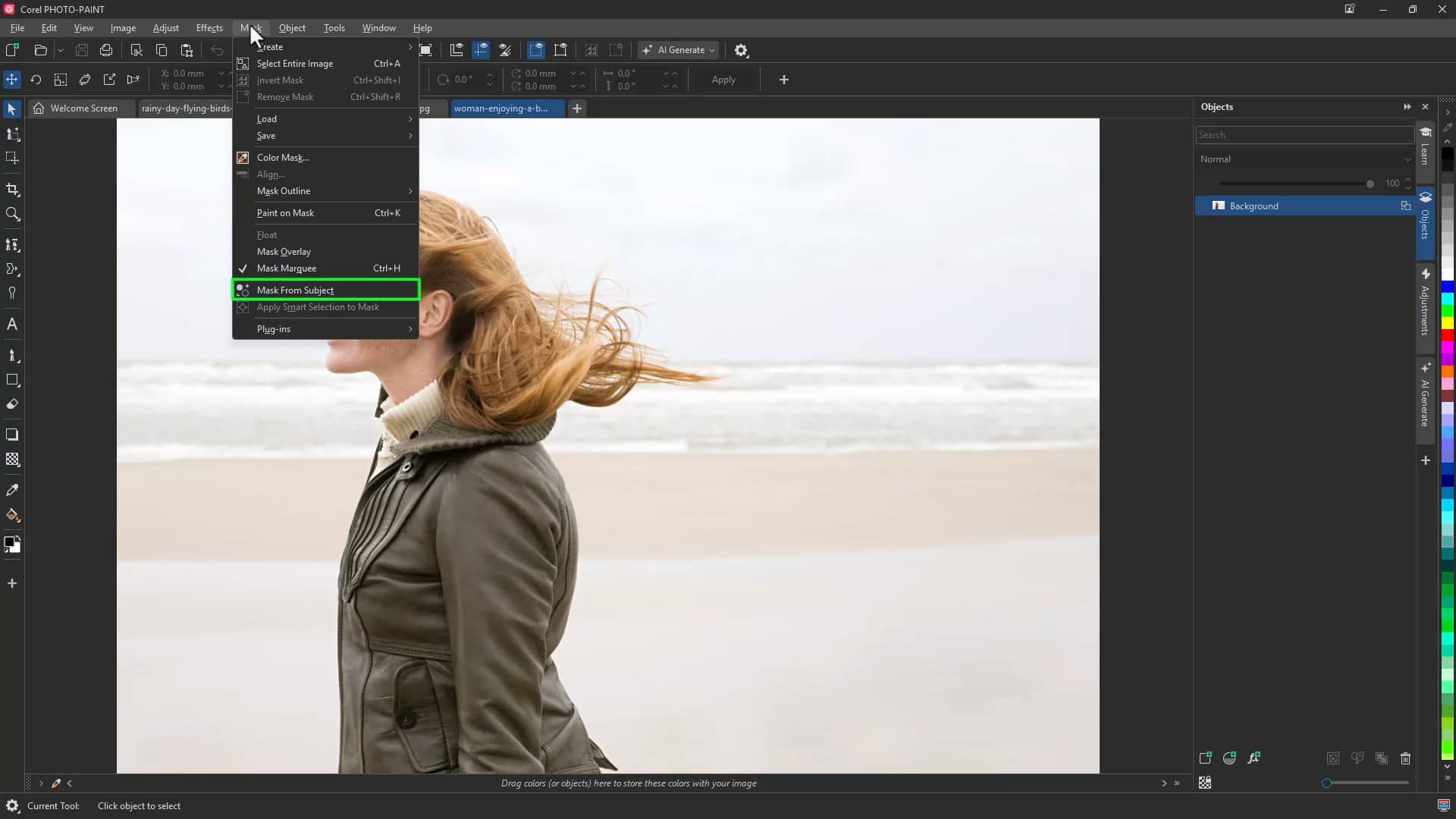
To mask a subject automatically:
- Open your image in Corel PHOTO-PAINT
- Click Mask > Mask from Subject
- Review the generated mask overlay
- Apply adjustments, effects, or edits to the masked area as needed
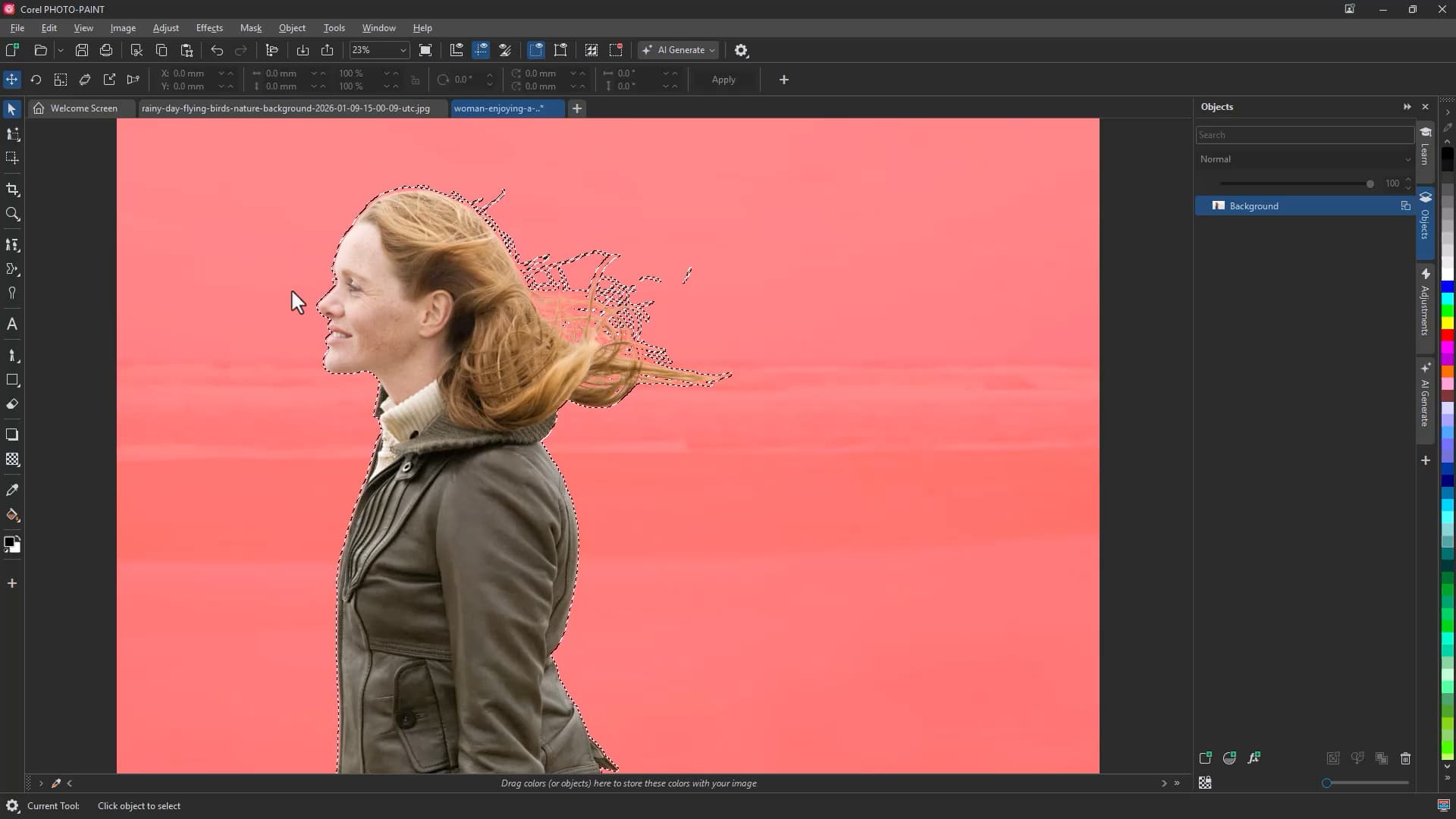
Because the mask isolates the subject precisely, you can confidently adjust color, lighting, sharpness, or apply special effects without affecting the background.
Faster, smarter image editing
With AI Remove Background in CorelDRAW and PHOTO-PAINT, and AI Mask from Subject in PHOTO-PAINT, you can:
- Isolate subjects instantly
- Handle complex edges automatically
- Reduce time spent on repetitive editing
- Focus on creative decisions instead of manual selections
These intelligent tools deliver professional-level precision in seconds, speeding up image editing and enhancing your overall workflow.
Try Remove background now