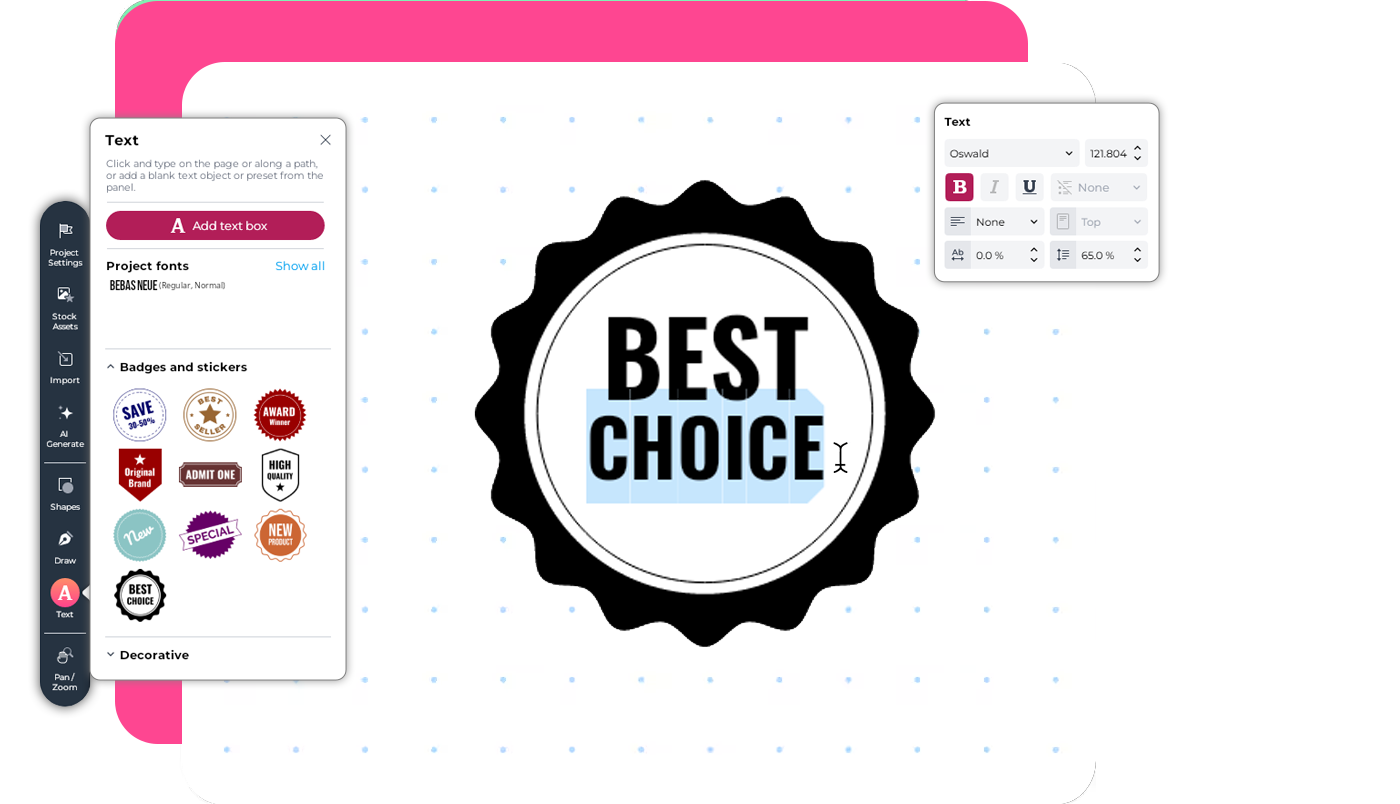
Add a text badge to a social media design
Let’s say you’re working on a social media promo and want to add a badge with editable text.
Instead of building the layout manually, you can use a preset.
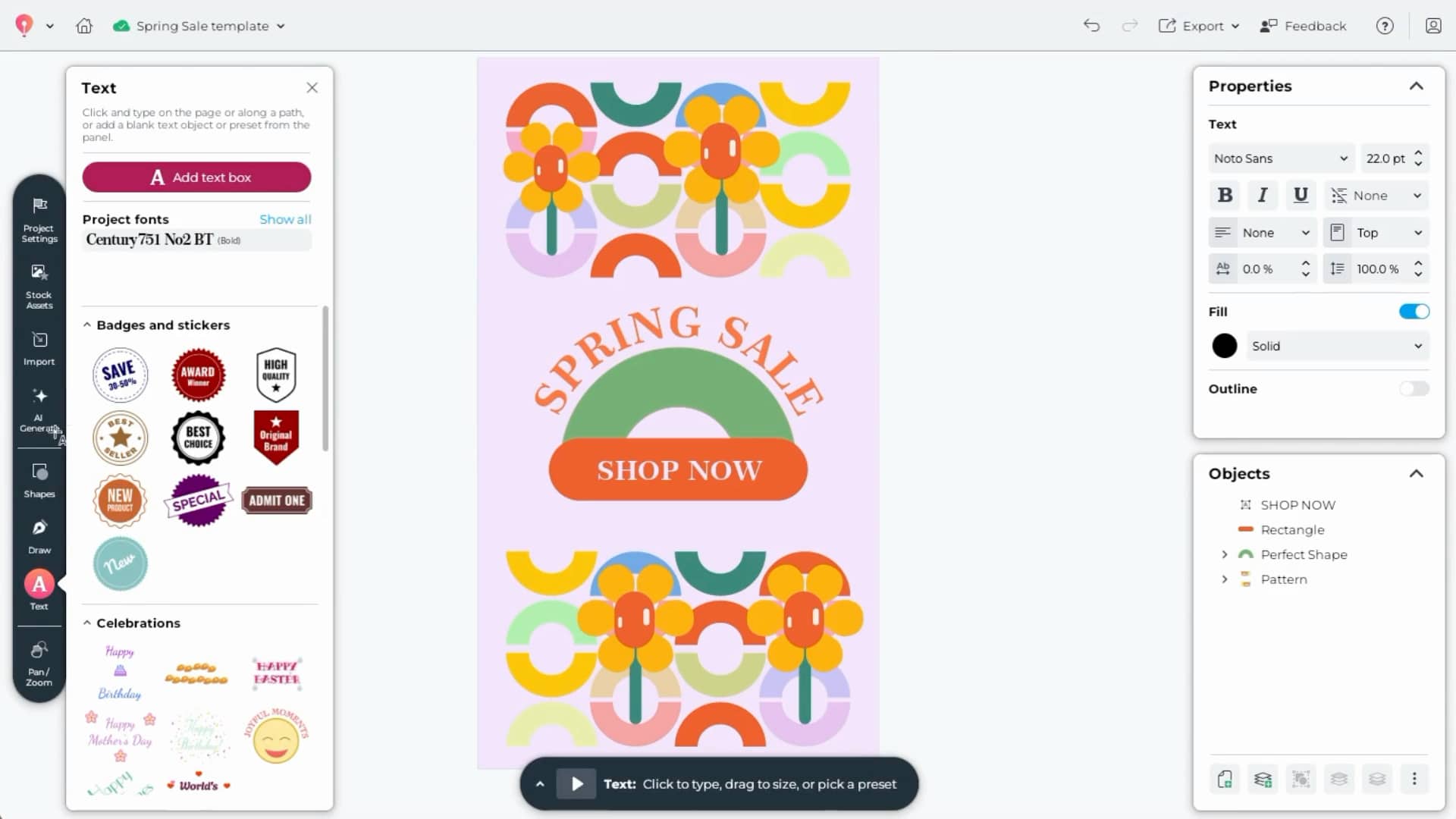
To add a text preset:
- Click the Text tool
- Open the Text presets panel
- Browse the available layouts
- Click a preset to add it to your page
Each preset includes built-in structure, such as:
- A clear headline
- Supporting text
- Balanced spacing and alignment
With one click, the preset appears on your canvas, already organized and visually balanced.
Customize your preset
Once added, the preset works just like any other text in your design.
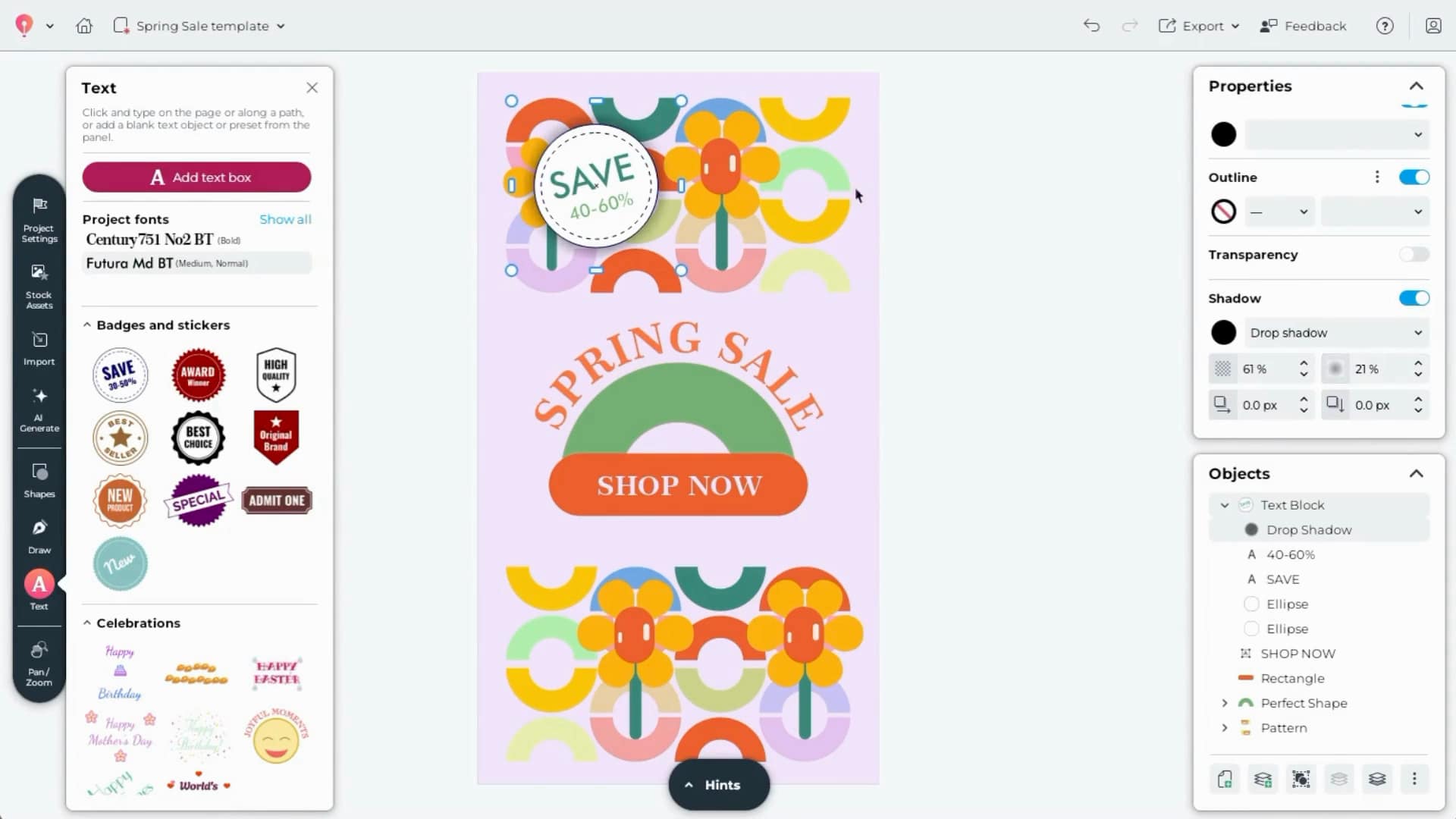
You can:
- Replace the placeholder text
- Change fonts
- Adjust font size
- Update colors
- Resize the layout
- Reposition elements
Every part of the preset remains fully editable, so you stay in control of the final look.
Create a content layout from scratch
Text presets are also helpful when building more detailed layouts, such as a flyer, article page, or promotional feature.
For example, you might want to create a magazine-style page.
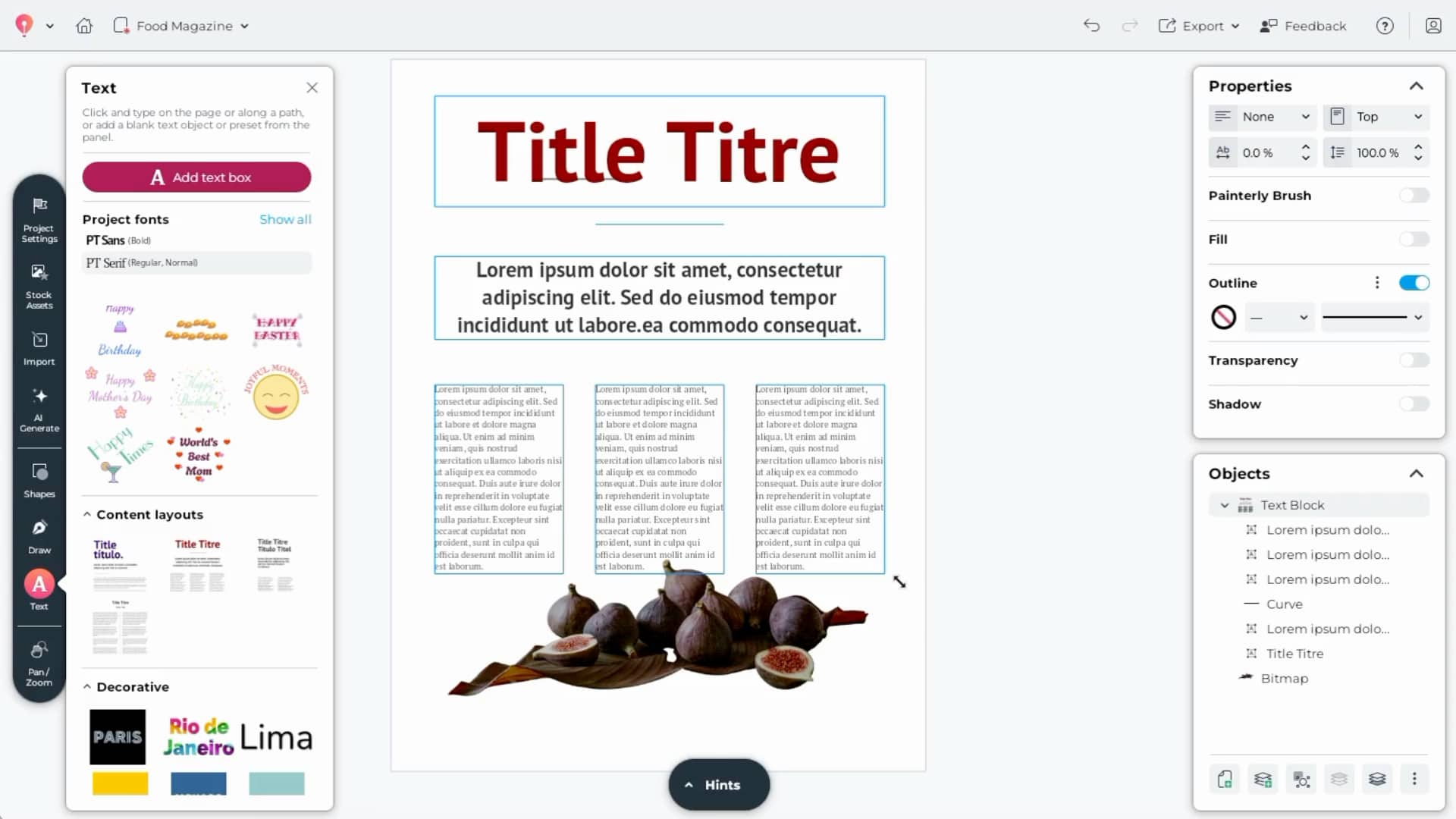
To build a structured content layout:
- Create a new document
- Add a stock image (for example, search for a subject like “fig”)
- Remove the background if needed to help the subject stand out
- Open the Text presets panel
- Choose a Content layout preset
With one click, you’ll have a ready-made structure that includes a headline and body text layout.
Adapt the layout to your design
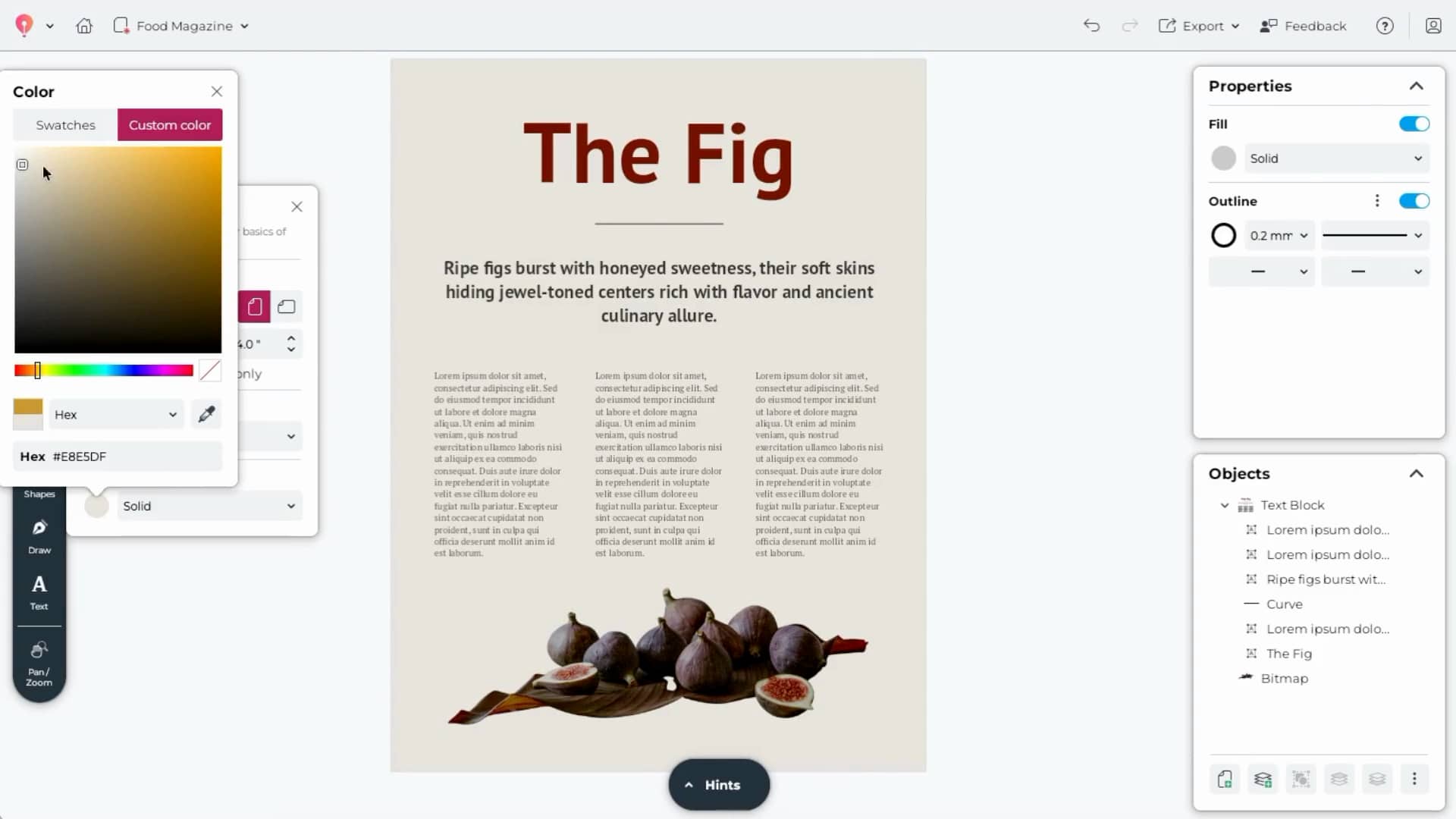
After inserting the preset:
- Replace the headline with your own text
- Paste in your article or promotional copy
- Adjust fonts and colors to match your theme
- Resize or reposition elements as needed
If you want even more control, you can:
- Ungroup the preset elements
- Use the Objects docker to remove or hide individual pieces
This makes it easy to tailor the layout to your exact needs.
Design faster with built-in structure
Text presets in CorelDRAW Go help you:
- Add polished typography instantly
- Stay consistent across projects
- Build social posts, flyers, and promos more quickly
- Spend less time adjusting spacing and alignment
Instead of starting from a blank page, you can begin with a structured layout and focus on your message and visual style.
Still have questions? Visit the CorelDRAW Go community.
Try CorelDRAW Go now