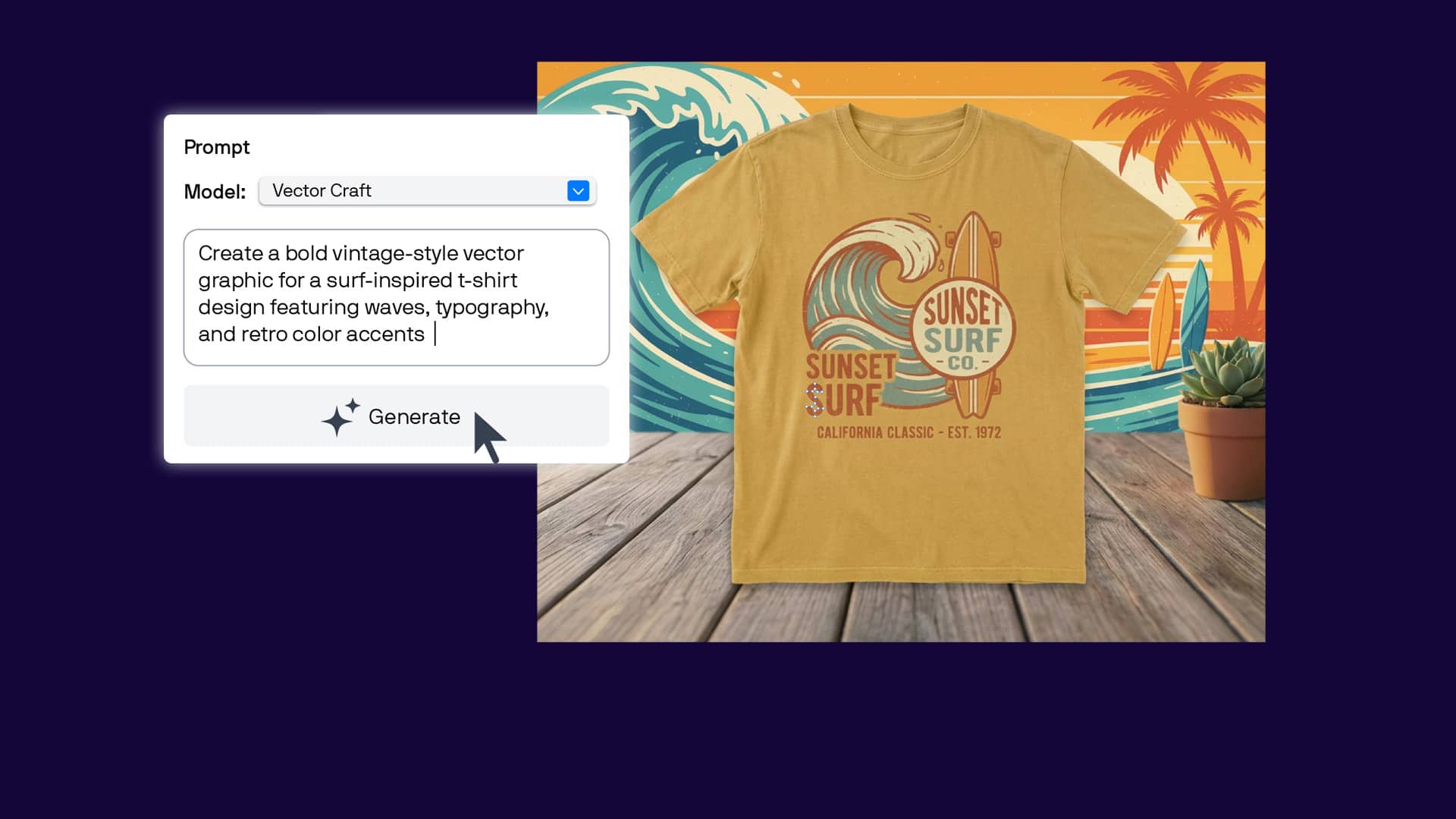
Watch this video to learn how to draw and customize basic shapes or follow the written instructions below.
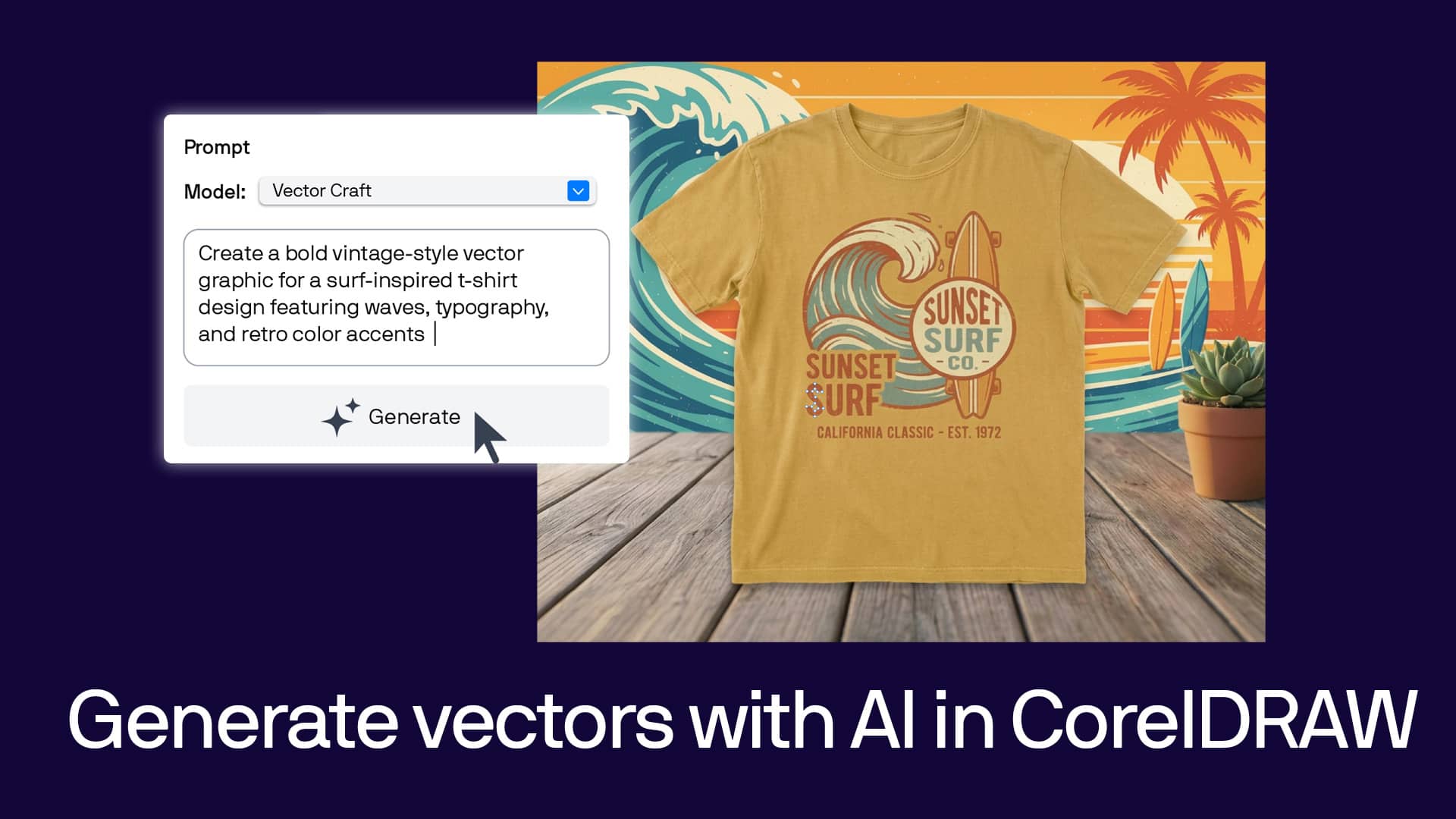
1. Open the AI Generate docker and choose a model
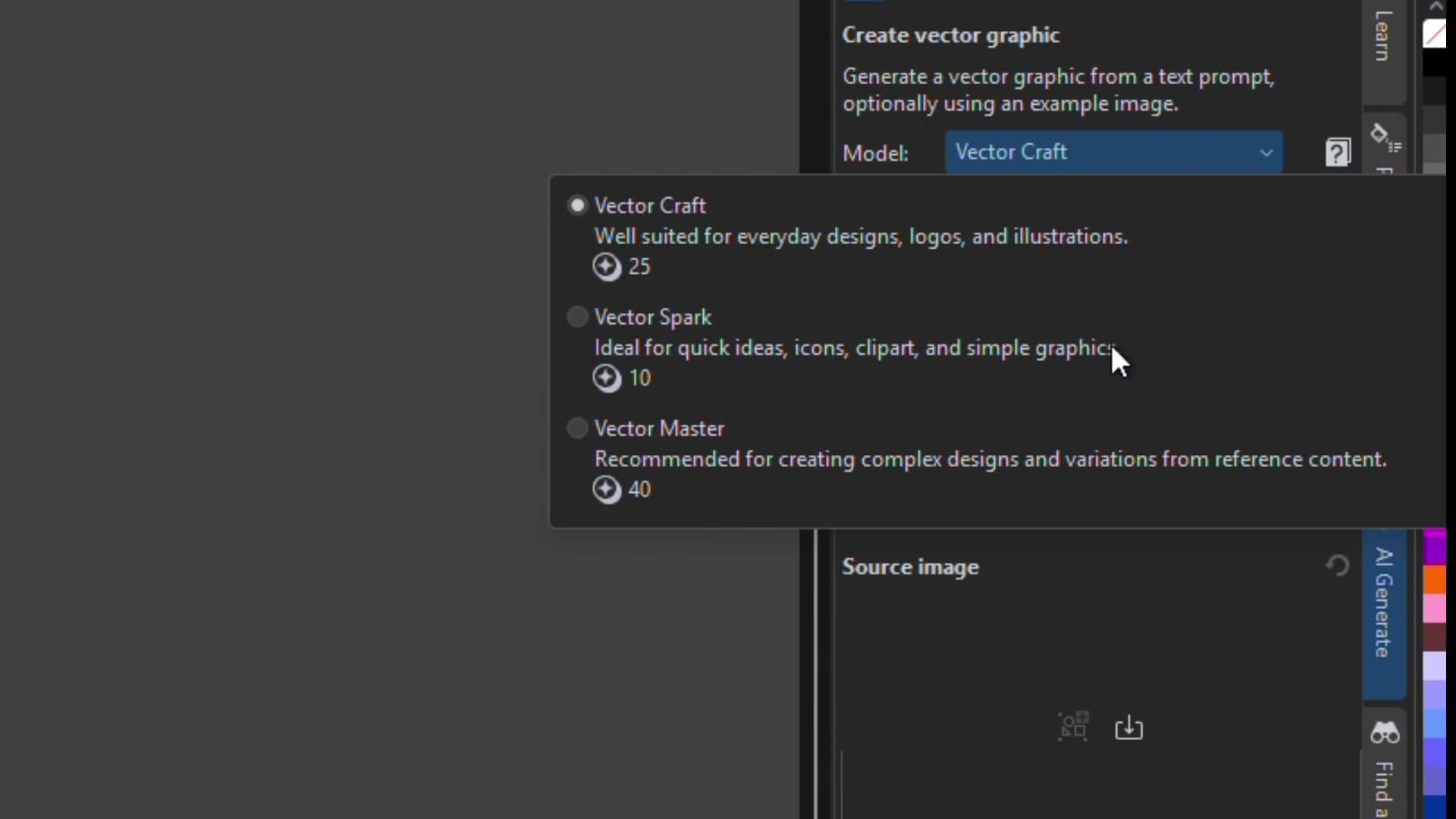
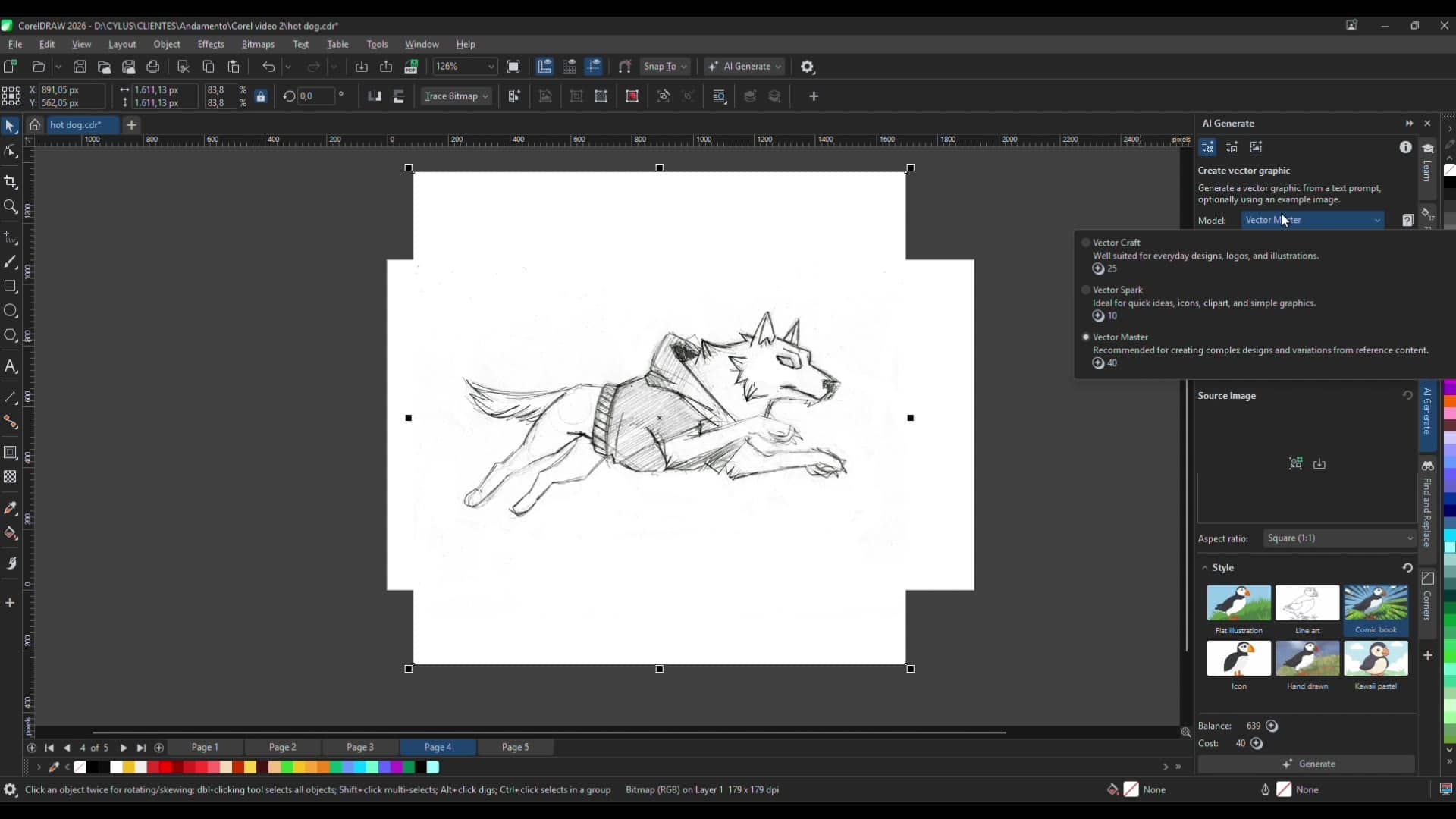
Open the AI Generate docker from the right side of the workspace. Choose from three models depending on what you're creating:
- Vector Craft for logos and other types of everyday design
- Vector Spark for faster projects like ideating and drafting icons
- Vector Master for complex designs and detailed illustrations
2. Write a prompt and pick a style
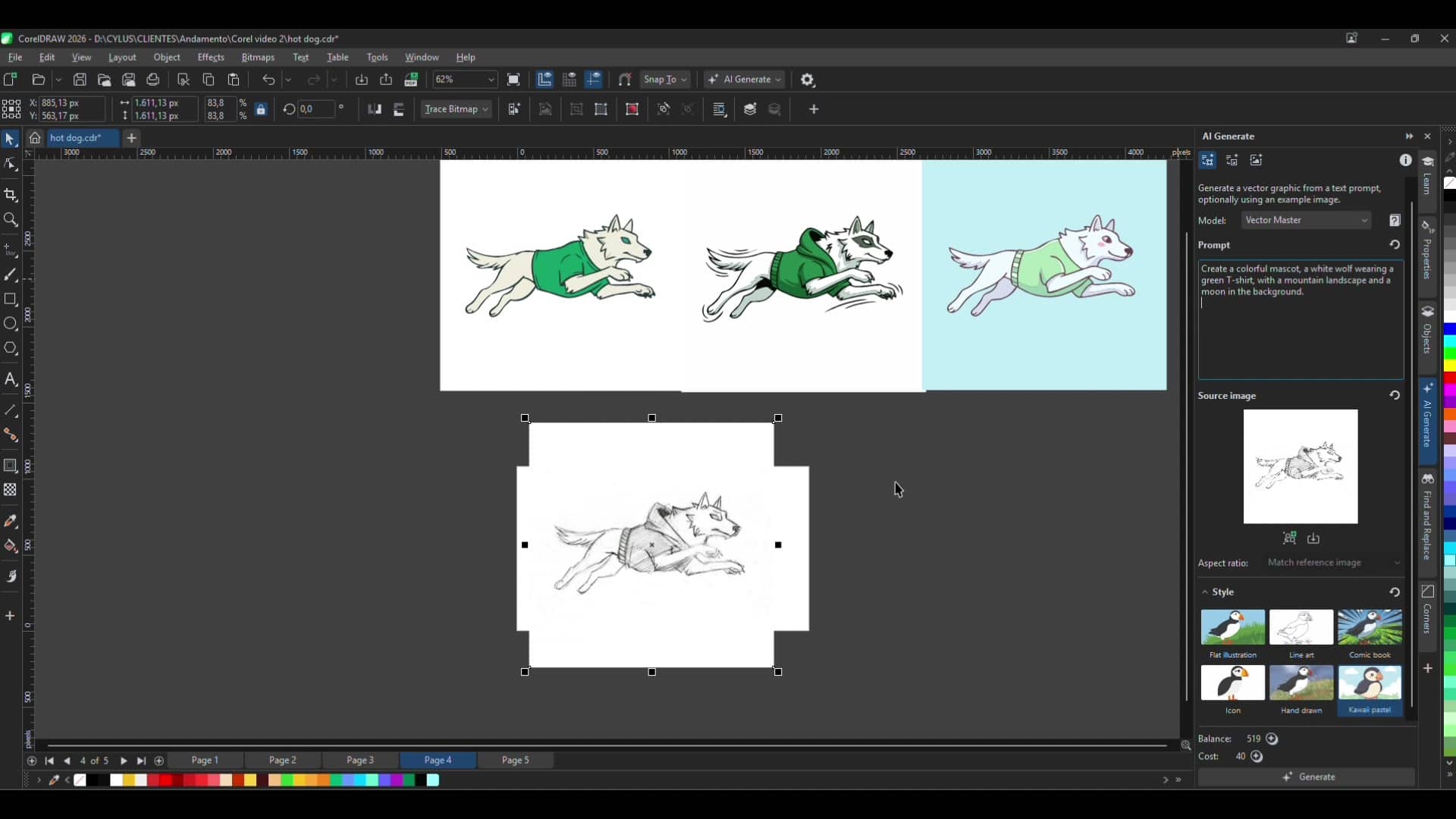
Describe what you want to create in the prompt field, then choose a style, like Flat Illustration, Comic Book, Icon, Hand Drawn, or Kawaii Pastel, to shape the final look.
- Set an aspect ratio to control the shape and size of your generated graphic
3. Compare styles and variations
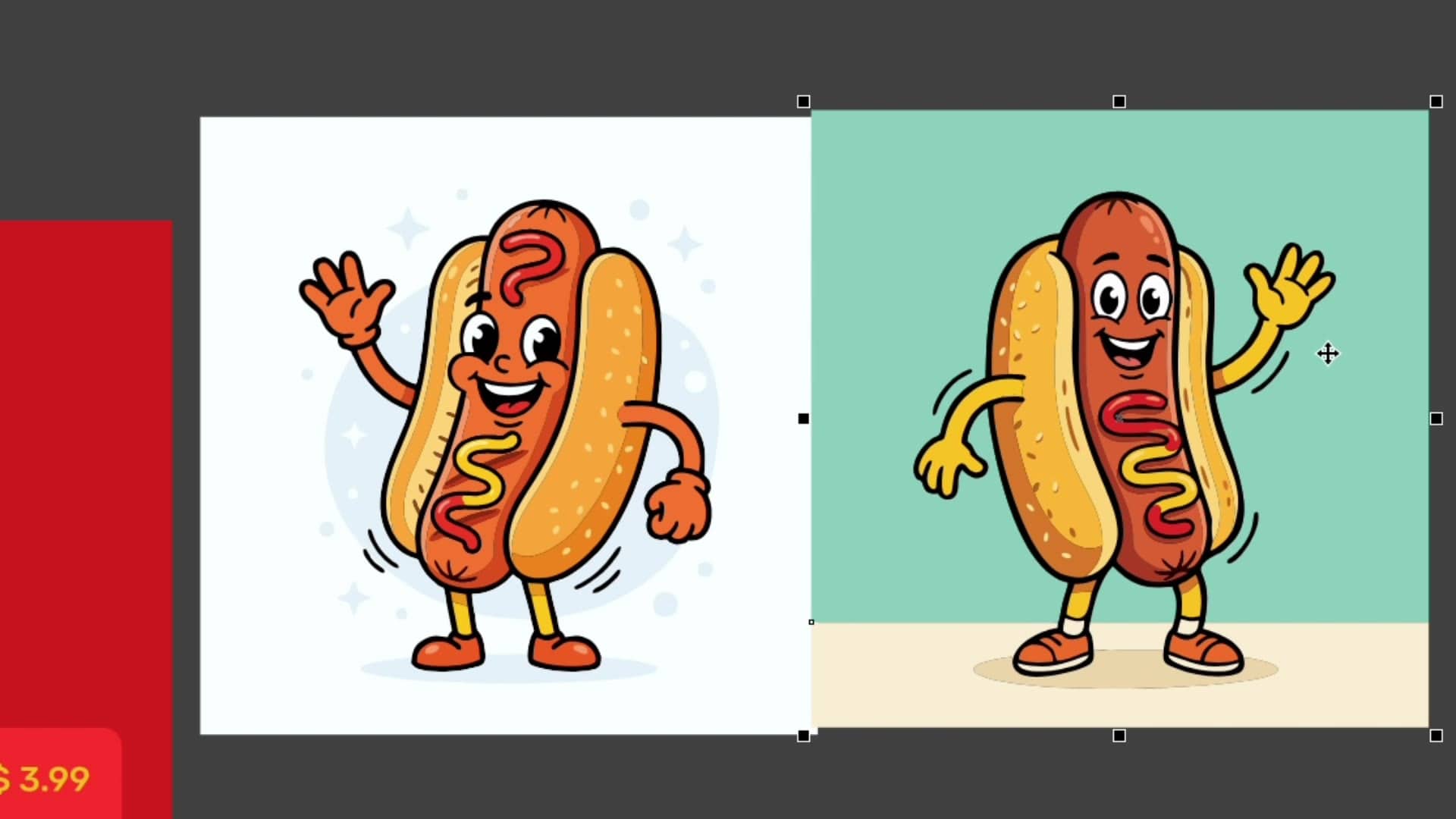
You can run the same prompt with different styles or models side by side to see which one fits your project and vision best.
4. Refine your generated vector
Every result renders as a fully editable vector object. Ungroup elements, delete anything you don't need, and adjust colors or shapes just like you would with any other vector artwork.
5. Generate from a hand-drawn sketch
Upload your own sketch as a source image and write a simple prompt describing the changes you want, like adding color or a piece of clothing. CorelDRAW’s Text-to-vector AI feature will use your sketch as a reference for the new vector graphic.
6. Add a background to your new creation
Once you're happy with your character or object, update your prompt to describe a background like a landscape or setting. CorelDRAW will generate a new version of your design with that background built in.
With vector graphics, you have the freedom to edit designs, change colors, and resize elements as much as you need without losing quality. This way, every result is a starting point, not a final answer.
Ready to start generating your own vectors?
Start your free trial of CorelDRAW Graphics Suite and turn your ideas into editable vector art.