3D visualization and 3D PDF software
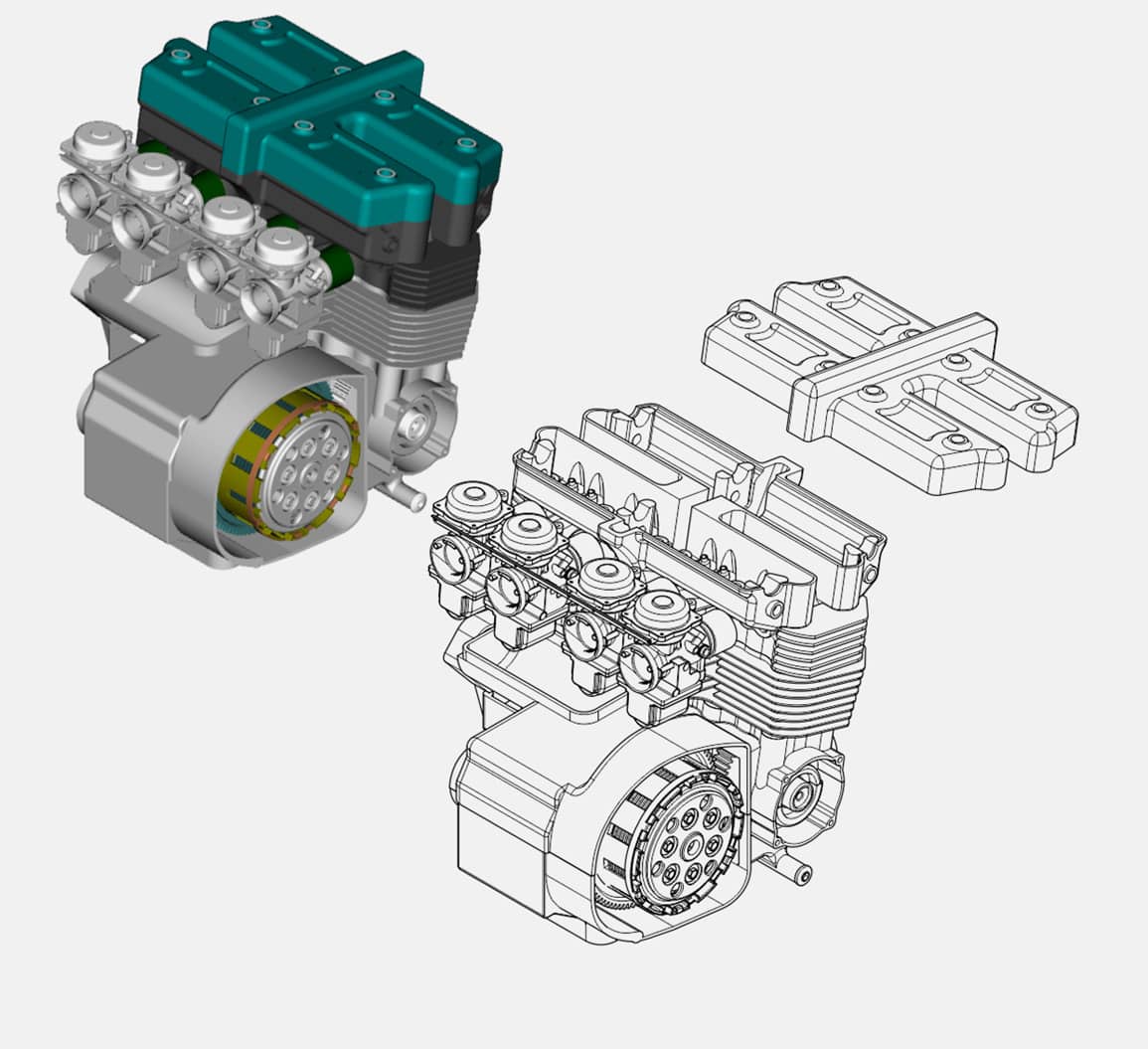
For advanced 3D CAD visualization authoring, choose CorelDRAW® Technical Suite 3D CAD. This edition includes all the capabilities of CorelDRAW Technical Suite and goes beyond basic 3D file support, transforming complex CAD parts and assemblies into clear technical drawings. This edition includes critical functionality above and beyond the 3D tools included in other editions.
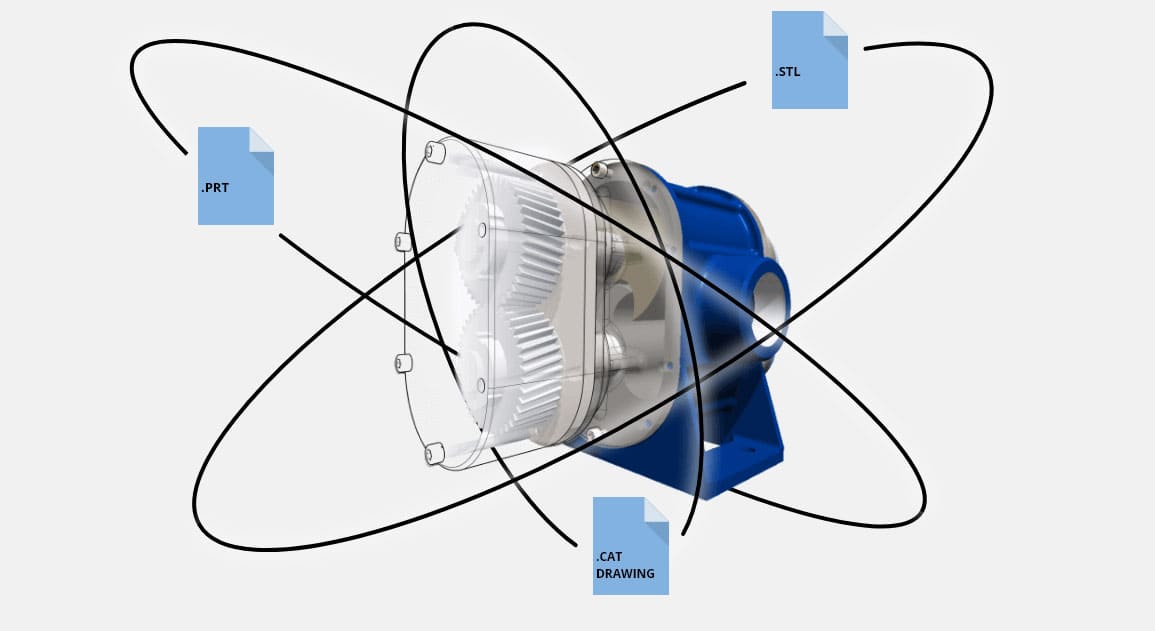
Work with an extensive range of native 3D CAD and exchange file formats for seamless compatibility and data sharing.
Transform complex CAD data into clear technical documentation with assembly, disassembly, and 3D animation tools.
Save time with automatic updates that apply design changes directly from 3D CAD source files.
Publish high-quality 3D visualizations and photorealistic renderings in formats including IGES, STEP, JT, STL, and 3D PDF.
Enjoy this collection of versatile design and drafting applications
Technical design and illustration - Achieve accurate results with powerful technical design and illustration tools.
3D repurposing - Add context and precision to your technical projects with powerful 3D CAD visualization, snapshots, animations, and native 3D CAD format support.
Graphics and layout design - Tackle any project with this complete graphic design application for vector illustration, page layout, and more.
Photo editing and digital painting - Make the most of your photos with the robust photo-editing capabilities of Corel PHOTO-PAINT. Enjoy an integrated workflow with Corel DESIGNER and CorelDRAW.
Browser-based vector illustration and graphic design - Design on the go with CorelDRAW Web. Save your projects to the cloud and access them online, from any web browser. Sign in
Font exploration and management tool - Organize and manage your font library with the simple, yet intuitive, Corel Font Manager, and use your favorite fonts without needing to install them.
Achieve accurate results with powerful technical design and illustration tools.
Tackle any project with this complete graphic design application for vector illustration, page layout and more.
Add context and precision to your technical projects with powerful 3D CAD visualization, snapshots, animations, and native 3D CAD format support.
Make the most of your photos with the robust photo-editing capabilities of Corel PHOTO-PAINT. Enjoy an integrated workflow with Corel DESIGNER and CorelDRAW.
Design on the go with CorelDRAW Web. Save your projects to the cloud and access them online, from any web browser. Sign in
Organize and manage your font library with the simple, yet intuitive, Corel Font Manager, and use your favorite fonts without needing to install them.
Take your 3D CAD visualizations from complex assemblies to clear communication
CorelDRAW Technical Suite includes core 3D tools for technical illustration and documentation. CorelDRAW Technical Suite 3D CAD expands those capabilities with native CAD import, advanced 3D authoring, animation, and publishing options—making it the ideal edition for organizations working with complex CAD data.
Discover how CorelDRAW Technical Suite 3D CAD extends the capabilities of CorelDRAW Technical Suite.
CorelDRAW Technical SuiteXVL Studio Corel Edition |
CorelDRAW Technical Suite 3D CADXVL Studio 3D CAD Corel Edition |
|
|---|---|---|
Features |
||
| Improved vector fill accuracy for 3D-to-2D workflows | ||
| Updated! 3D CAD import support | ||
| Open and import 3D files from 3DStudio (3DS), U3D (Adobe PDF) and VRML | ||
| DXF and DWG file support | ||
| IGES file format support | Advanced! |
|
| Open/import 3D PDF files for editing | ||
| Open and import native 3D CAD files (including CATIA, PTC Creo, NX, Inventor, SOLIDWORKS and other formats) | ||
| STEP, Parasolid, JT support | ||
| Save 3D views and component positions as snapshots | ||
| Cross sections | ||
| 3D animation tools | ||
| Advanced process animation capabilities to generate step-by-step instructions | ||
| Enhanced Assembly evaluation tools | ||
| 3D measurement tools | ||
| Enhanced Automated update functionality for modified 3D CAD source files | ||
| Enhanced Vector illustration output with direct connection to Corel DESIGNER™ for technical illustration | Advanced! |
|
| Thick/thin line output in vector illustration (Advanced includes customizable settings) | Advanced! |
|
| Enhanced Combined vector illustration and shaded view (bitmap rendering) output | ||
| Enhanced Output multiple snapshots as vector illustrations at once | ||
| Vector illustration output with direct connection to CorelDRAW for creative design | ||
| Shaded view (bitmap rendering) output with direct connection to Corel PHOTO-PAINT™ for photo editing | ||
| S1000D color palette in XVL Studio | ||
| S1000D illustration output preset | ||
| 3D output (IGES, U3D, VRML and more) | ||
| 3D PDF output, including animations | ||
| Enhanced 3D visualization tools add-on options with CorelDRAW Technical Suite 3D CAD: | * |
|
| Advanced 3D PDF output options with the “Process PDF Template” option for CorelDRAW Technical Suite 3D CAD | OPTIONAL* | |
| “Electrical Routing” option to add accurate electrical routing (including wires, cables, harnesses and connectors) in 3D | OPTIONAL* | |
CAD system / 3D model file formats supported |
||
| 3D XML (.3dxml) |
V5-6R2023 - V5-6R2025 |
|
| Autodesk Inventor (.ipt, .iam) |
2025, 2026 |
|
| CATIA Graphical Representation (.cgr) |
V5-6R2023 - V5-6R2025 |
|
| CATIA V4 (.model, .session, .dlv, .exp) |
4.2.5 |
|
| CATIA V5 (.CATProduct, .CATPart) |
V5-6R2023 - V5-6R2025 |
|
| Creo Parametric (.asm, .neu, .prt, .xas, .xpr) |
10.0, 11.0 |
|
| Industry Foundation Classes (.ifc) |
IFC2x Editions 2, 3, 4 |
|
| JT (.jt) |
6.4 - 10.9 |
|
| NX I-deas (.mf1, .arc, .unv, .pkg) |
NX I-deas 6 |
|
| NX, Siemens PLM Solutions (.prt) |
NX2406, NX2412 |
|
| Parasolid (.x_t, .x_b) |
Up to v37.1 |
|
| PRC (.prc) |
All versions |
|
| Solid Edge (.asm, .par, .pwd, .psm) |
2024, 2025 |
|
| SOLIDWORKS (.sldasm, .sldprt) |
2024, 2025 |
|
| STEP (.stp, .step) |
AP 203 E1/E2, AP 214, AP242 |
|
| 3D Studio Scene, 3DS (.3ds) |
Polygon models only |
Polygon models only |
| AutoCAD DWG (.dwg) |
Polygon models only |
Up to AutoCAD 2024 |
| DXF (.dxf) |
Polygon models only |
Polygon models only |
| OBJ (.obj) | ||
| Stereolithography file (.stl) | ||
| Universal 3D (.u3d) |
ECMA-363 (1st, 2nd & 3rd editions) |
ECMA-363 (1st, 2nd & 3rd editions) |
| Virtual Reality Model language, VRML2 (.wrl) | ||
| IGES (.igs, .iges) |
5.1, 5.2, 5.3 |
5.1, 5.2, 5.3 |
* XVL Studio add-on options can be licensed separately to access additional functionality within CorelDRAW Technical Suite 3D CAD. For more information, please contact a Corel Sales representative.
* XVL Studio add-on options can be licensed separately to access additional functionality within CorelDRAW Technical Suite 3D CAD. For more information, please contact a Corel Sales representative.