1. Start your project
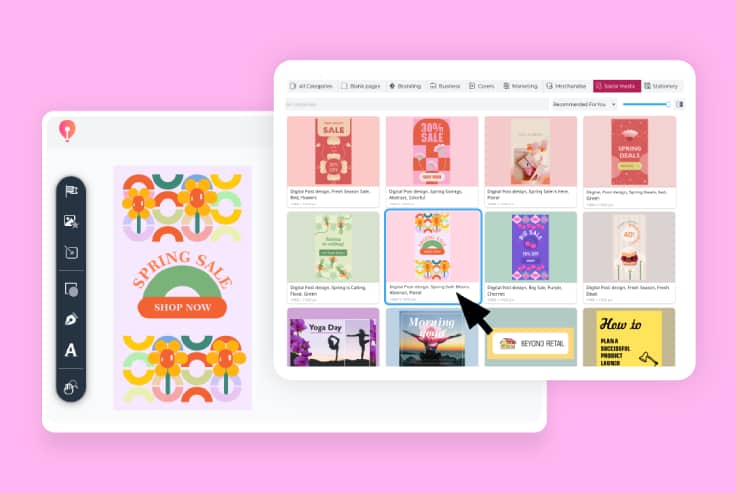
Open CorelDRAW Go to create a design project using your own images.
Expanding your reach? Launching a new product? Just sharing a day-in-the-life? Your Instagram stories share your exciting updates, fresh perspectives, and everyday moments with your audience online—so it’s time to make them as impactful as your story is with CorelDRAW Go.
15-day free trial, no credit card required!

Join millions of users across thousands of global organizations who use CorelDRAW.







With creative templates, comprehensive editing tools, and vector capabilities—all in your browser—CorelDRAW Go is the Instagram story game-changer for creators, influencers, and businesses alike. Here’s how it works:
Open CorelDRAW Go to create a design project using your own images.
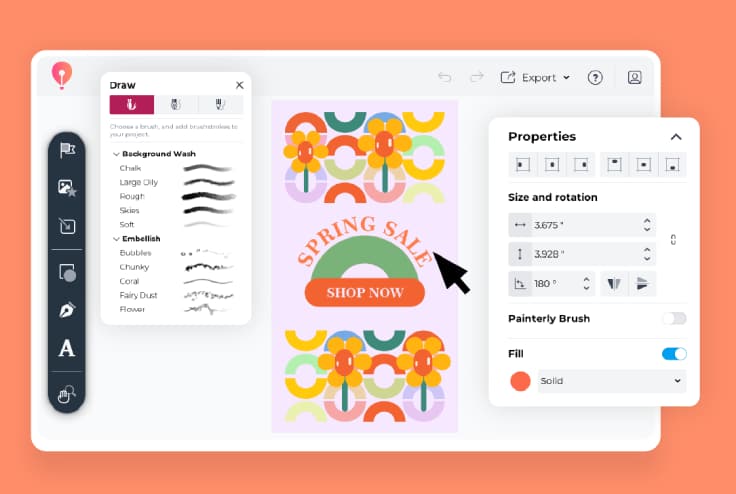
Start from scratch or choose one of CorelDRAW Go’s fully editable Instagram story templates—then make it your own. Add photos, create frames or buttons, change the layout, adjust color palettes and effects, and more!
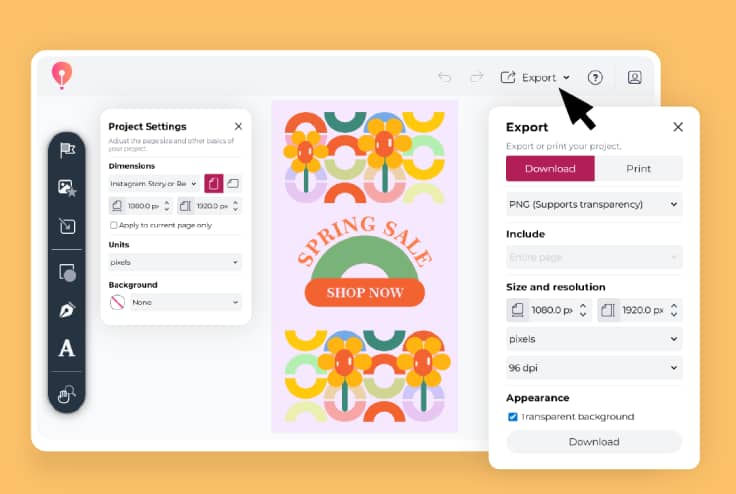
Happy with your design? Export the file and upload it to Instagram when you’re ready. Then, start engaging with your audience!
“CorelDRAW Go shows just how far web apps have come. It’s essentially a full graphic design toolkit that runs in your web browser.”
- Creative Bloq
See more"Creating and editing vector objects online with CorelDRAW Go gives real creative freedom."
- Ivanberg Moreira, Designer and Content Creator
See moreLooking for a starting point for photo stories, boomerangs, dual cameras, or even Instagram reels? Choose from CorelDRAW Go’s wide array of templates—and make your design your own with tools for changing colors, images, design elements, and more.
CorelDRAW Go lets you upload your own photos and edit them for the ‘gram. Take your aesthetic to the next level with vector and image editing tools for adding text, shadows, gradients, brush strokes, and other effects to create images that improve engagement.
You can also edit photos to give your Instagram grid a more cohesive look—which may translate to higher engagement through comments, likes, and shares.
CorelDRAW Go lets you export your designs in the correct format for Instagram stories, ensuring they'll look exactly as you envision. You can also adjust file type, dimensions, DPI, and other features of your design.
Have questions about designing Instagram stories in CorelDRAW Go? Find answers here.
You can—and it’s easy! Start with a blank canvas, a template of your choice, or your own photos to create Instagram stories.
It does! CorelDRAW Go comes with a library of Instagram story templates that you can use to kickstart your design.
You can explore the templates catalog here and see how to edit templates in this guide.
Yes! CorelDRAW Go’s story template library includes a space for you to create custom templates—so you can set up your own branded designs and save them for future use.
Instagram stories use a 9:16 ratio, and Instagram recommends using dimensions of 1080 x 1920 px for better results. CorelDRAW Go’s Instagram story templates use these dimensions from the get-go.