Your Facebook cover photo is your audience’s introduction to you and your brand. Show off your best side with customized Facebook cover designs that you created using CorelDRAW Go's fully editable Facebook cover templates. It’s super easy to make a brilliant first impression!
15-day free trial, no credit card required!

Join millions of users across thousands of global organizations who use CorelDRAW.







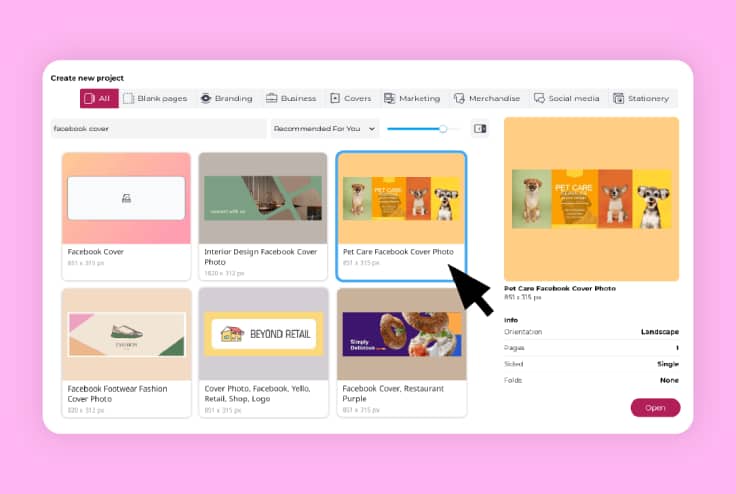
CorelDRAW Go equips creators, influencers, and businesses with the ability to design Facebook cover photos that make a statement. You'll be ready to make a memorable impression with completely editable templates, vector design functionality, photo editing tools, and more to help your Facebook page stand out. Here's how it works:
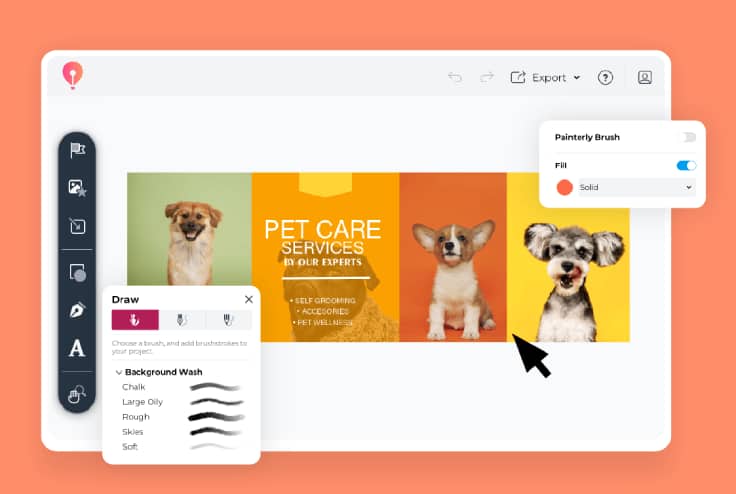
As you explore the workspace, you will find the Effects menu. Its submenus display various effects, such as Crystalize, Mosaic, Vignette, and more.
Apply the desired effect to your photo. Play with the layout. Try adding colors and shadows. Please save the file once the effects are where you want them.
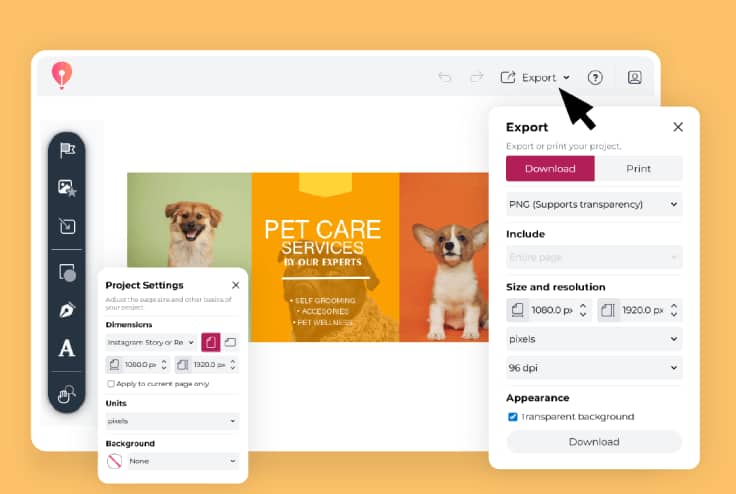
You can post, share, export, or save it to your photo gallery.
"CorelDRAW Go shows just how far web apps have come. It’s essentially a full graphic design toolkit that runs in your web browser."
- Creative Bloq
See more"Creating and editing vector objects online with CorelDRAW Go gives real creative freedom.
- Ivanberg Moreira, Designer and Content Creator
See moreEvery great design starts somewhere. Start yours with CorelDRAW Go's library of easy-to-edit templates for Facebook cover photos—change images, colors, elements, and more to fit your brand.
With CorelDRAW Go, you can use your images—and edit them—for a look that's all your own.
Plus, adding details like vectors, text, gradients, shadows, brush strokes, and effects with CorelDRAW Go's creative toolkit may improve engagement, likes, and comments.
Once your design is ready, it's easy to export it in the correct Facebook format with CorelDRAW Go using the default settings that are optimized for Facebook.
Have questions about designing your Facebook cover image graphics in CorelDRAW Go? Find answers here.
Yes! CorelDRAW Go has a broad library of completely customizable Facebook cover image templates that you can use to start your projects. Learn how to edit templates in CorelDRAW Go in this guide.
You can! CorelDRAW Go's Facebook cover template collection includes a blank option, so you can create templates and use them for your unique Facebook cover photo branding, knowing your file type, size, resolution, and image quality will be optimized for Facebook.
Facebook cover photos use a ratio of 16:9, and Facebook recommends they measure at least 400 px x 150 px. CorelDRAW Go uses dimensions optimized for Facebook cover photos from initial project creation when you choose a Facebook cover photo template.