From floppy disks to artificial intelligence: Angelo Borges shares 23+ years of CorelDRAW expertise

Angelo Borges
One Man Army | Meteora BrandsGraphic Design
Angelo Borges is a branding and visual identity designer with over 23 years of experience across countries and industries. Having used CorelDRAW since day one of his career, Angelo reflects on how the tool and his creative process have evolved from early desktop design to today’s AI-powered workflows.
Brazil
Q&A with graphic designer Angelo Borges
Q: Tell us about your work and how CorelDRAW fits into it.
A: From the beginning of my career, I have always been very meticulous about details and an unconditional fan of simplicity. CorelDRAW allows me to exercise these two points masterfully, being the ideal tool to transform my ideas into strategic creative projects for my clients.
Q: How long have you been using CorelDRAW?
A: Fun fact: The first time I installed CorelDRAW on my PC, I used floppy disks—and more than 23 years have passed since then.
Q: What is your favorite CorelDRAW feature and why?
A: It's hard to say, because there are so many. I personally love the simplicity of creating diverse vector geometric elements. CorelDRAW's auto-alignment is an invitation to exercise creativity.
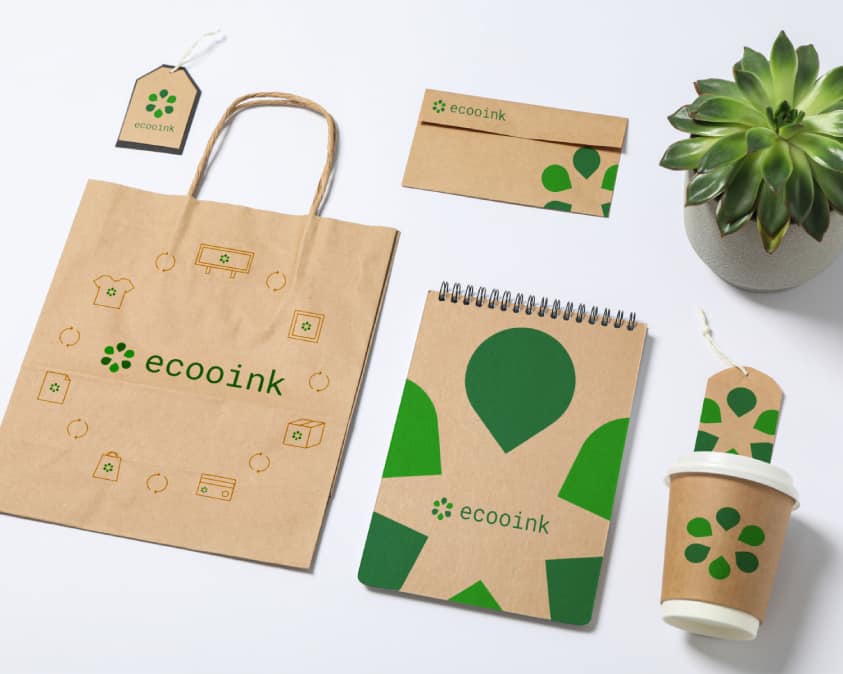
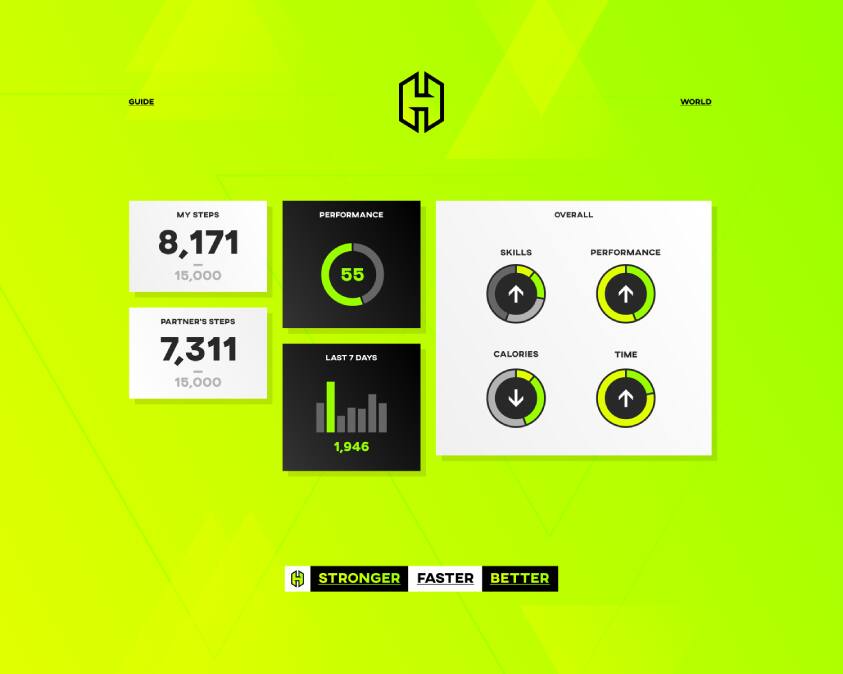
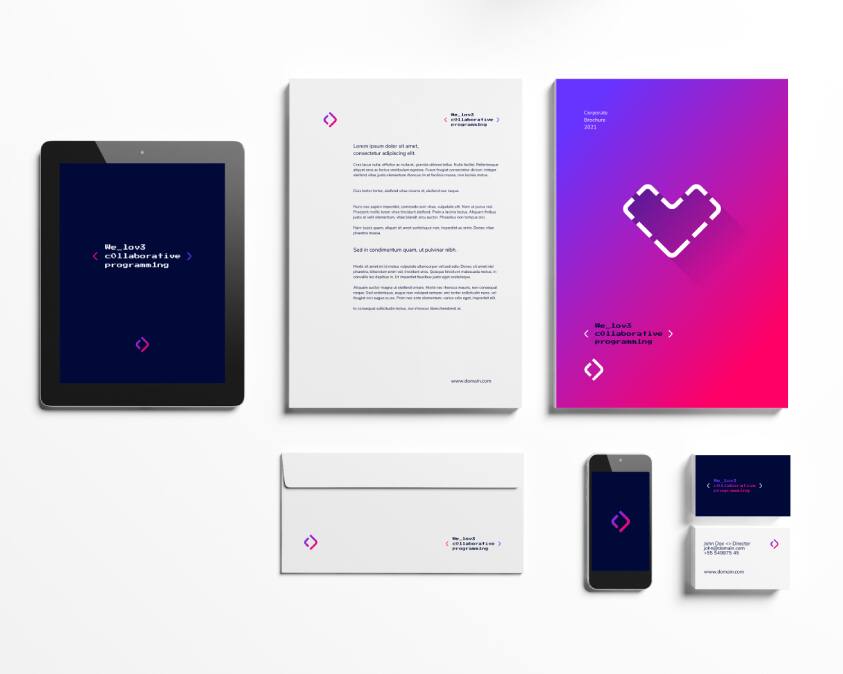
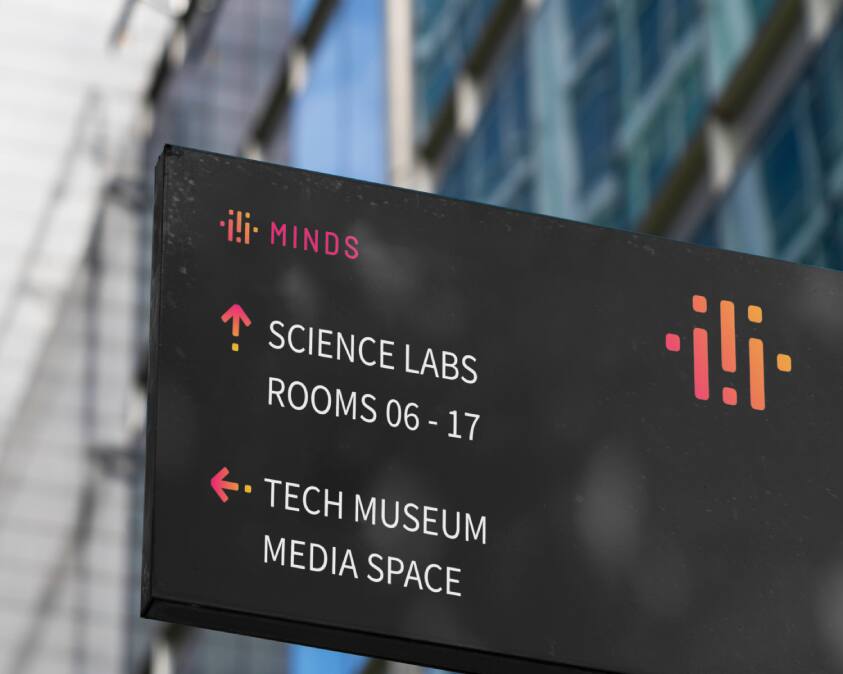
Artwork



Q: What are your best tips and tricks when working with CorelDRAW?
A: Knowing how to use keyboard shortcuts really saves a lot of time. And of course, having the right toolbars for the right tasks is essential.
Q: Could you describe your process when creating a brand from scratch?
A: It all begins with a deep immersion and discovery phase. By delving into the client's reality, we understand their greatest strengths, weaknesses, and the various perceptions the brand generates in the market and among its target audience. After the strategic phase, where we organize and create the entire brand positioning, we move on to the creative phase, which must represent the previous stages in the best possible way.
Q: What’s a CorelDRAW feature you rely on that others might not be using to its full potential?
A: Presenting the most useful outputs for PDF export. Once you set it up, it is ready in two clicks.
Q: What keeps CorelDRAW Graphics Suite interesting or valuable to you as a creative tool?
A: Maintaining a simple interface and ease of use. This doesn't mean a lack of evolution, but rather a consistency of values, which I find very appealing, both personally and professionally.
CorelDRAW Graphics Suite 2026 is simply AMAZING! It’s fast, beautifully designed, and the AI works smoothly and intelligently.
Angelo Borges
One Man Army, Meteora Brands
Q: How are you using AI Generate in your workflow?
A: As I am primarily a branding consultant and brand designer. I am still studying the use of these tools, but I have already obtained interesting results for creating patterns and supporting elements for the visual systems I create. I have also used them to create unique and hyper-realistic mockups.
Q: How are you using AI Background Remover in your workflow?
A: This tool is incredibly useful because it speeds up the work and delivers amazing results.
Q: What would you tell other designers considering the latest version of CorelDRAW Graphics Suite?
A: In fact, I've already spread the word: Without meaning to diminish previous versions, I believe that the latest version is the best, fastest, simplest, and most complete I've ever used in my more than two decades as a CorelDRAW user.
Q: When do you choose CorelDRAW Graphics Suite over other design tools, and why?
A: All the time. Besides having mastered the tool, I remain as passionate about simplicity and efficiency as I've always been. And CorelDRAW delivers that to me every day.


Start designing with CorelDRAW
Try CorelDRAW today for free, and take advantage of powerful tools for vector illustration, page layout, and more.
Start creating today!
Related articles
Using grids when creating geometric symbols
How to work with grids to develop visual elements.
Learn more

Designer spotlight: How real creators use CorelDRAW
How Lukman Febrianto puts AI tools to work in CorelDRAW Graphics Suite 2026.
Learn more