Take your graphics projects further with more creative control than many basic design apps provide.


“CorelDRAW Go shows just how far web apps have come. It’s essentially a full graphic design toolkit that runs in your web browser.”

Effortlessly craft unique graphics for merchandise, stationery, social media, and beyond.
CorelDRAW Go’s intuitive features are easy enough for beginners, yet powerful enough for creators who require more advanced drawing and editing tools than Canva or Adobe Express provide.
Whether you produce unique designs in your spare time to sell on creative marketplaces, or you're responsible for creating content at work, CorelDRAW Go provides highly intuitive graphic design tools that go beyond the basics.
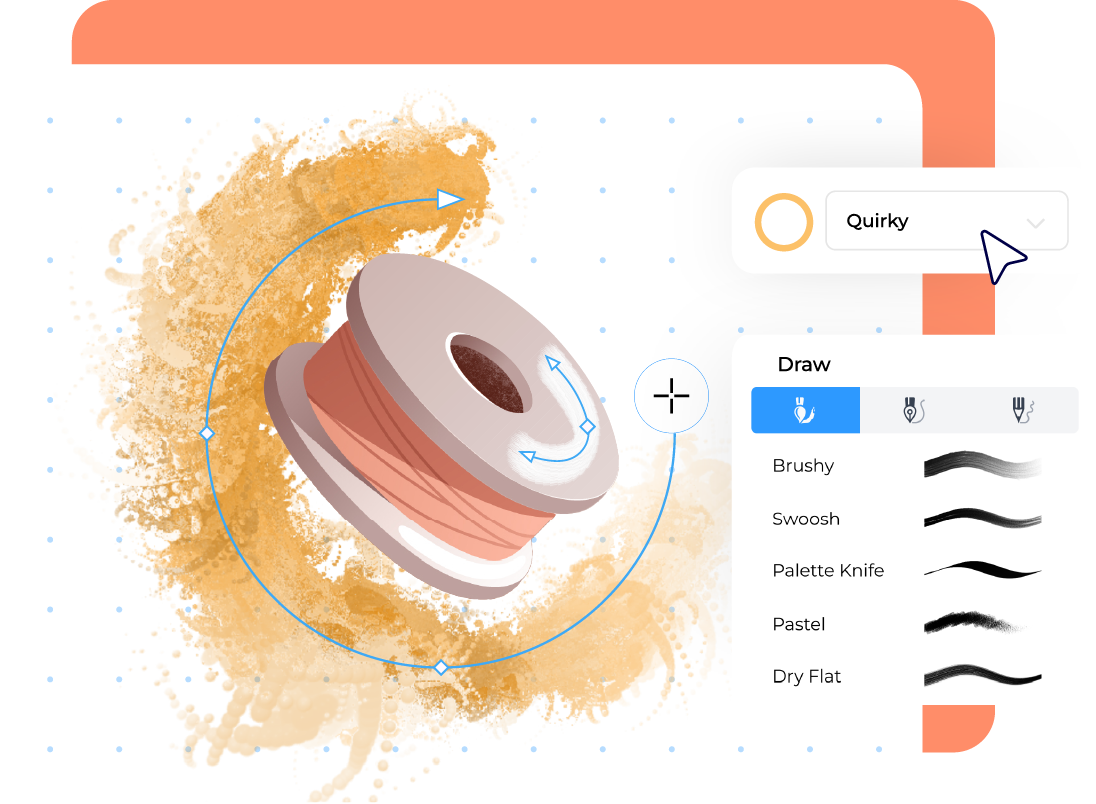
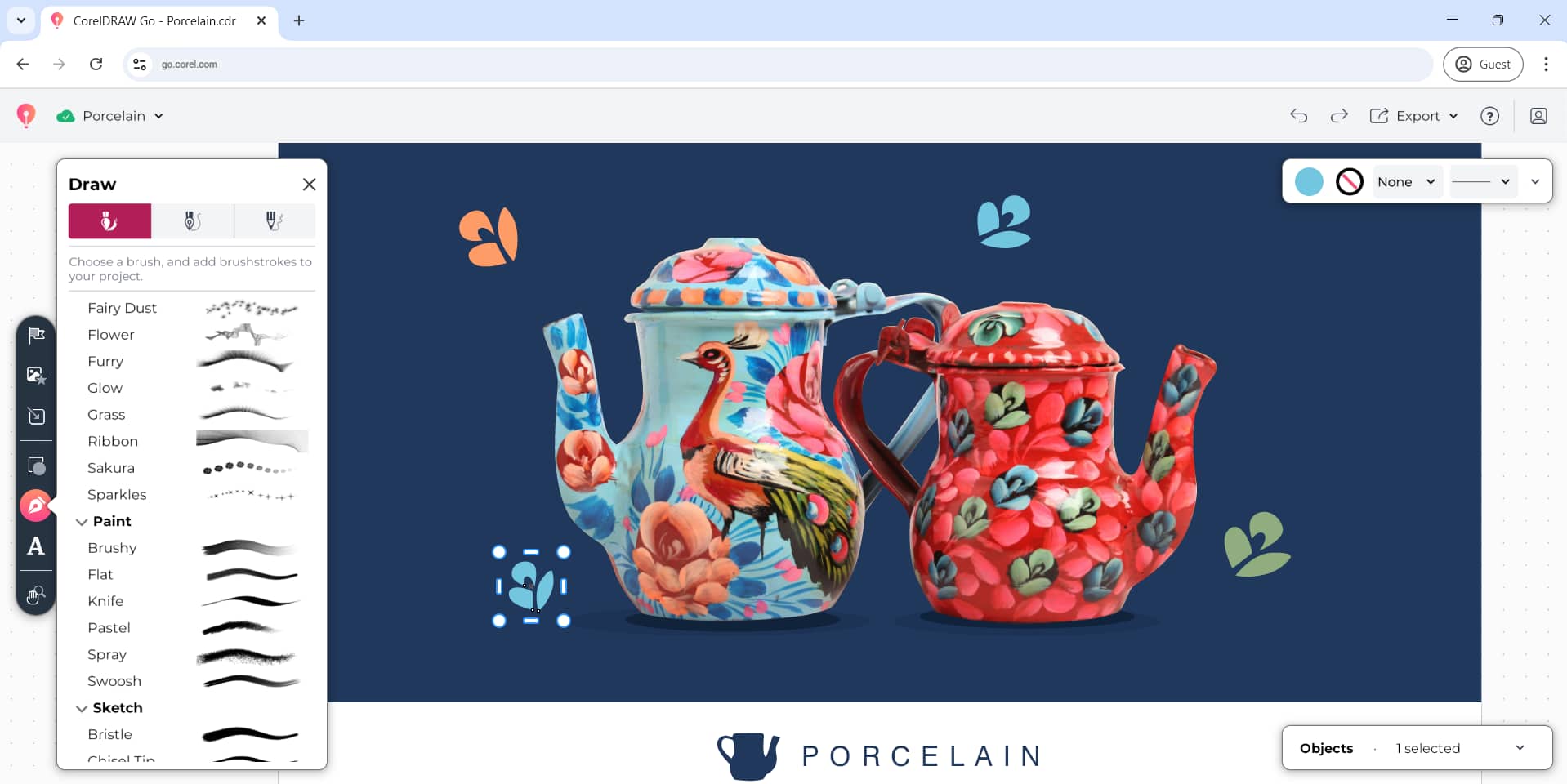
Draw, paint, embellish and add textures to your designs with interactive drawing tools and realistic brushes.
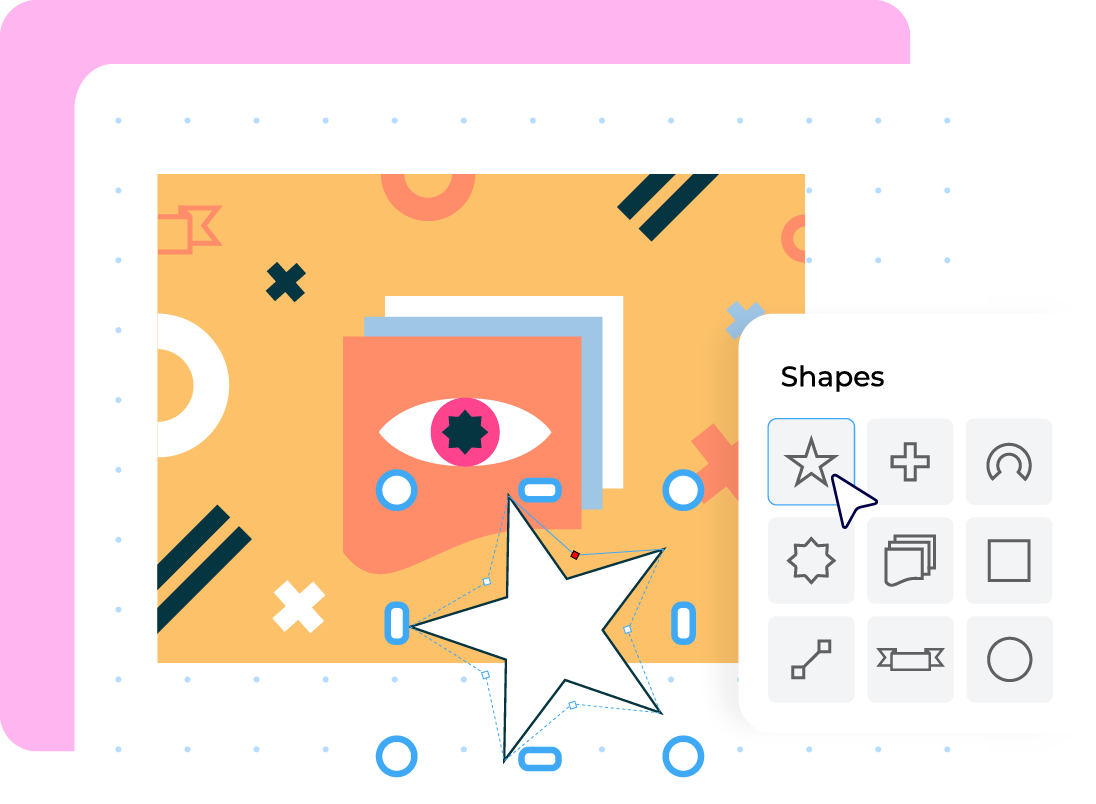
Design with vector drawing tools Create with realistic brushes and textures
Transform any shape into a custom creation. Straightforward anchor points and node editing in CorelDRAW Go let you mold vector graphics exactly to fit your vision.
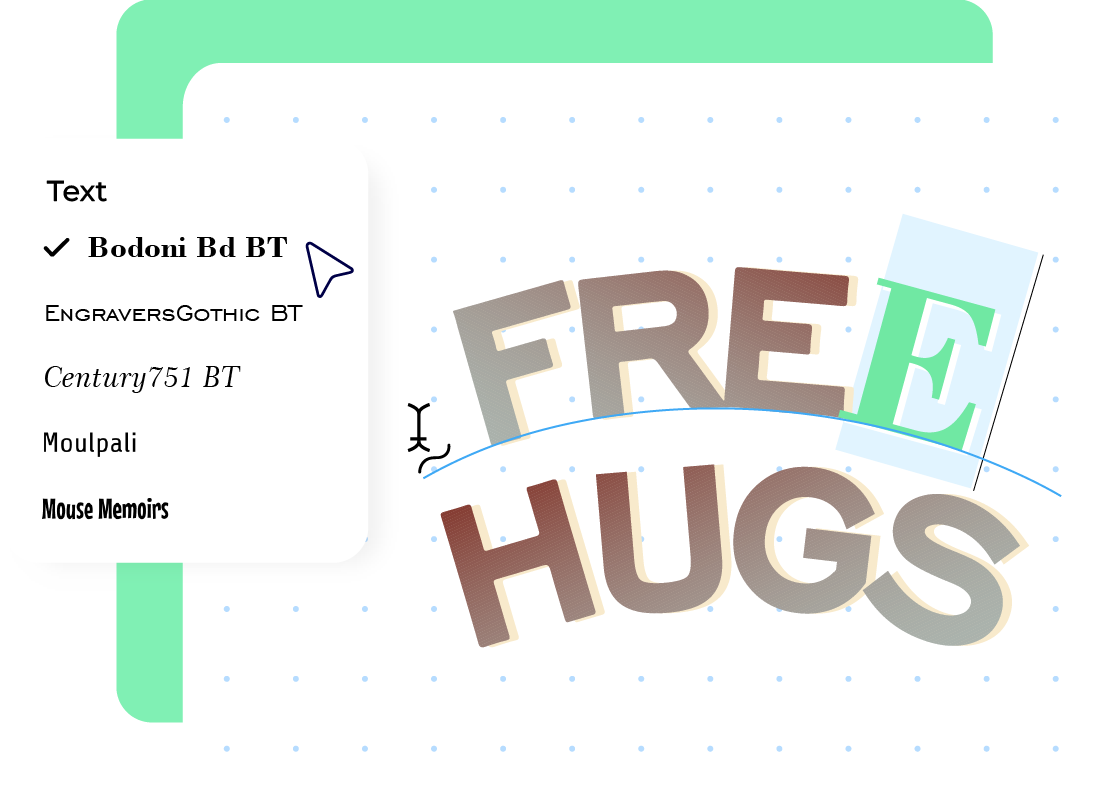
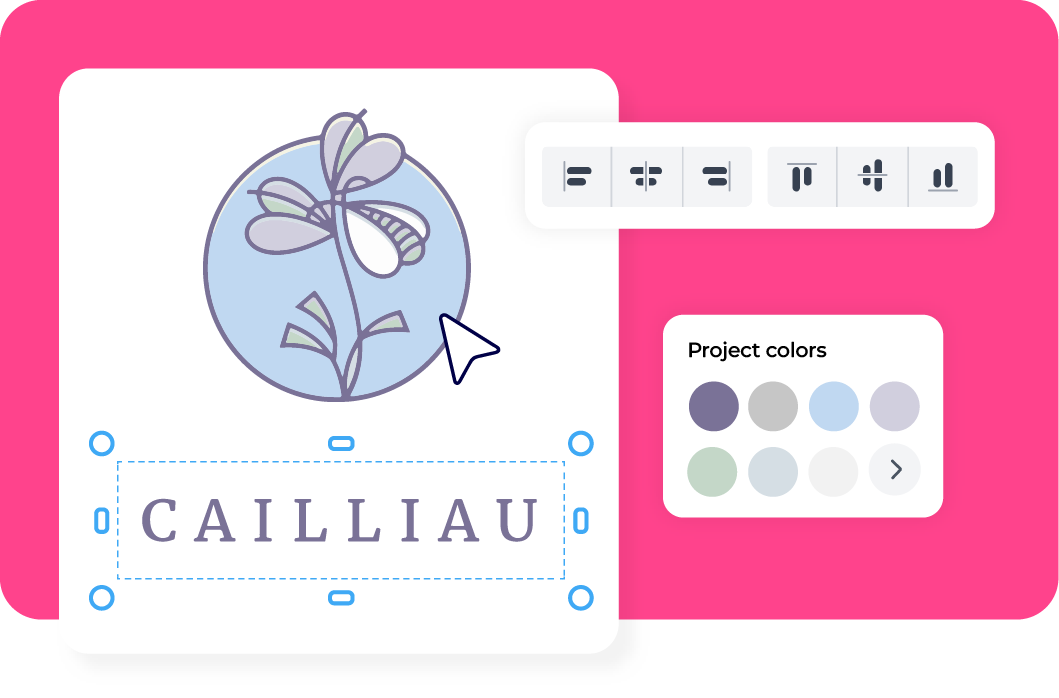
Curated Text Presets for logos, badges, stickers, and more makes it easy to get started. Customize your design with uncomplicated text tools and thousands of fonts. Make your words flow along any shape with an intuitive text-to-path feature — and bring your message to life, fast.
Get 1,000 AI image credits every month, included with your subscription. Additional credits available for purchase.
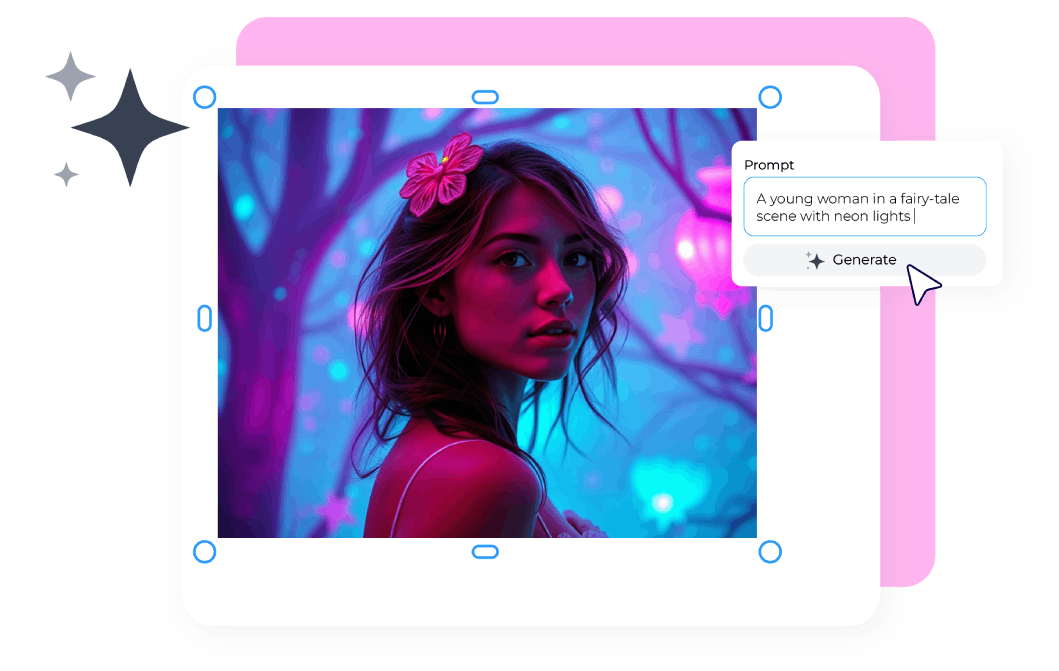
Create custom visuals from simple text prompts using models like Flux, Stable Diffusion, and Nano Banana. Choose your aspect ratio, generate multiple results at once, and apply style presets to match your project’s look.
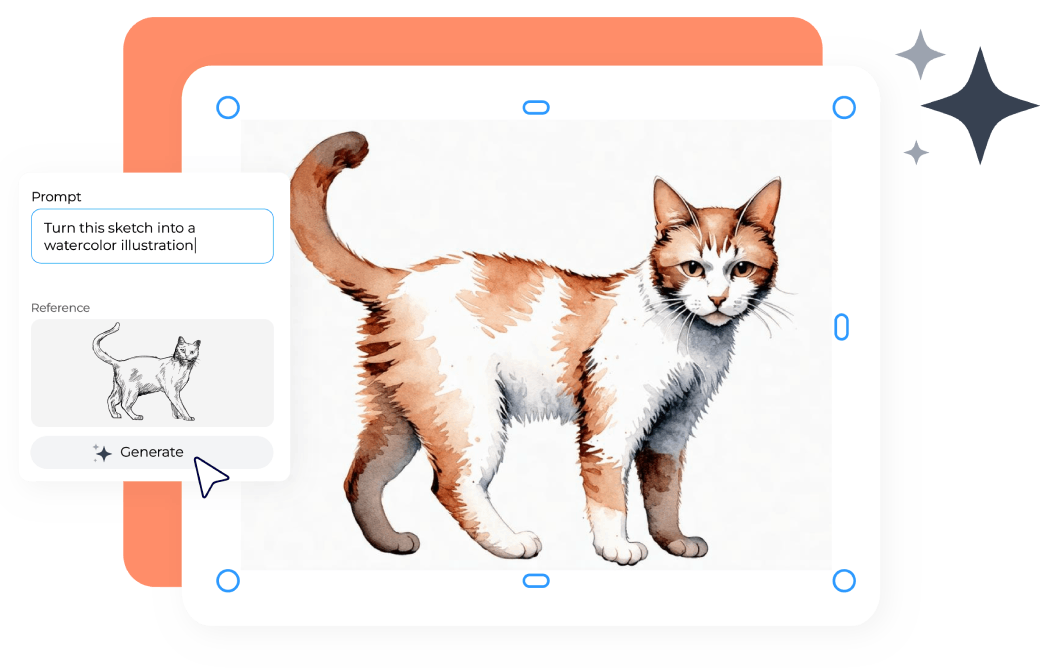
Start with a blank canvas, a reference image or an object in your design, then let AI reimagine it. Adjust how closely the results follow your reference, experiment with prompts, and produce unique, commercially usable assets tailored to your creative direction.
Transform photos and mockups through natural text prompts. Easily change colors, swap elements, modify scenes or create quick concept variations using near-instant edits powered by the Nano Banana model.
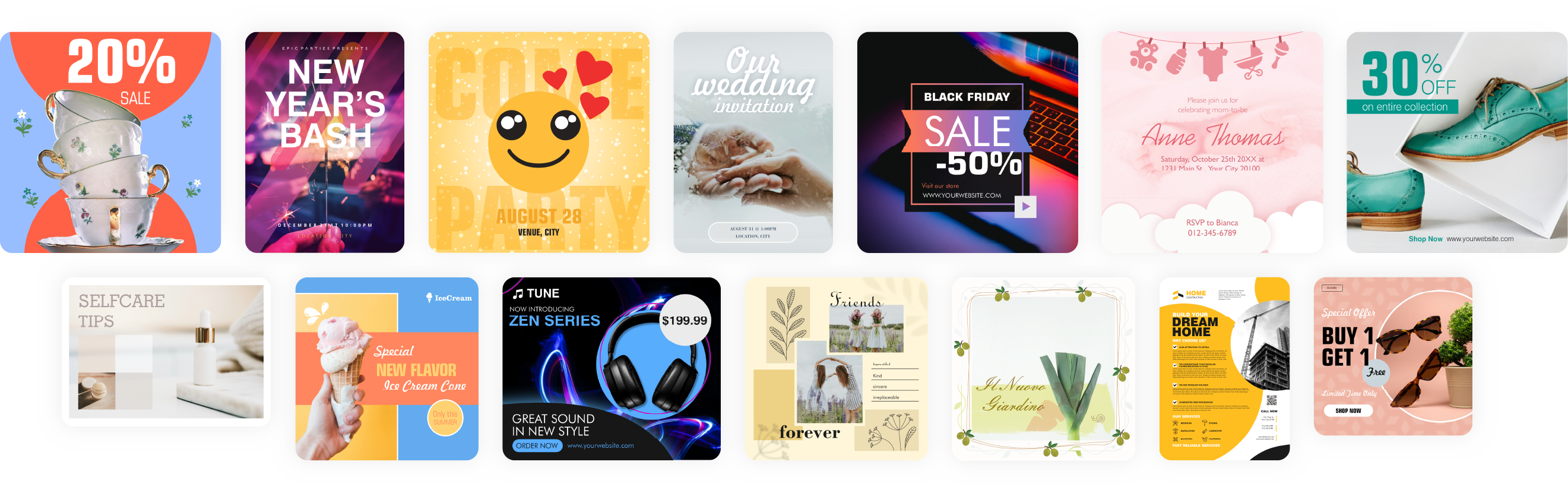
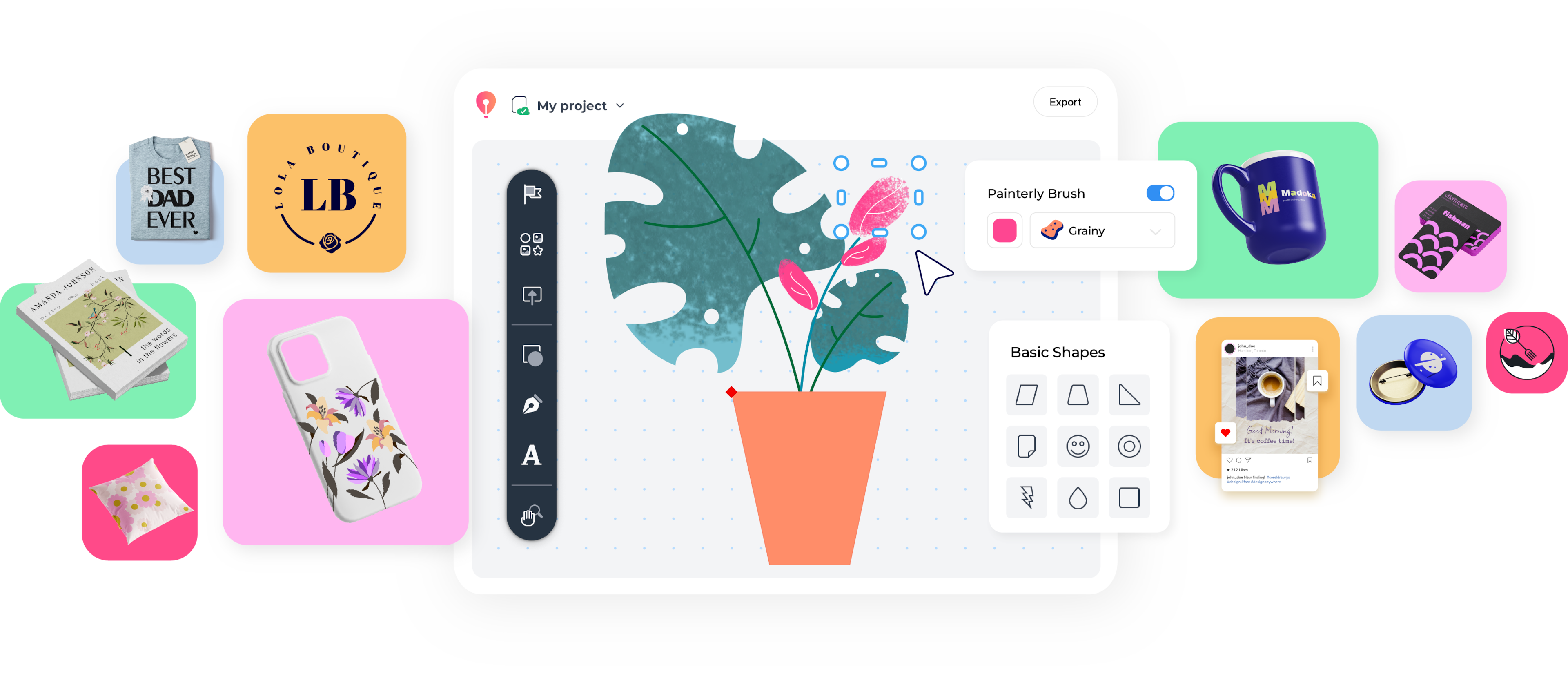
Add your unique twist to a carefully curated selection of fully editable design templates—from logos and business cards to coffee mugs and social media posts.
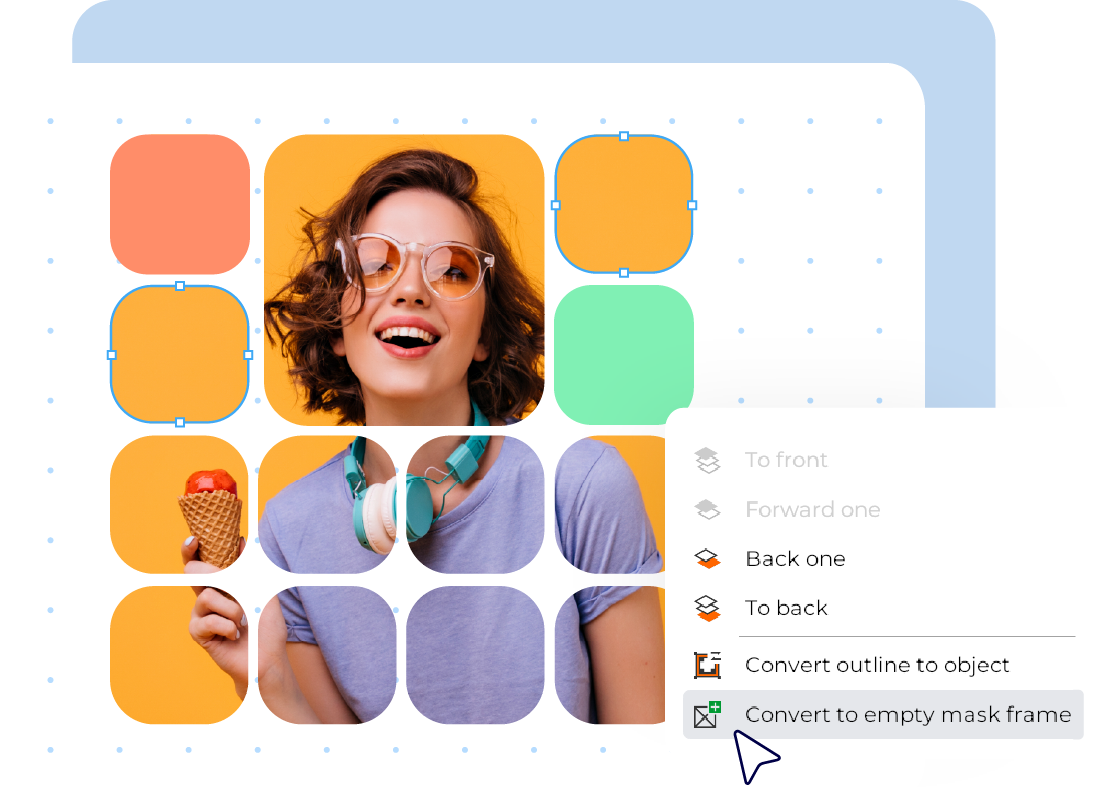
Turn any shape into a frame for your photos with easy-to-use masking controls.
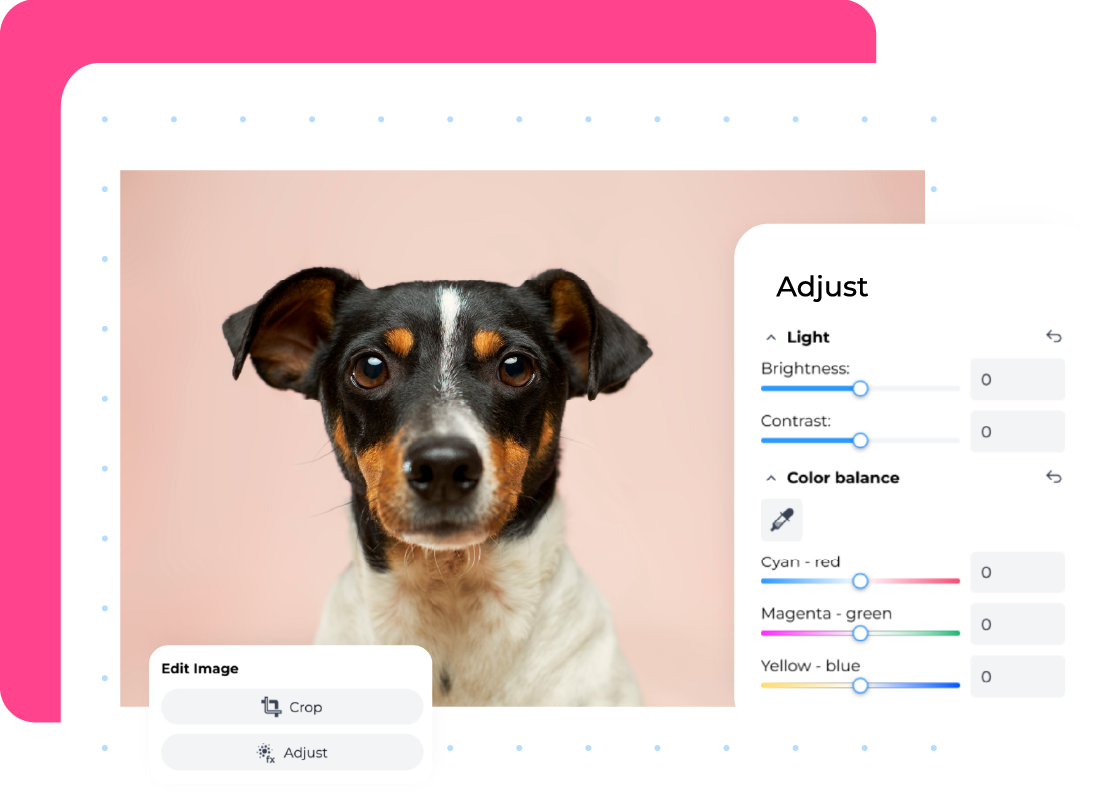
Enhance your images effortlessly with essential photo editing tools, including fast, precise background removal powered by AI. Crop, adjust brightness, contrast, white balance, hue and saturation, and more.
Kick off your creativity with thousands of editable vector icons, illustrations, and clip art, plus over 6 million royalty-free stock photos to use in your designs.
Achieve your design goals quickly with an intuitive user interface and popular document presets that take the guess work out of creation.
With built-in support for web-friendly colors (RGB) and print-perfect colors (CMYK), your colors will look just right, whether on screen or in print.
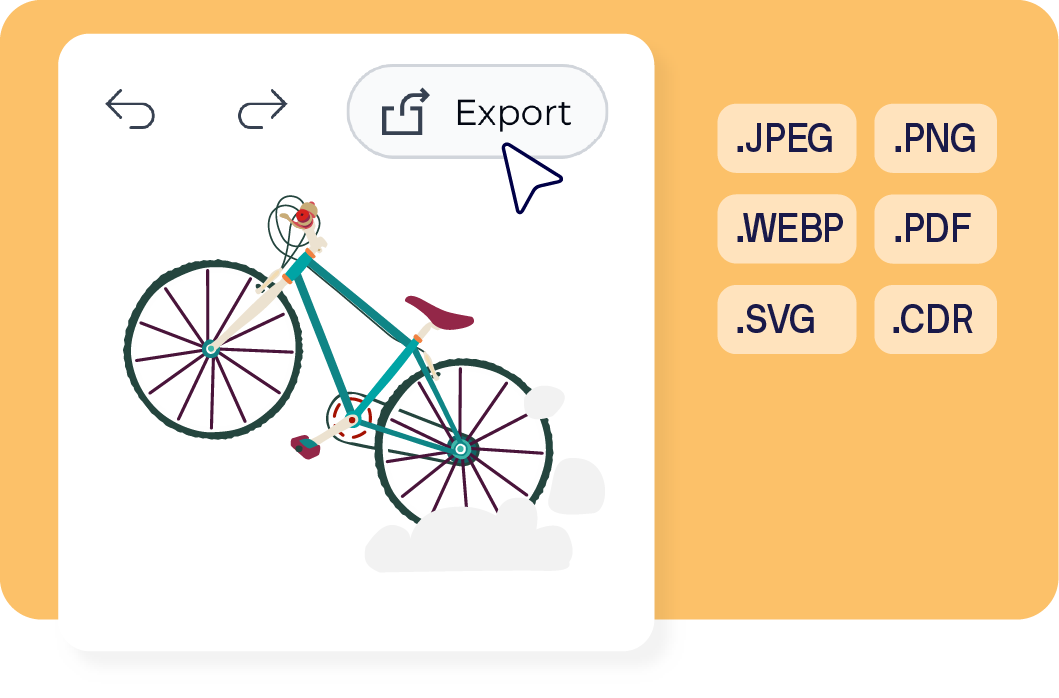
Seamlessly open and edit JPEG, PNG, WEBP, GIF, TIFF, PDF, Illustrator, SVG and our native CDR file formats, making it easy to work together no matter what software others use.
CorelDRAW Go is simple to learn and use. If you’d like a little extra support, check out the starter guide for tips and tricks, and you can join the CorelDRAW Go Community to learn from and connect with other users!

Are you passionate about graphic design and looking for more exposure? Collaborate with us to create artwork, tutorials, templates, and more. Build your brand, showcase your talent, and get rewarded.
Learn more
CorelDRAW Go is a fun, browser-based tool that makes it easy to bring your creative ideas to life.
For businesses and professionals who need advanced tools, CorelDRAW® Graphics Suite delivers powerful graphic design features for illustration, layout, photo editing, typography, and print—on Windows, macOS, and the web.
CorelDRAW Go |
CorelDRAW Graphics Suite |
|
|---|---|---|
| Who’s it for? |
|
|
| Platform |
|
|
| Included Applications |
|
|
| Key benefits |
|
|
| 15-day free trial | ||
| Purchase options |
|
|
See the full CorelDRAW product family comparison
*Note that this is a CorelDRAW Web trial, which excludes some CorelDRAW features and all of the other applications that come with a CorelDRAW Graphics Suite purchase.
CorelDRAW Go is an online graphic design software for creative enthusiasts and aspiring designers. With a modern and intuitive user interface, CorelDRAW Go allows you to design various creations, store them in the cloud, export them to multiple formats, and elevate your skills.
Creative side hustlers
Creative consumers
The following specifications are required for CorelDRAW Go to run:
CorelDRAW Go and CorelDRAW Web are both browser-based design apps, but they serve different audiences and offer distinct features.
CorelDRAW Go is a beginner-friendly, streamlined graphic design app. It features a modern, intuitive interface that makes it easy to create and export designs, store your work in the cloud, and build design confidence. It’s perfect for creative enthusiasts who want more vector editing capabilities than tools like Adobe Express and Canva offer—without a steep learning curve.
CorelDRAW Web is the full professional CorelDRAW desktop experience brought to the browser. Included with a CorelDRAW Graphics Suite subscription, it delivers advanced vector illustration and page layout tools in the cloud. This gives designers the flexibility to work from any device without sacrificing creative power.
In Short:
CorelDRAW Go is designed for beginner to intermediate creators who want intuitive yet capable vector tools. CorelDRAW Web delivers the full professional feature set for advanced designers who need desktop-level control right in their browser.
Though CorelDRAW Go isn’t free, you can explore it with a risk-free 15-day trial, and if you love it, enjoy our budget-friendly subscription. Take it for a spin and discover the possibilities or check out our affordable pricing options to learn more.
CorelDRAW Go’s free trial provides 15 days of full-featured functionality, including 200 AI credits, so you can explore its features with no restrictions. After the 15-day trial, you can purchase a low-cost monthly or annual subscription to keep creating with all of CorelDRAW Go’s powerful features.
Yes. CorelDRAW Go offers quick access to generative AI tools in your browser, making it easy to develop ideas and create supporting visuals for your graphic designs. With CorelDRAW Go’s AI Generate feature, you can produce images from scratch using text prompts, start from a reference photo, or build from a basic sketch. You can also update existing images by changing elements, adjusting colors, or removing objects to quickly create new versions.
Learn more about AI Generate and other AI tools available in CorelDRAW Go here.
AI credits are the units used to run generative AI tasks in CorelDRAW Go. Any prompt-based action—creating an image from scratch, generating alternatives from a reference, or modifying existing visuals—uses credits. Credits are tied to your Corel Account and are shared across CorelDRAW Graphics Suite, CorelDRAW Technical Suite, and CorelDRAW Go.
Learn more about AI credits and how they work.
Yes. You can purchase additional credits at any time. Options include monthly or annual credit add-on subscriptions, as well as one-time credit packs that never expire. Purchase more AI credits here.
Yes! CorelDRAW Go comes with a growing, curated collection of professionally-designed creative templates to inspire your designs.
In many ways, yes. CorelDRAW Go, Canva, and Adobe Express are all web-based graphic art software that enables you to create a design with easy-to-use tools, templates, and creative assets. If you're looking for more vector drawing and editing capabilities than Canva or Adobe Express provide without a steep learning curve, CorelDRAW Go is an excellent option.
Yes! Project files in CorelDRAW Go are saved as .CDR files by default, which are compatible with the CorelDRAW Graphics Suite. Projects saved to Corel Cloud can be accessed from any CorelDRAW products with internet features enabled, as long as they are on the same Corel Account. You can also export files to other common file formats to use with other applications.
Yes! Bookmark CorelDRAW Go’s dedicated community site to connect with other users, get expert tips, and find answers to your questions.
Visit the CorelDRAW Go Community for help with CorelDRAW Go. You'll find support from fellow users, as well as official documentation from our developers. You can also find tutorials on the CorelDRAW website and our official YouTube channel.
For additional assistance, you can reach out to our team through our support page.
Yes! CorelDRAW Go includes a powerful, one-click AI background remover. Simply select an image in your project, click “Remove background” in the Properties panel, and instantly get a clean cutout. From there, you can use the image directly in your design or export it as a transparent PNG. Give it a try to quickly transform your photos and make your designs stand out.