Purchase options Looking to upgrade?
Subscribe for to access the latest version, exclusive cloud features, and more.
Buy it once, own it forever.
Includes generative AI with Text-to-vectorPowered by Artist Intelligence™
CorelDRAW® Graphics Suite is your fully loaded, professional design toolkit for delivering breathtaking vector illustration, layout, photo editing, and typography projects with total efficiency.
A budget-friendly subscription provides ongoing value with instant access to exclusive apps, features, content, AI credits, and support for the latest technologies.
G2 Vector Graphics
G2 Vector Graphics
G2 Vector Graphics
G2 Photo Editing
G2 Photo Editing
G2 Photo Editing
G2 Photo Editing
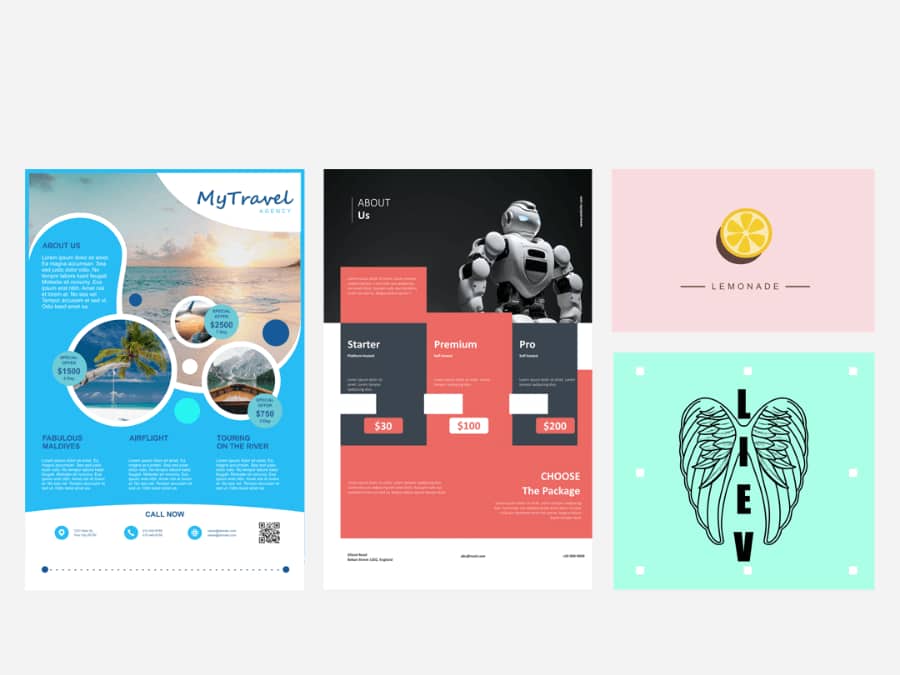
Vector illustration and page layout - Create anything and everything with this powerful, full-featured software for graphic design, including vector illustration, page layout, and more.
Image editing and pixel-based design - Process images in high gear with the robust AI-powered Corel PHOTO-PAINT.
Font exploration and management - Organize and manage your font library with the simple, yet intuitive, Corel® Font Manager, and use your favorite fonts without needing to install them.
Browser-based vector illustration and graphic design - Design on the go with CorelDRAW Web. Save your projects to the cloud and access them online, from any web browser. Subscriber exclusive!
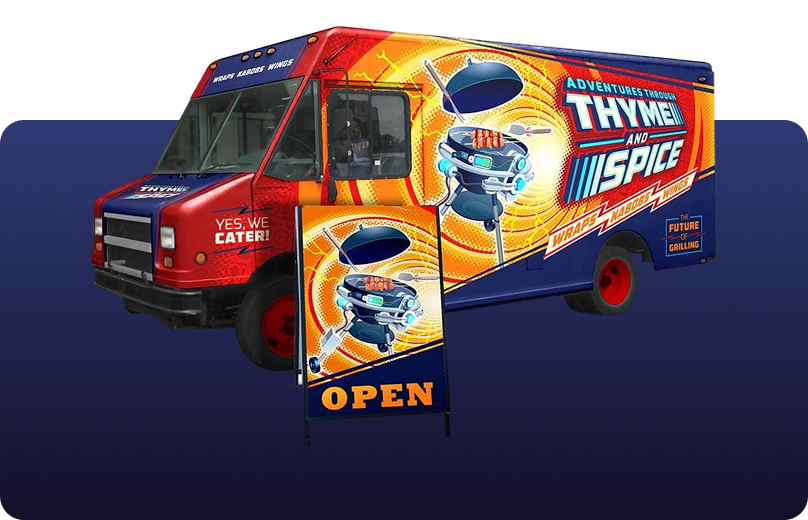
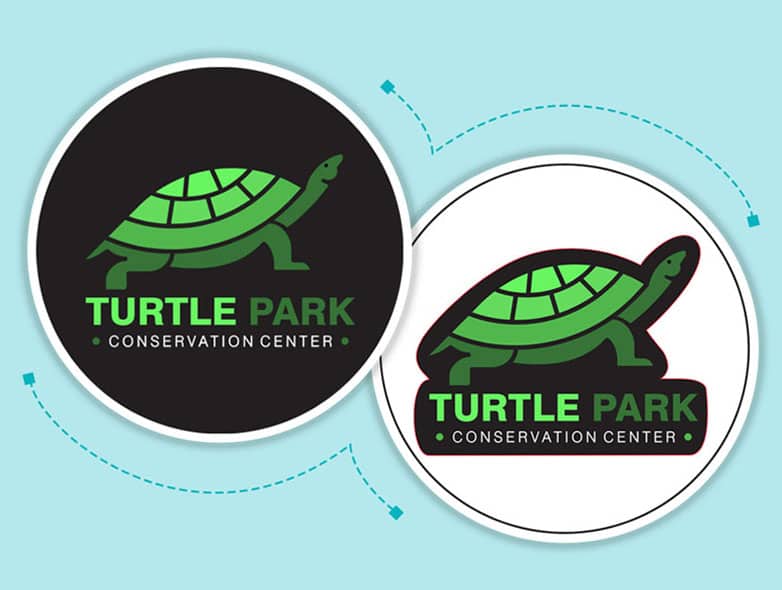
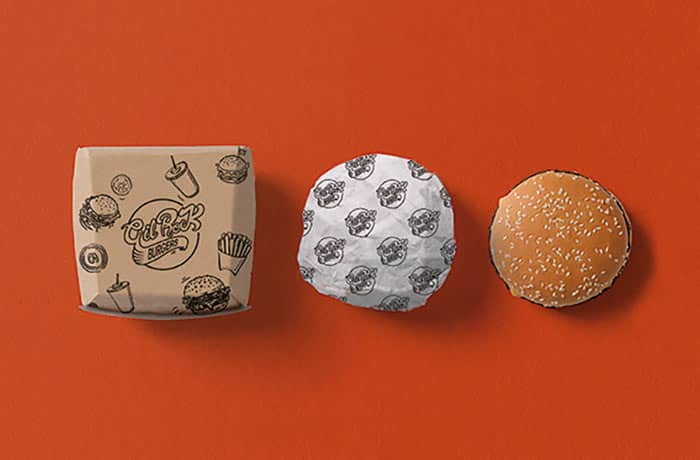
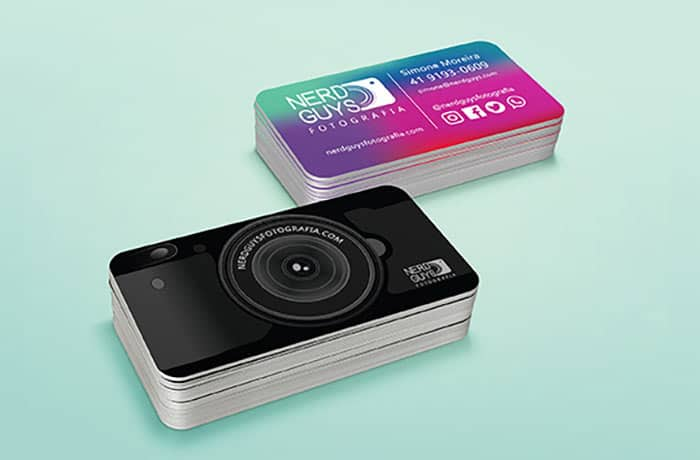
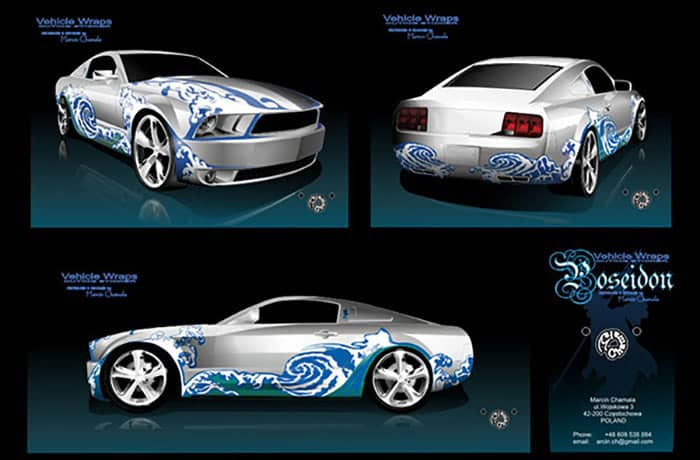
From creative professionals working in advertising and publishing, to small businesses producing in-house marketing materials, CorelDRAW Graphics Suite can help you create everything from brand identity assets to alluring sales tools.
Sign and print industry professionals rely on CorelDRAW to create artwork for a variety of print outputs using a powerful color management engine and superior prepress tools.
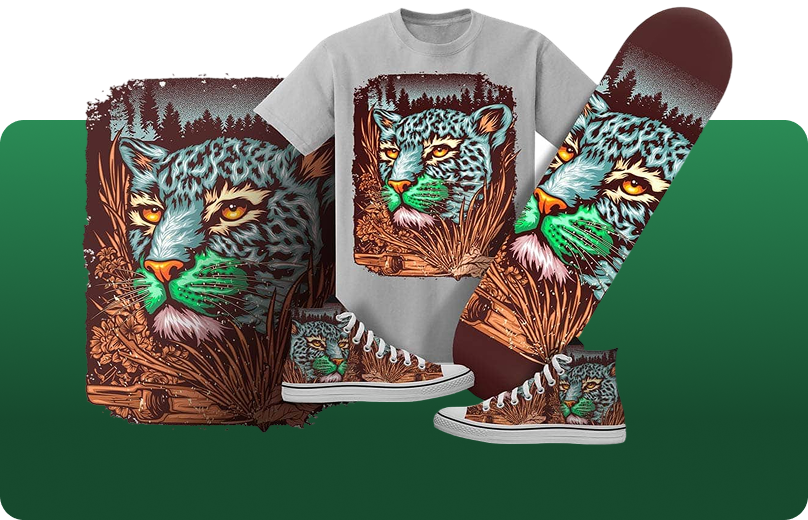
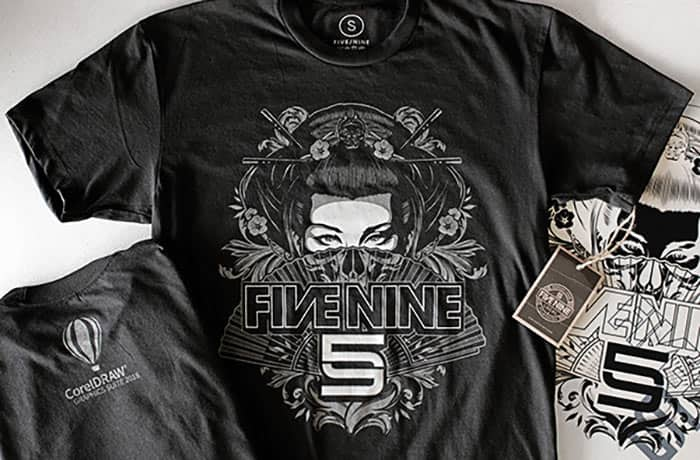
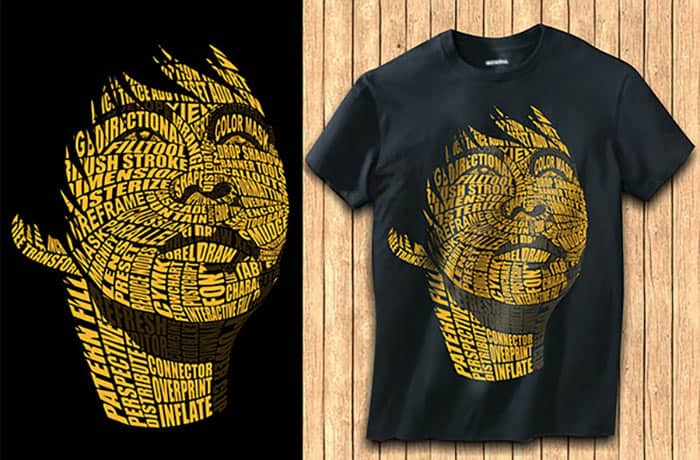
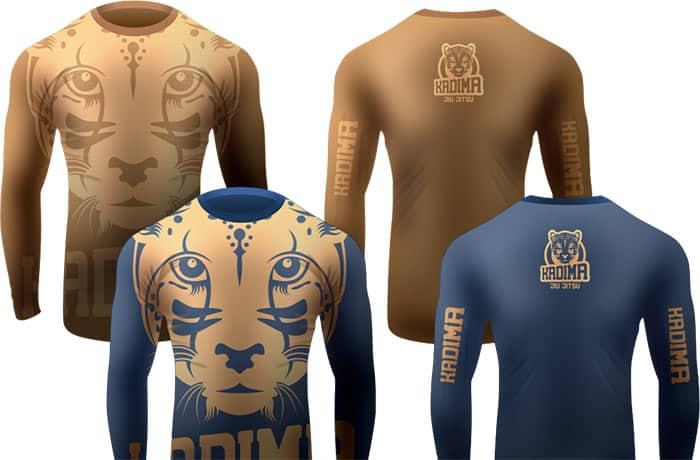
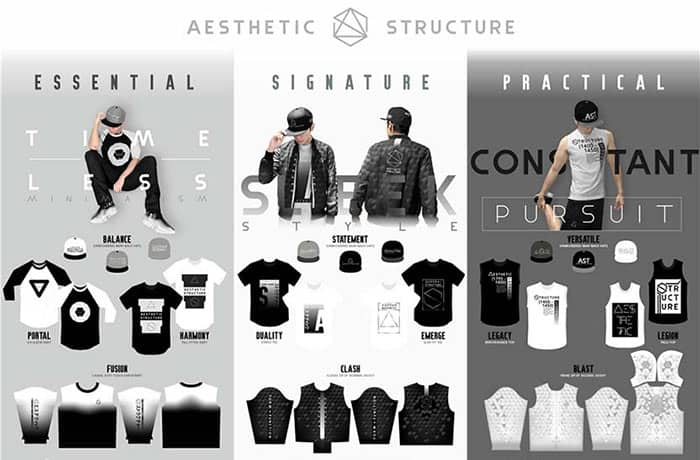
Whether it’s screen printing, embroidery, direct-to-garment printing or apparel, CorelDRAW Graphics Suite has the tools you need to produce and output designs for the fashion industry.
CorelDRAW Graphics Suite has dedicated web and print tools for commerce professionals. Design point-of-sale promotions or create assets to enhance an online store.
CorelDRAW is trusted by engineering, manufacturing, and construction firms for precision tools that create product illustrations, diagrams, schematics, and other technical visuals. For a complete suite of dedicated tools to author technical documents, and review and publish detailed illustrations, technical communication professionals choose CorelDRAW Technical Suite.
CorelDRAW is a trusted name for engineering, manufacturing, and construction firms. The software features precision tools for creating product and parts illustrations, diagrams, schematics, and other intricate visuals.
From creative professionals working in advertising and publishing to small businesses producing in-house marketing materials, CorelDRAW Graphics Suite can help you create everything from brand identity assets to alluring sales tools.
Join millions of users across thousands of global organizations who use CorelDRAW.







As the world's largest supplier of specialized sign-making tools, Yellotools uses CorelDRAW to design innovative, time-saving solutions to common industry problems.
Yellotools
Tool manufacturer for sign makers, Germany
Based in Stockholm, Stefan relies on Corel PHOTO-PAINT to create impressive illustrations for editorial clients, ad agencies, and publishers.
Stefan Lindblad
Illustrator and graphic artist, Sweden
Bitsy & Company creates graphic novels that inspire and challenge cultural roots. They bring their stories to life by using CorelDRAW for character creation and layout.
Bitsy & Company
Web comics and graphic novels, USA
Fahnen Eibl, a Bavaria-based company, uses their craftsmanship and CorelDRAW’s production technology to create all kinds of high-quality flags.
Kunststickerei Eibl GmbH
Flag production and artistic embroidery, Germany
See how TMS Inc., an industry leader in custom signage solutions, uses CorelDRAW Graphics Suite to serve the printing needs of some of the largest Fortune 100 and 200 companies in North America.
TMS Print Systems
Point of Purchase and Point of Sale printer, USA
Learn how Ina, aka sewingmachina, uses CorelDRAW Graphics Suite to design digital sewing patterns.
Sewingmachina
Apparel and textiles, Germany
See how Wunschleder uses CorelDRAW Graphics Suite to create laser-cut designs and patterns.
Wunschleder
Leatherwork and accessories company, Germany
Enjoy all-in-one design and layout, a native OS experience, flexible purchasing options, free integrated Pantone® colors, and so much more.
Easy to learn and packed with unique features, CorelDRAW Graphics Suite is a powerful alternative to comparable graphic design software. With a no obligation trial and a subscription that’s significantly more affordable than the leading competition, CorelDRAW is an excellent choice for artists and designers.
Check out reviews from satisfied graphics pros and design teams around the globe.
Powered by Artist Intelligence™
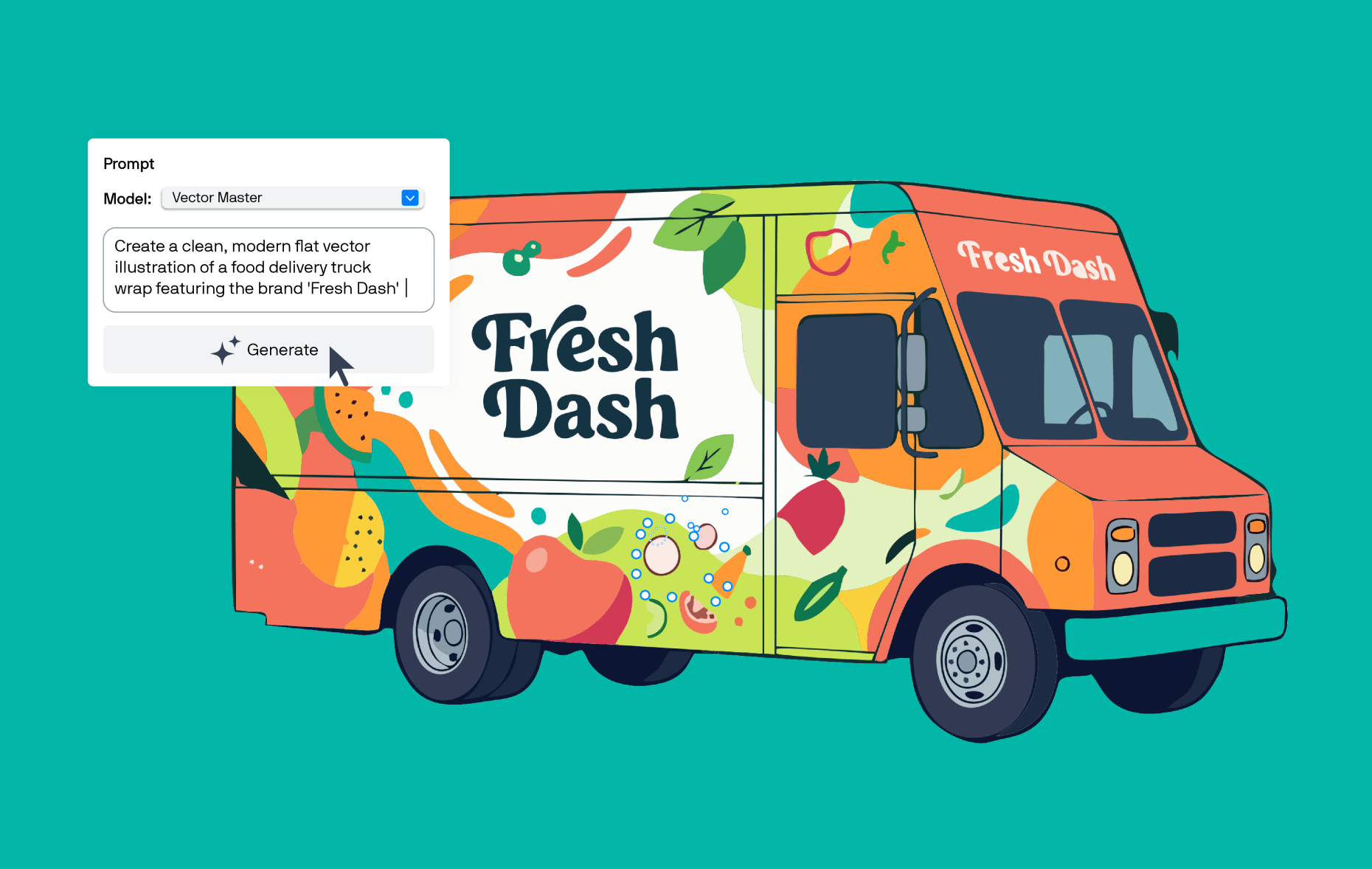
Transform ideas into editable, scalable vectors in seconds with the new Text-to-vector feature in CorelDRAW's AI Generate . Explore directions and spark concepts with text prompts, or generate vectors from existing artwork to quickly create variations, while staying fully in control with results you can refine.
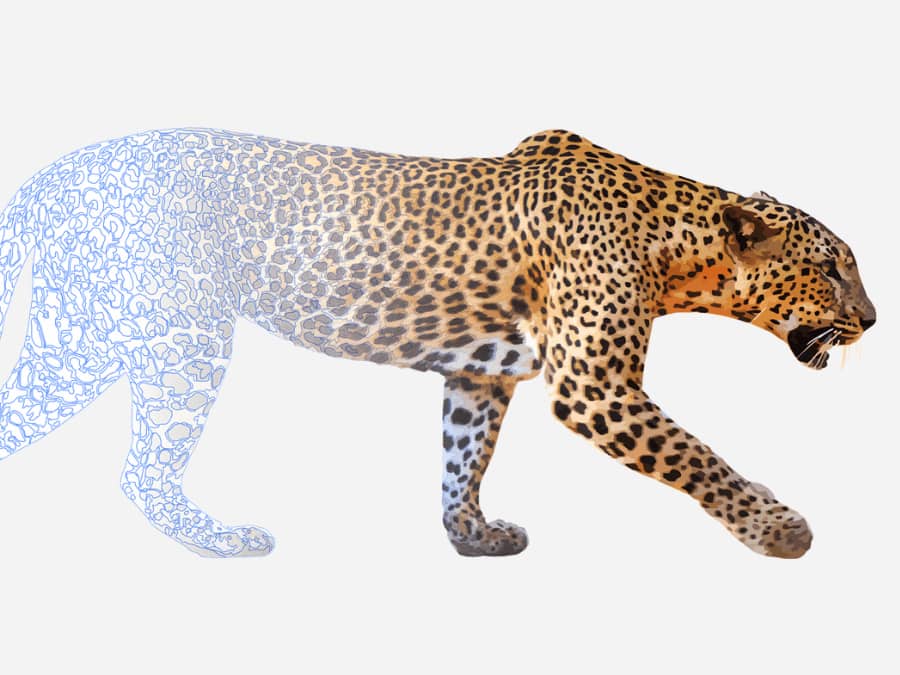
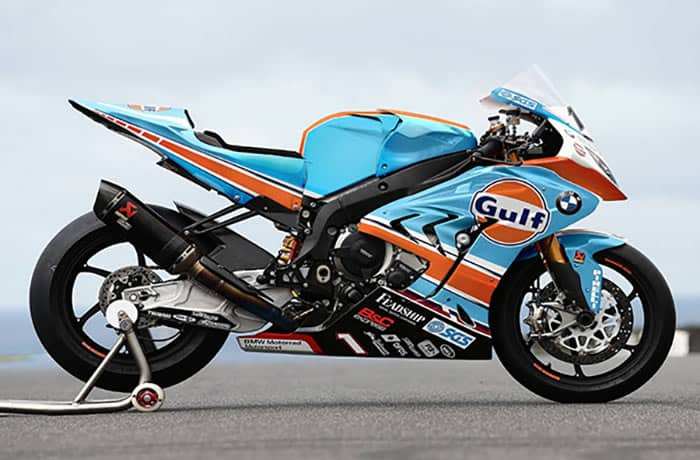
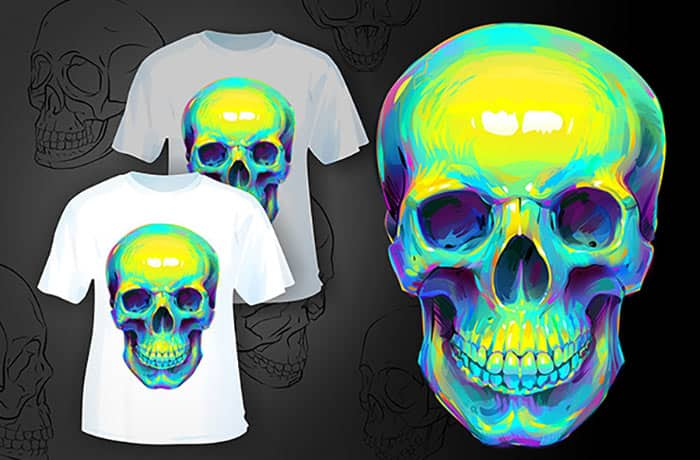
Use CorelDRAW’s powerful vector illustration tools to turn basic lines and shapes into complex works of art. Create curves with many versatile shaping and drawing tools. Add creative effects to your vector artwork with effect tools like Contour, Envelope, Blend, Mesh Fill, and more.
Find all the tools you need to create layouts for brochures, multi-page documents, and more. Toggle between single page and multipage editing, giving you creative freedom to work the way you want.
Arrange type beautifully with a complete set of typography tools. Add effects to text like block shadows and contours. Fine-tune fonts responsively with variable font support, fit text to paths, and more.
Organize and manage your font library with the intuitive Corel Font Manager, and use your favorite fonts without having to install them. Work faster with fonts using the network storage feature and enjoy direct access to over 1,700 Google Fonts families.
Adjust color and tone, remove imperfections, correct perspective, and more with powerful layer-based photo editing tools in Corel PHOTO-PAINT. Improve the size and quality of your images with artificial intelligence. Use AfterShot HDR to create Dynamic Range photos from your RAW images.
Speed up your workflow with powerful AI tools that support creativity at every stage. Create and refine vectors and images with prompt-based generative AI, make faster, more accurate edits with AI-assisted image masking, and cleanly isolate subjects using AI background removal.
Reap the rewards of a CorelDRAW Graphics Suite subscription. As a subscriber, you get access to exclusive features, apps, content, and AI credits.
Subscription |
One-time purchase |
|
|---|---|---|
Value, access, and support |
||
 |
— | |
| Latest and greatest Instant access to the latest updates as they become available, at no extra cost. |
— | |
| Generative AI credits Included credits for prompt-based image creation and image editing features. Learn more |
(2,000 monthly credits)
|
(2,000 one-time credits)
|
| Exclusive features Enjoy exclusive features, apps, and workflows. |
— | |
| Budget-friendly Lowest upfront cost and the flexibility to stop paying for a defined period of time as your software needs change. |
— | |
| Ongoing support Guaranteed support for the latest operating systems, devices, and technologies. |
— | |
| Product ownership Pay once to own and use the software version for as long as you choose. |
— | |
Tools, features, and content |
||
| Cloud-based asset management | — | |
| Cloud storage | — | |
| Creative content |
|
|
| Layout tools | ||
| Drawing tools | ||
| Image editing tools | ||
| Typography tools | ||
| Web and print output tools | ||
| Learning materials |
©️2021 Corel Corporation. 09/21
CorelDRAW Graphics Suite is a professional graphic design software solution for Windows, Mac, and web.
The sky's the limit to what you can create with this comprehensive suite of design applications for vector illustration, layout, photo editing, typography, and more.
Whether you’re creating for web or print, your design experience is customizable, giving you the freedom to choose how you create your best work—at work, at home, or on the go.
Check out our flexible purchasing options and try our obligation-free trial to see if CorelDRAW Graphics Suite is right for you.
It depends on the purchasing option you choose. We believe in providing our customers with choice, which is why we offer both subscription and one-time purchase options so there’s something for every designer and every budget. Click here for pricing and to compare what’s included for each option. Not sure yet? Try it free for 15 days—no credit card required!
While CorelDRAW Graphics Suite is not a free product, we offer an obligation-free 15-day trial. Learn more about purchasing options, and try it free to see what you think.
Yes, you can choose from two additional purchasing options:
Purchase CorelDRAW Graphics Suite 2026 as a one-time purchase for perpetual use: CorelDRAW Graphics Suite 2026 excludes many features, apps, and workflows available to subscribers and maintenance customers. While a perpetual license gives you long-term use of your software, it does not provide ongoing support for future operating systems, devices, or technologies. Choosing a subscription offers a flexible way to stay up to date with access to exclusive new features, apps, and content, and support for the latest technologies—all at a lower upfront cost. Plus, subscribers are entitled to a monthly AI credit allowance for accessing prompt-based vector and image creation and prompt-based image editing tools.
Purchase a CorelDRAW Graphics Suite license with maintenance: Maintenance is a low-cost annual payment plan you can add to your perpetual license purchase that ensures you are eligible for the most up-to-date version of CorelDRAW Graphics Suite. As long as you keep your maintenance active, you’re guaranteed access to the latest software, exclusive features, apps, content, monthly AI credits, and more, at no additional cost. Unlike a subscription, if you choose to discontinue your maintenance, you get to keep the last version of the software that you received, forever.
Click here to learn more about purchasing options
Yes, CorelDRAW Graphics Suite is available as a one-time purchase for perpetual use. We also offer a fully-loaded, affordable subscription, as well as a maintenance option for license customers. Choosing subscription or maintenance ensures you always have access to the newest apps, features, content, and enhancements, as well as ongoing support for future operating systems and technologies.
Subscribers and maintenance customers also receive an exclusive monthly AI credit allowance for CorelDRAW and Corel PHOTO-PAINT's generative AI tools that accelerate everyday design workflows.
Click here to learn more about purchasing options.
Yes! CorelDRAW Graphics Suite has built-in generative AI features that accelerate ideation, spark inspiration, and improve design workflows.
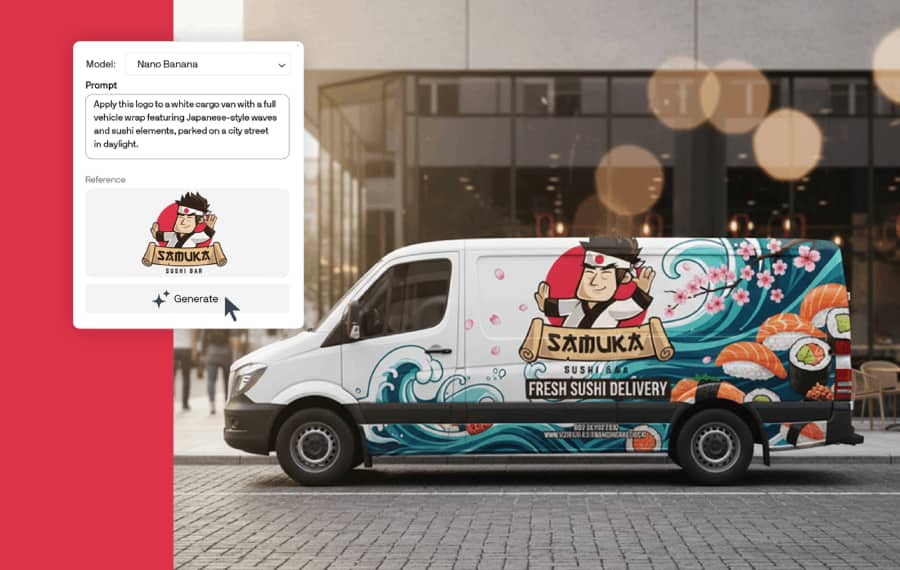
AI Generate is a prompt-based vector and image generation that turns text descriptions into custom visuals in seconds, whether you start with reference content, or from scratch. You can also modify existing images with simple text prompts for tasks like changing a foreground element or removing an object.
CorelDRAW Graphics Suite also has other intelligent features, like a one-click AI background removal tool and AI-powered image masking.
Learn more about CorelDRAW’s powerful AI-based tools here, and give AI Generate and AI background removal a try for free for 15 days.
AI credits are the units that power CorelDRAW Graphics Suite’s generative AI features. Each credit allows you to run prompt-based tasks such as creating vector graphics and images from scratch, generating variations from existing content, and modifying images by changing colors, removing elements, or adjusting specific objects. CorelDRAW users can view their AI credit information in their Corel Account. Subscribers and maintenance customers receive a monthly AI credit allowance, while one-time purchase customers receive a fixed allotment of credits that do not expire but do not renew. For more information about AI credits and how they work, click here.
Yes. When your balance runs low, you can purchase additional AI credits through a variety of add-on options. You can choose a monthly or annual credit add-on subscription, or a one-time credit pack in different volumes, depending on your needs. Buy more AI credits here.
No. Your creative work in CorelDRAW is never used to train our AI features or third-party AI models. Your content remains yours, period.
Windows 11 or Windows 10, 64-bit, with the latest updates
Intel Core i3, i5, i7, i9 (7th generation or newer) or AMD Ryzen 3, 5, 7, 9, Threadripper, EPYC
8 GB RAM (16 GB RAM or higher recommended)
5.5 GB hard disk space for application and installation files
OpenCL 1.2-compatible video card with 3 GB or more of VRAM
1280 x 720 screen resolution at 100% scaling (96 dpi) (1920 x 1080 or higher recommended)
Mouse, tablet or multi-touch screen
Internet connection is required to install and authenticate CorelDRAW Graphics Suite and access some of the included software components, online features and content.
For optimal performance, ensure you have the latest device drivers provided by the manufacturer.
macOS Tahoe (26), macOS Sequoia (15), or macOS Sonoma (14), with the latest revision
Apple Silicon, or multicore Intel processor with AVX2 support (AVX2 required for the Painterly Brush tool; available in Intel Macs from 2014 onward)
8 GB RAM (16 GB RAM or higher recommended)
3 GB available hard disk space for application files (Solid-state drive (SSD) recommended · Case-sensitive file systems are not supported)
OpenCL 1.2-compatible video card with 3 GB or more of VRAM
1920 x 1200 screen resolution
Mouse or tablet
Internet connection is required to install and authenticate CorelDRAW Graphics Suite and access some of the included software components, online features and content.
Google Chrome
Version 142 or higher
Microsoft Edge
Version 142 or higher
Mozilla Firefox
Version 145 or higher
Support for Firefox is limited, and some features (such as clipboard) may not work as expected.
Find inspiration in our online gallery, featuring a diverse collection of images from CorelDRAW artists and designers from around the world.
 (1020)