CorelDRAW
The Guide of vector design
Develop your edge as an artist and designer with CorelDRAW’s Guide to vector design. Learn the basics of vector graphics and design, and feel empowered to tackle any challenge that comes your way.

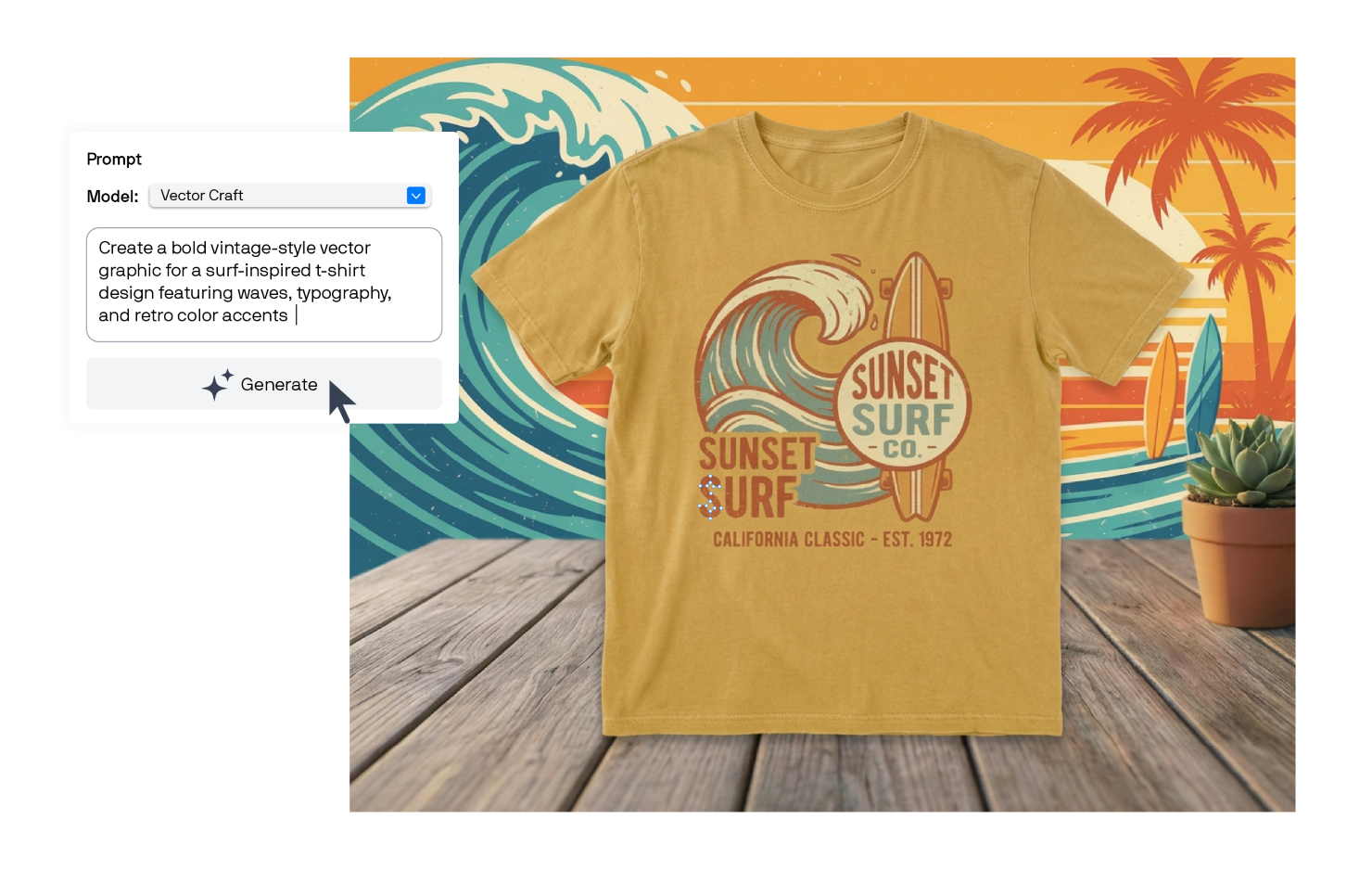
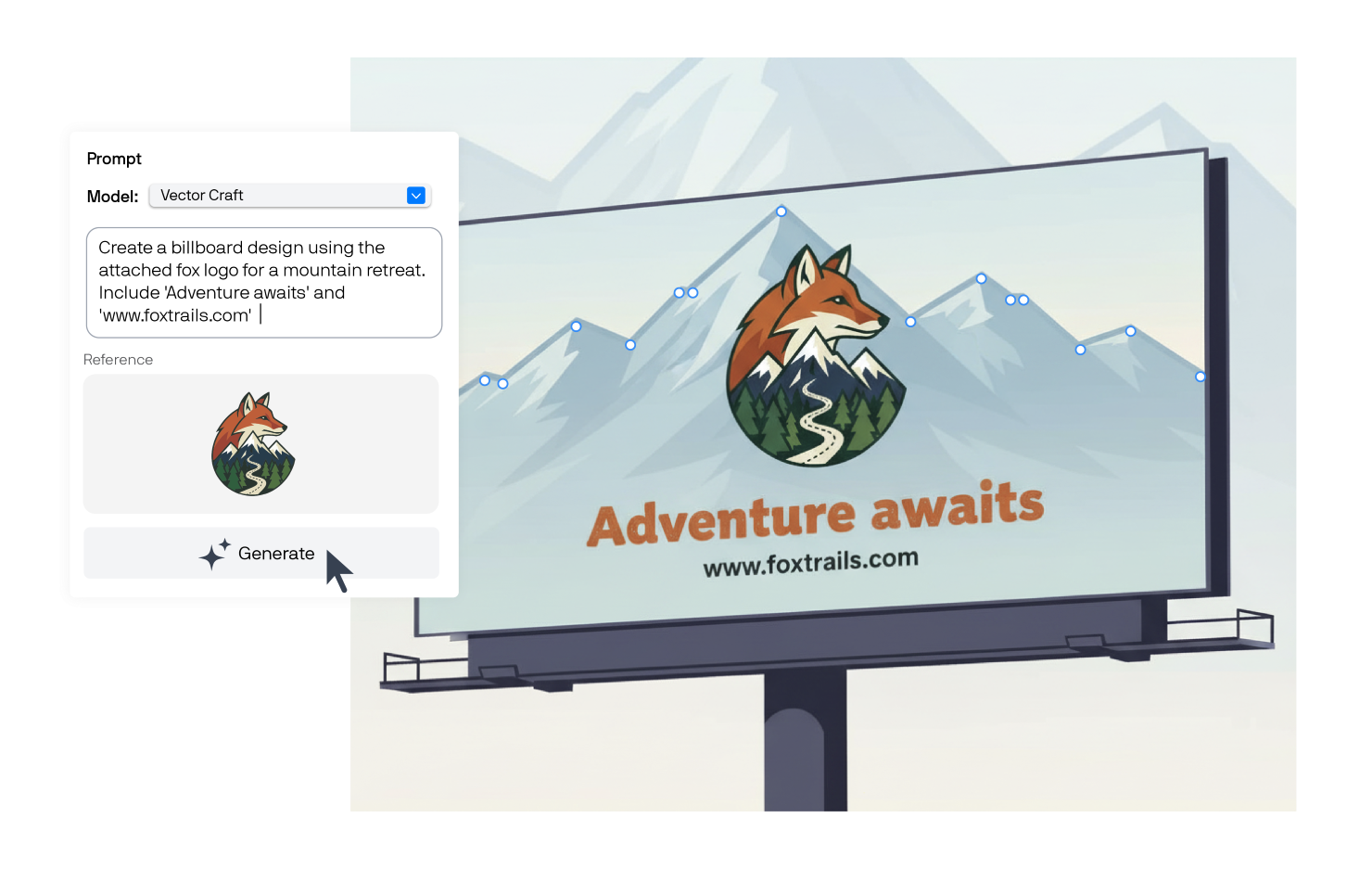
CorelDRAW's Text-to-vector AI feature turns a written prompt, or a reference image you already have, into a vector graphic. What comes back onto your canvas is made up of real paths, shapes, and fills, ready to select, recolor, and edit right away.
Text-to-vector AI helps you ideate and create base vectors quickly, while you stay in control of the fine details. You can adjust colors, move nodes, and resize shapes to get the precision your work requires.
It's a feature in CorelDRAW’s AI Generate docker/inspector that generates vector artwork from either a prompt or an existing image. Unlike a typical AI image generator, it doesn't hand you a flat bitmap. You get paths and shapes that you can select and edit, just like if you’d drawn it in CorelDRAW by hand.
Normally, getting from a prompt to a vector takes two steps: Generate or find a bitmap image, then vectorize it with a tool like PowerTRACE to turn it into paths and shapes. Text-to-vector AI skips that middle step entirely.
It sits next to the Text-to-image and Remix image tools in CorelDRAW’s AI Generate docker/inspector, so switching between vector and image generation is as easy as clicking a new tab.
A text prompt. Type out what you're picturing, pick a style, and it generates the vector shapes.
Existing artwork. Show it something you've already made to get new vector variations—useful when you like the direction but want a few more options.
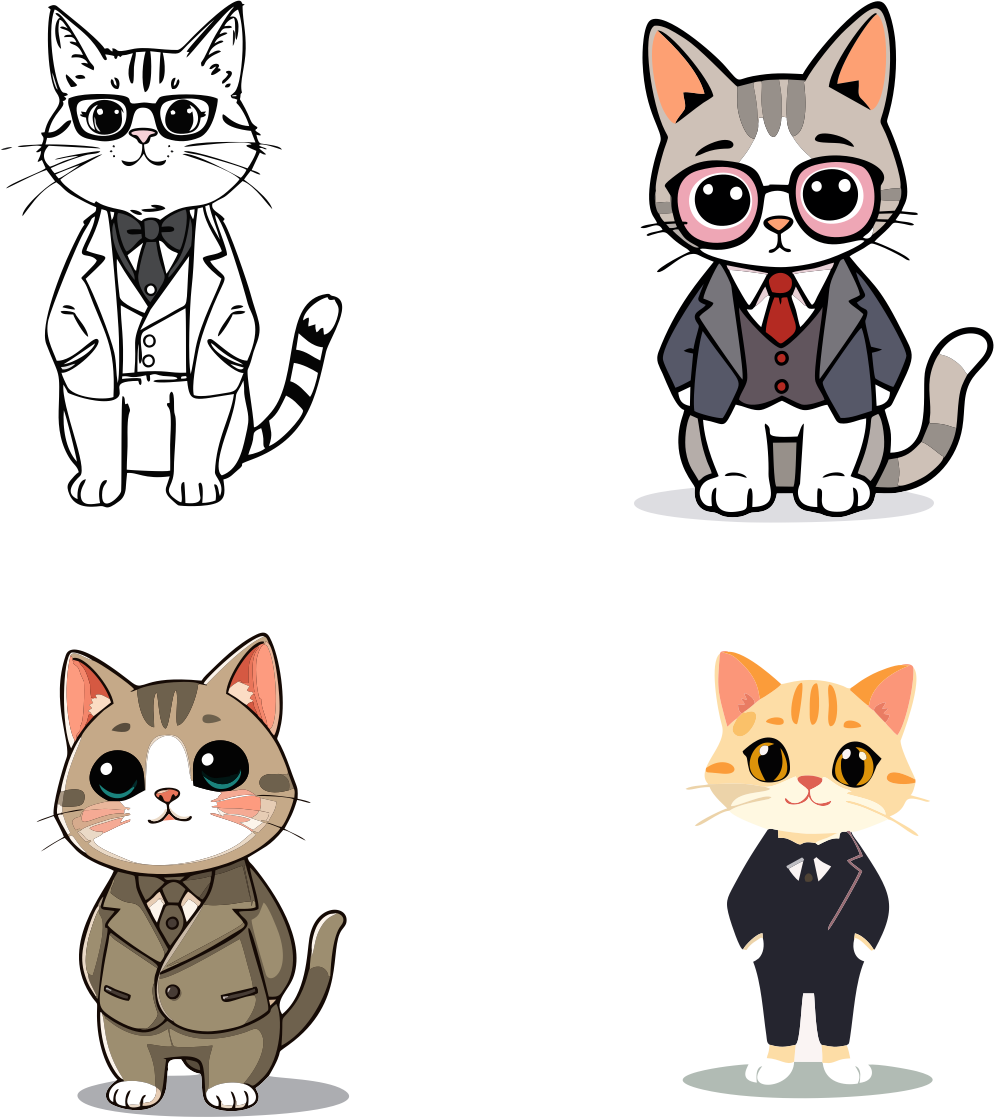
Available styles include line art, comic book, and icon. Color mode carries over automatically from your document, so you don't have to convert anything before using what comes out.
Once it's on the canvas, you can move individual paths, change fills, resize one piece without touching the rest, or combine the generated shapes with something you drew yourself.
A blank canvas is hard. Generating a handful of vector directions from a prompt gives you something concrete to react to.
Once you've picked a direction, generate more takes on it in different colors, layouts, or levels of detail, rather than rebuilding the concept by hand each time.
Icons, badges, patterns, and similar pieces for an existing design system often need to be made quickly and match each other. This is a fast way to get a consistent set.
You'll find AI vector generation in the AI Generate docker/inspector in CorelDRAW Graphics Suite, no separate app required. Try generating a concept from a prompt, running a few variations on something you already like, or turning a sketch into an editable vector.
Every idea starts somewhere, and now it can start as a vector. Text-to-vector AI gives you a real, editable file from the very first prompt, so you can spend less time building and more time designing.
Start generating vectors with AIVector Tracing/Vectorizing
Vector Lines
Try CorelDRAW today for free, and take advantage of powerful tools for vector illustration, page layout, and more. Start creating today!
Try free Learn more